I think we should get the terminology straight here too. It’s called a “ringback tone”.
From what I understand:
It is generated by your own cellular network as an indication of the status of the call. But that, in itself can be affected by the network/phone it is connecting to. e.g. calls to VoIP services like Vonage are particularly bad and signalling connection status back to the originating network. [Edit: I should note that SailfishOS had an issue linked to “no ringback tone” when the recipient phone was using VoLTE . That was Jul2022. ]
As far as I can tell, it can also be influenced by your own phone’s setting for VoLTE calls. i.e. this can be a local software issue rather than just “your cellular network”.
With IMS, it’s the provider who decides whether to generate the tone (in which case you hear it) or have it offloaded to the handset (in which case you don’t). It may make different choices depending on who you’re calling. On 2G/3G the provider has no choice and always has to generate/forward it.
I’m not an expert, but my understanding is that in 3G networks the carrier always generates the tone. My understanding is that with VoLTE the carrier signals the phone to generate the tone. Specifically that the carrier generates the “180 Ringing” message (IMS ringback) and that the modem+phone, when receiving that message, needs to generate the tone locally. Sometimes the phone firmware and/or the phone mess that up. [Although, it’s possible that the modem’s firmware might negotiate that the carrier provide the tone … rather than the message. I understand that’s a component of the Carrier Configuration files (PRI files) in the modem firmware.]
It seems to me, though, something is failing even though it probably is not a Crimson vs. Byzantium difference. Specifically, I’ve never had a ringback issue on my Android phone whether I’m calling a cell line or a land line (and I’m assuming that at least some of the people here with issues have the same carrier as me [t-mobile]).
With my old phone I also never had an issue and I am using the same SIM-card for over 10 years. It started with using Librem 5 in general, but looks like it happens more and more over the last 3 years. It always confuses me “is it ringing or still building up connection?”. Usually I am using 4G connection. I could try out 3G (or even 2G).
It can signal or not, it’s the carrier’s choice, which may depend on circumstances.
And as was said earlier as well, BM818 does not generate the tone on its own and we don’t yet know how to get the information out of it whether to generate the tone on the OS side or not.
New problem. I never had the attention span set up to get my pureos gitlab account fully set up but I wanted to report it here at least if nowhere else.
Today on my recent Crimson image, the touch screen is working fine but the onscreen keyboard is frozen and will open and close but won’t actually type anything, seemingly in any application.
EDIT:
Can’t use some kind of command line workaround, because can’t type anything.
Are you talking about the LUKS unlock keyboard or the purism password (PIN) unlock keyboard or the regular keyboard after completely booted and unlocked?
If the last, you may be able to plug in a USB keyboard (physical keyboard) and do command line things.
Is anyone using this on Crimson?
On Byzantium, I experienced this issue (mobile data dropping randomly) pretty often, sometimes a several times per day. The linked solution fixed it for me.
On Crimson, I’m seeing the issue again, but it’s far less (maybe once per day so it doesn’t bother me much) but I still seem to notice it.
Just wondering if this is needed or used by others still.
I’m also on Crimson. Interestingly enough, yesterday I also thought that I did not experience this mobile data connectivity loss for a while (I think not for several days), I do not always notice the loss, because I use WiFi whenever I’m in range of a trusted WiFi.
I will try to keep a bit track of how often the mobile data loss happens nowadays for me. I will start the test without changing any settings.
I just installed crimson 2 days ago. The custom udev rule is sill there… I will try to remove it, to see if the USB behaves differently. Maybe you can test on your side too, and we compare our results in two weeks ?
About crimson installation : no problem !
Just a suggestion : If you have less than 8GB free, the assistant may suggest a few useful commands, for example:
Just a reminder that using a rule like this will cause the phone to consume much more power when the modem’s idle and generate significant heat. Fortunately it doesn’t affect system suspend, but you’ll feel it when actually using the phone.
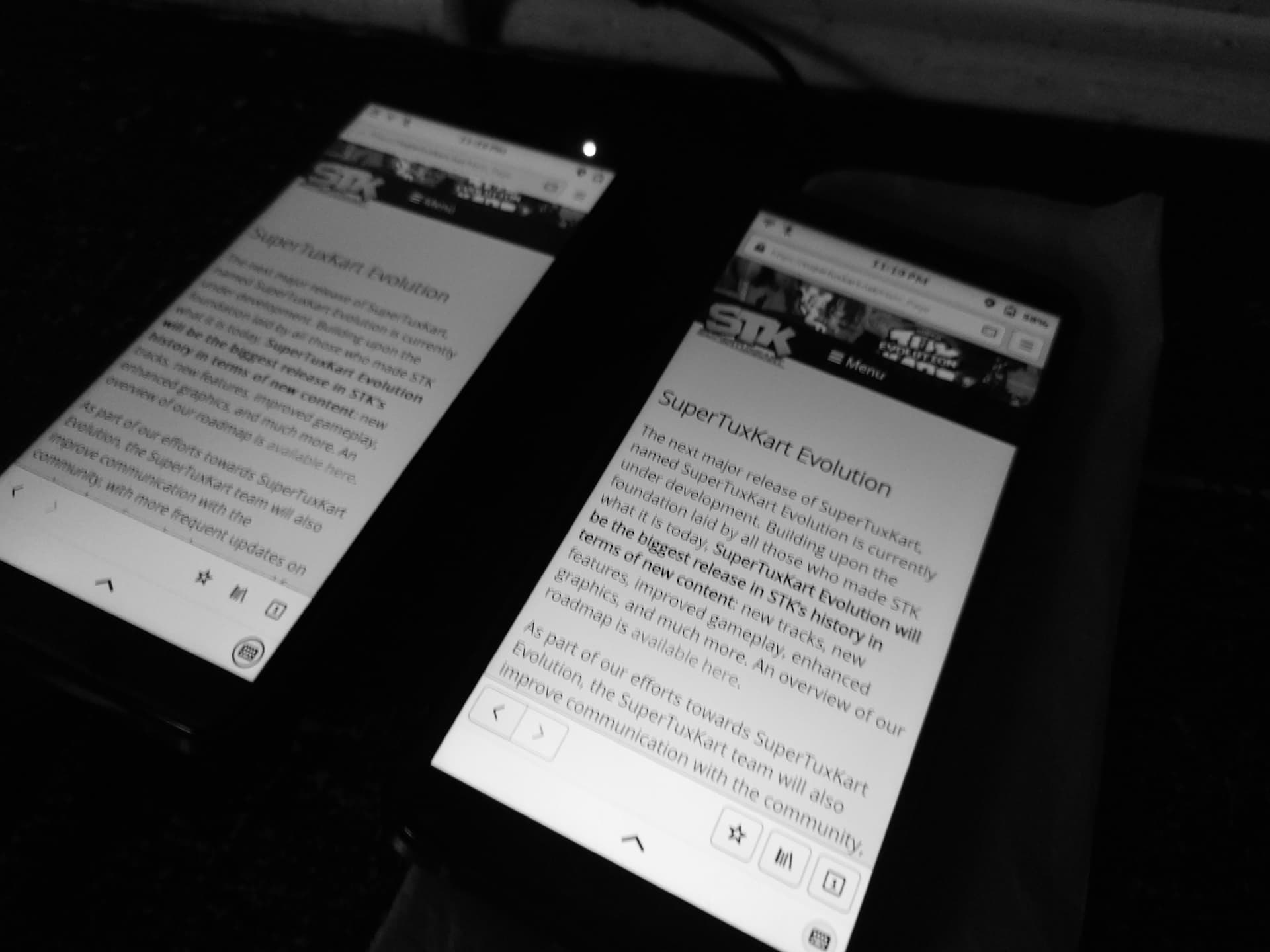
GnuByzantium on left, GnuLnx 6.6
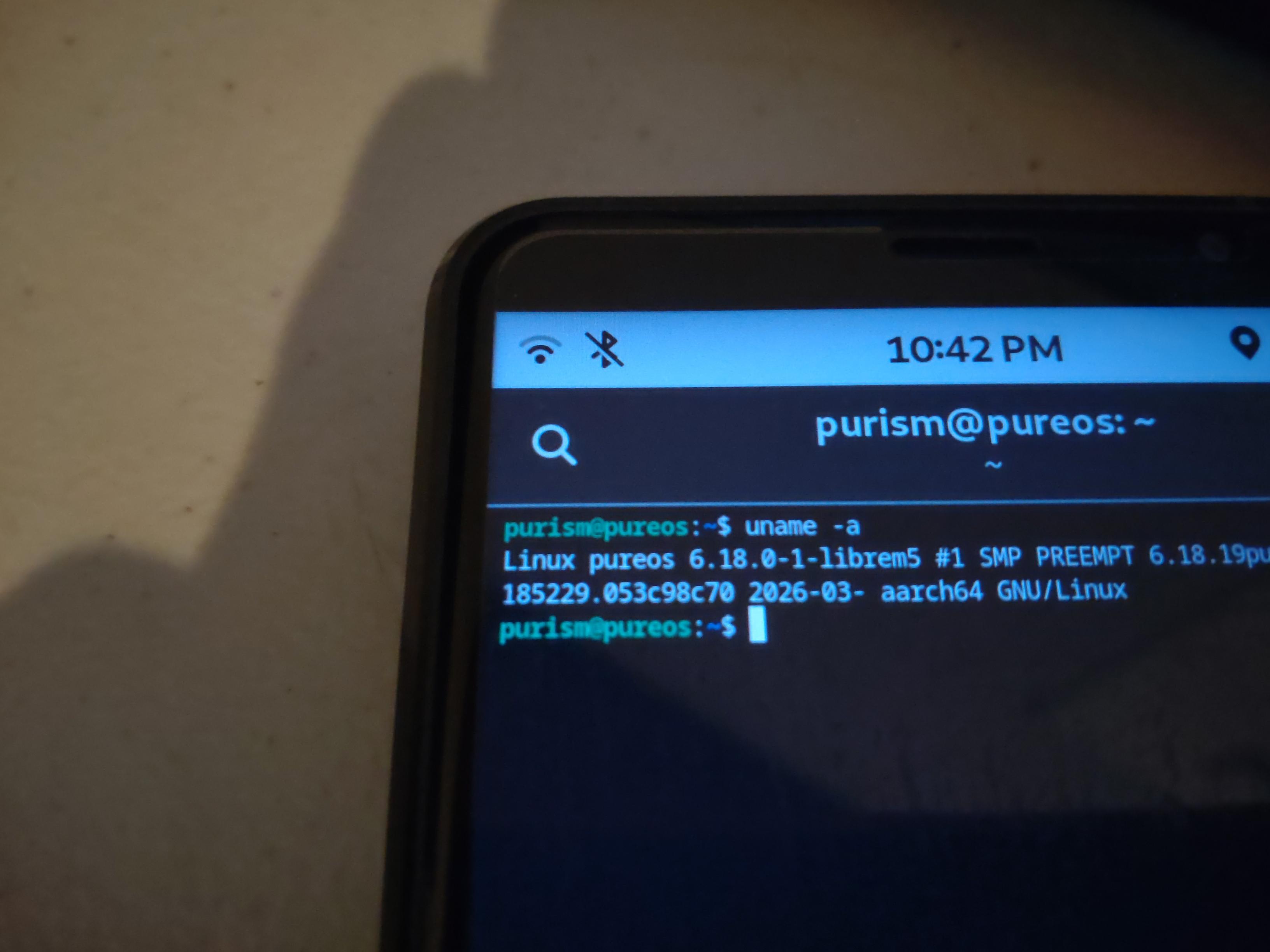
GnuCrimson on righ, GnuLnx 6.18
So on Crimson device i also testing experimental webgtk.
So on GnuCrimson device which ship all top of line new experimental features it feeling really Nice, i have notice that on GnuCrimson the sound it a Lot better than Byzantium, of course as it ship GnuLnx 6.18 it incluye tons new features and Bug fixes which i do not know because i not own the full changelog, but at the moment My GnuCrimson device it feeling like Butter however the Real Butter is on GnuDawn.
So at the moment the Librem 5 browser(Epiphany) it feeling a lot better a lot comfortable and fast.
Oh, so you’re using a kernel with video DRM support now? Interesting. I haven’t removed the undesirable features from the NXP driver yet on the personal WIP branch that I have only pushed to my personal repo where it’s not meant to be used by other people
I do not know about it, i just placed my complete trust in you, without i knowing that you were so friendly with DRMs. Just remove it and give to me back asap and cleaned.