You’ll need to remove the SSD and disconnect everything from the mainboard. I can see that the camera, speakers, WiFi antenna, and the two flat ribbon cables (where the battery was) are still connected at least. Check under all of the fabric tape, most of those are taping down connectors that you will need to disconnect.
You do have all the screws out (including the CPU heatsink screws which do fix the board down to the chassis), so after disconnecting everything else it should lift out. The mainboard isn’t glued/adhered down, but it is a tight fit so it may require some very gentle wiggling to pop it free.
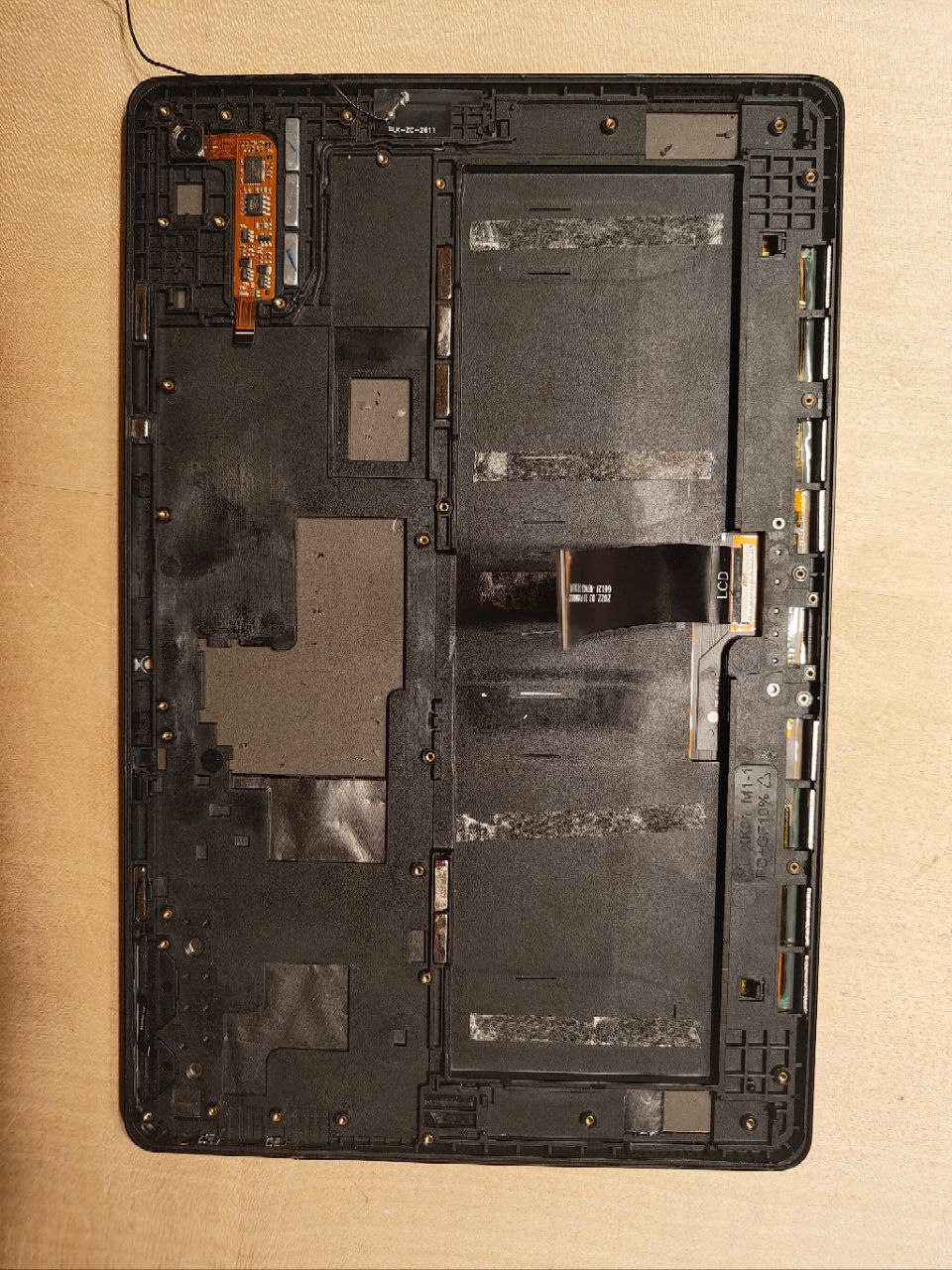
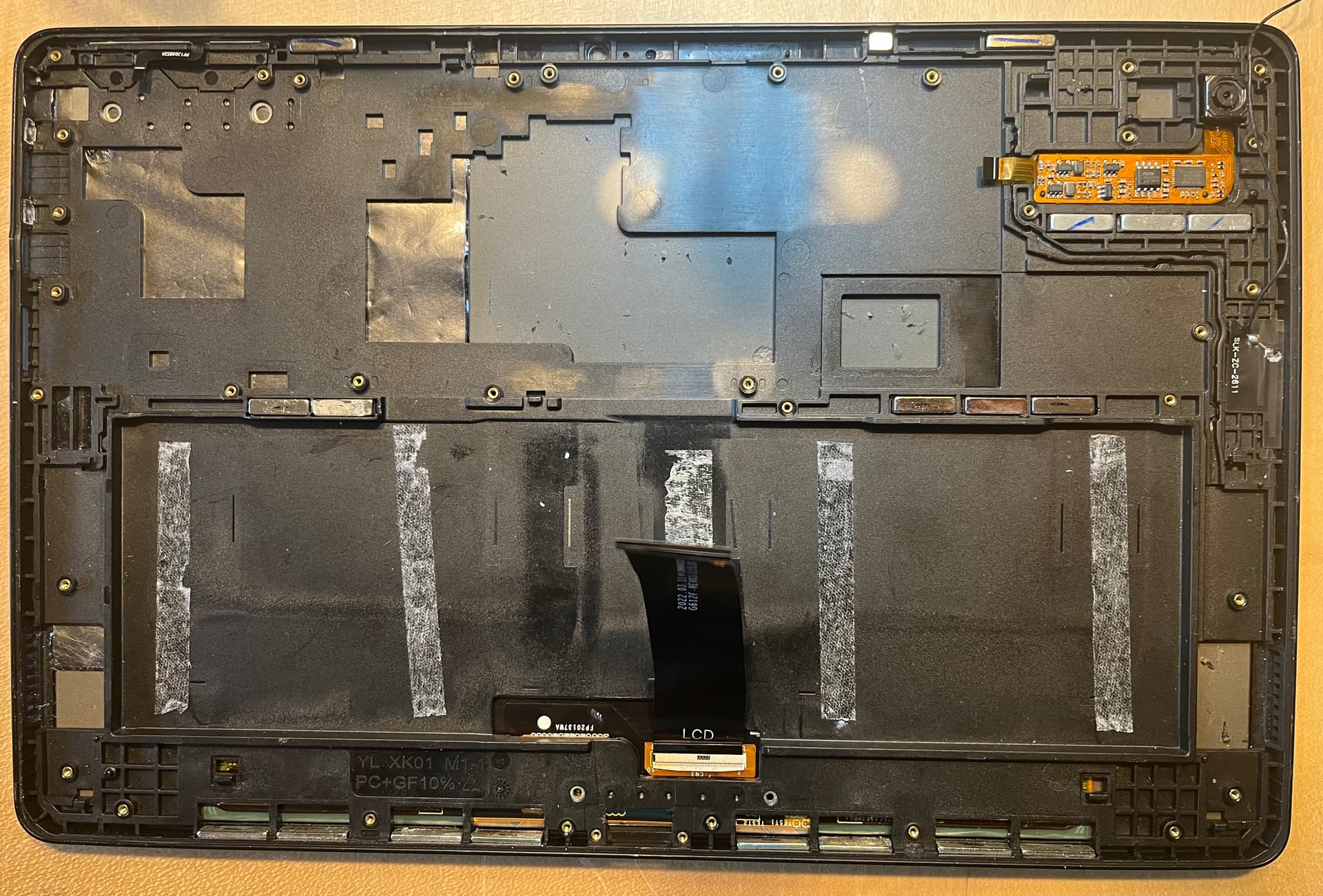
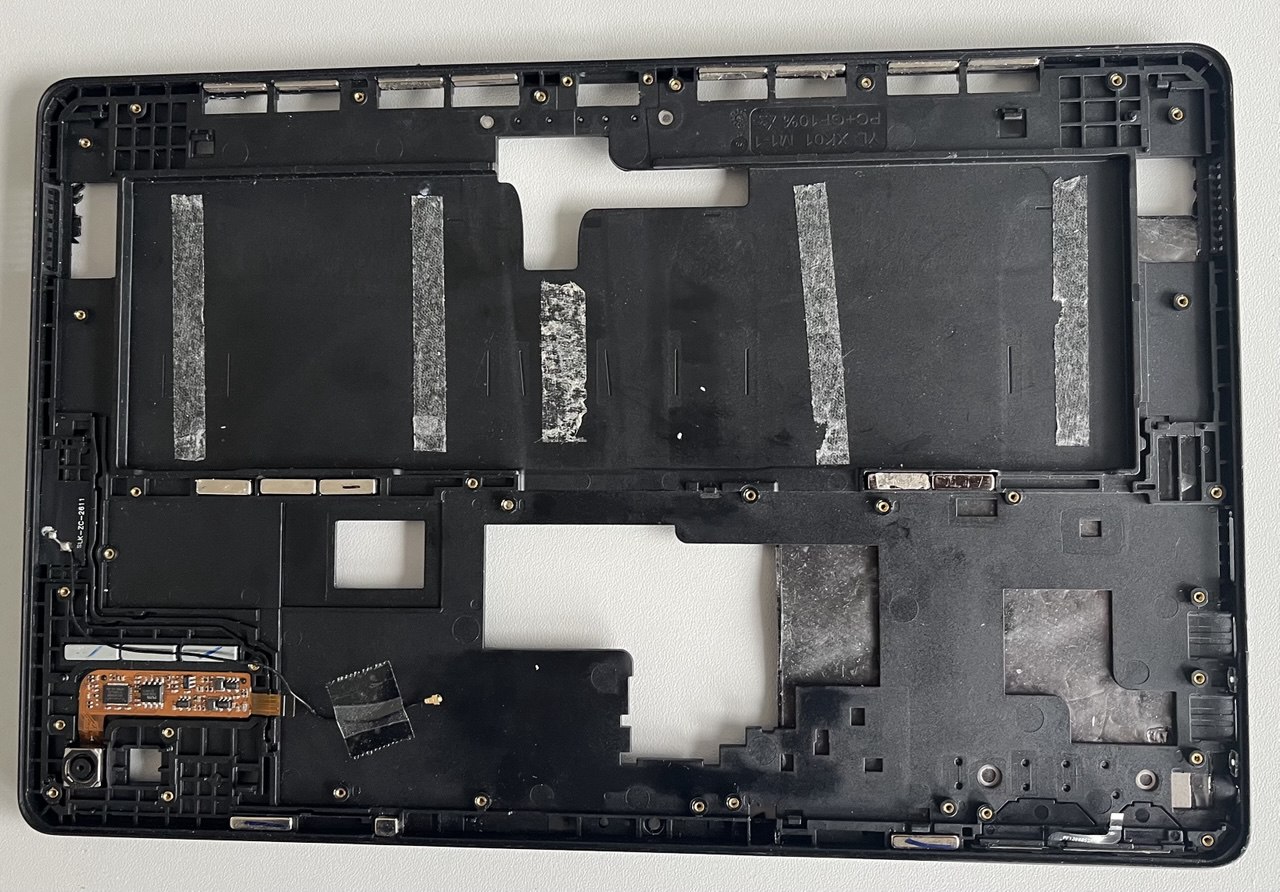
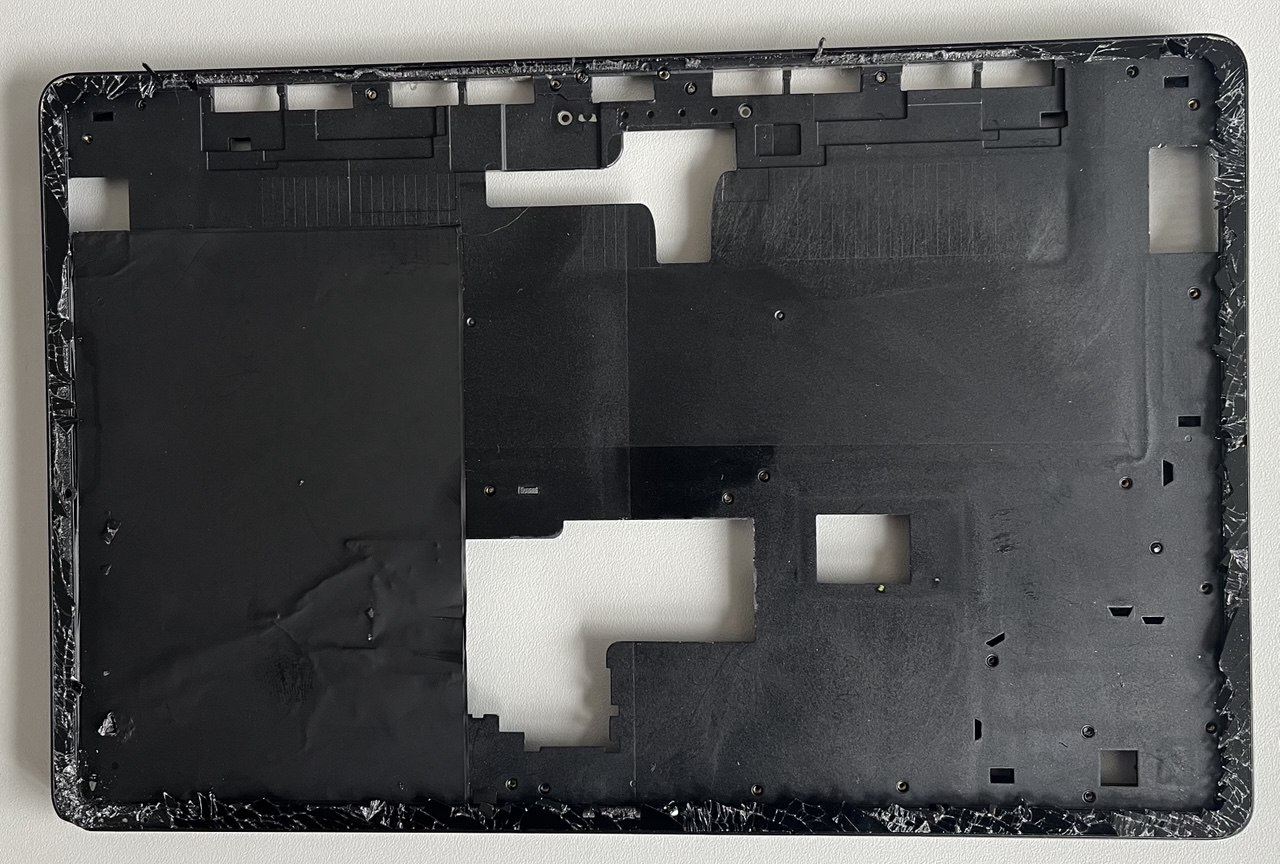
Thanks for your hints, We (he) removed more, see photo. We know that the cam in the corner is still to be taken apart, but the frame is still attached, not glued, to the back of the display.
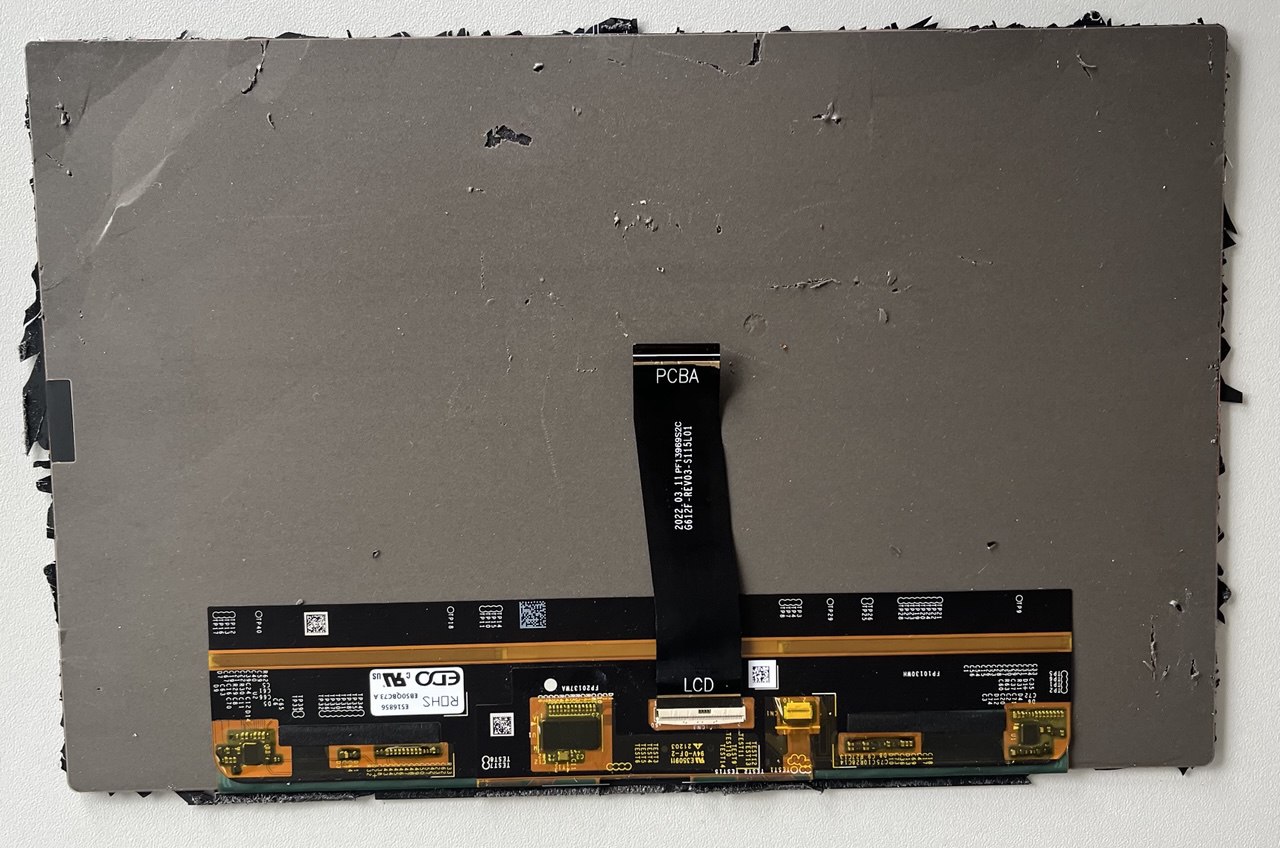
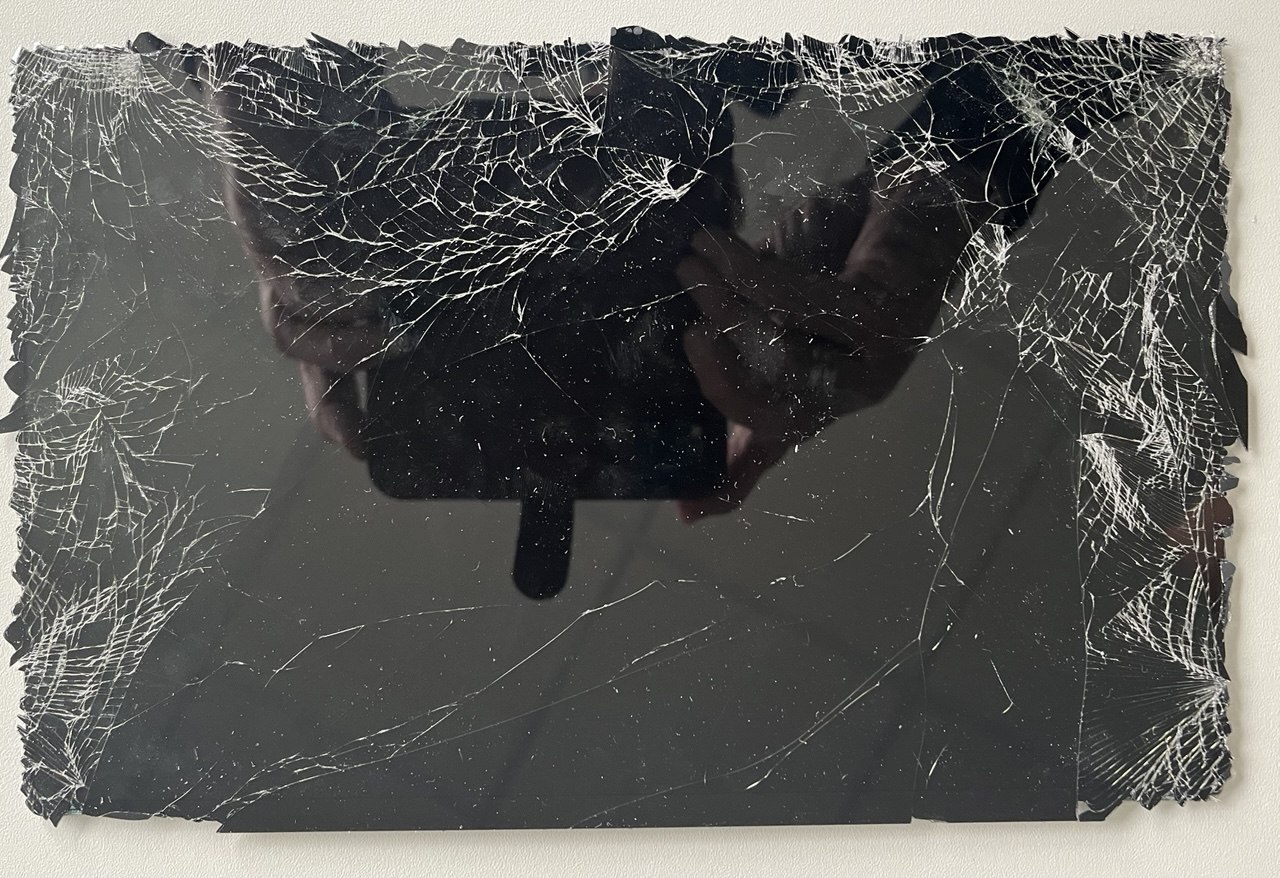
One of my colleagues took apart the display, starting from its glass side, cracking around the frame where it is/was glued. The outer frame (where the display was glued in) and the black mounting board are one piece only. He is still cleaning with a hot fan the rest of glue and broken glass pieces of the display from the frame.
I have here 4 photos of the details. We will check in Internet for the strings visible on the photo with the LCD->PCBA connector…
If they fell out, you’ll need to make sure they are put in the right way before you reassemble, or they will repel those things instead of attracting them. The easiest way is to put the magnets directly on the keyboard cover to find the right orientation, then transfer them to the tablet.
I think you’re asking how to separate the display from the frame - and sorry I did not get you a response sooner, but you had the right approach. There’s no other way than pulling it apart and removing the pieces. Heat can help soften the glue.
The display you linked sure looks right but I can’t be sure. We are trying to work with the supplier to get more spare displays and styli, but they have been unresponsive to our last few requests.
My other son works in Tailand in an IT company and says that LCD often get produced on request of the reseller as LCD+touch layer above. It‘s dificult for me to get the right item for replacement.
Only you (Purism) can help. Please help!
Thanks, matthias
Current status on May 10, 2026:
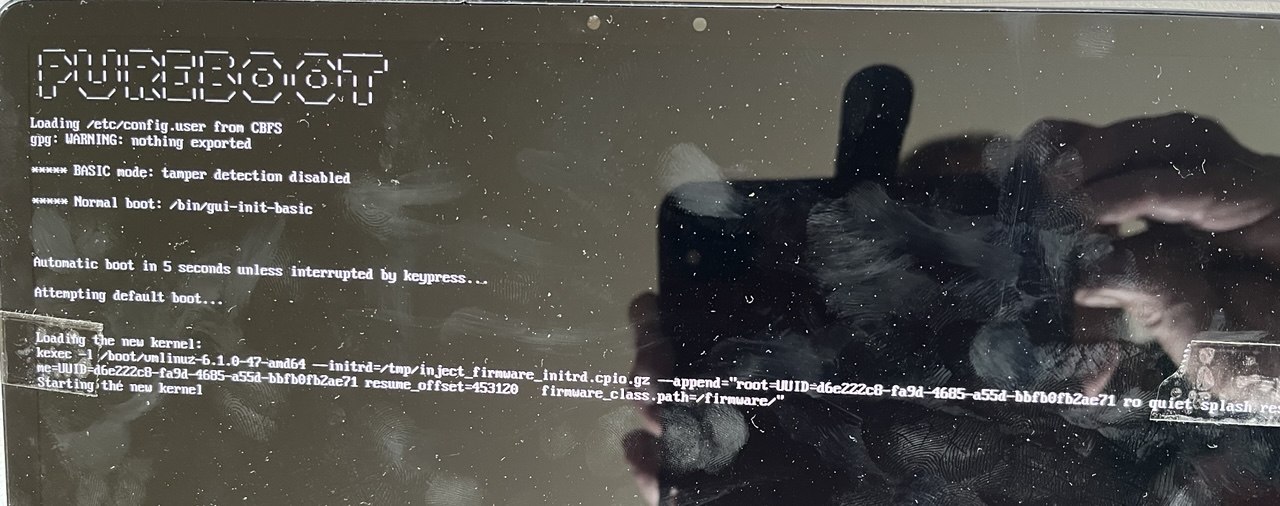
My son works in China/Taiwan in a software company there and could acquire weeks ago the display. Today he visited me here in Munich and my other son (16 years old) reassembled the L11 (no yet fully, but to the point it boots).
It comes up and works fine, I can even SSH into it and we updated it to the latest software.
Two things aren’t working:
the touchscreen does not give any key
the folded add on keyboard is also not giving any key
For the moment I have to attach an external keyboard and a mouse on USB. Or work over SSH.
What can I do to debug the not working touchscreen?