Mentioned a couple of times in passing but… unl0kr is an alternative to the LUKS prompt screen when you power up the phone. Its benefits seem to be smaller size, a bit roomier keyboard layout, light/dark setting, and keyboard layout options for us/es/de/fr (azerty) with all kinds of characters included for complex passwords (although the ASCII printable character table may be a safer option).
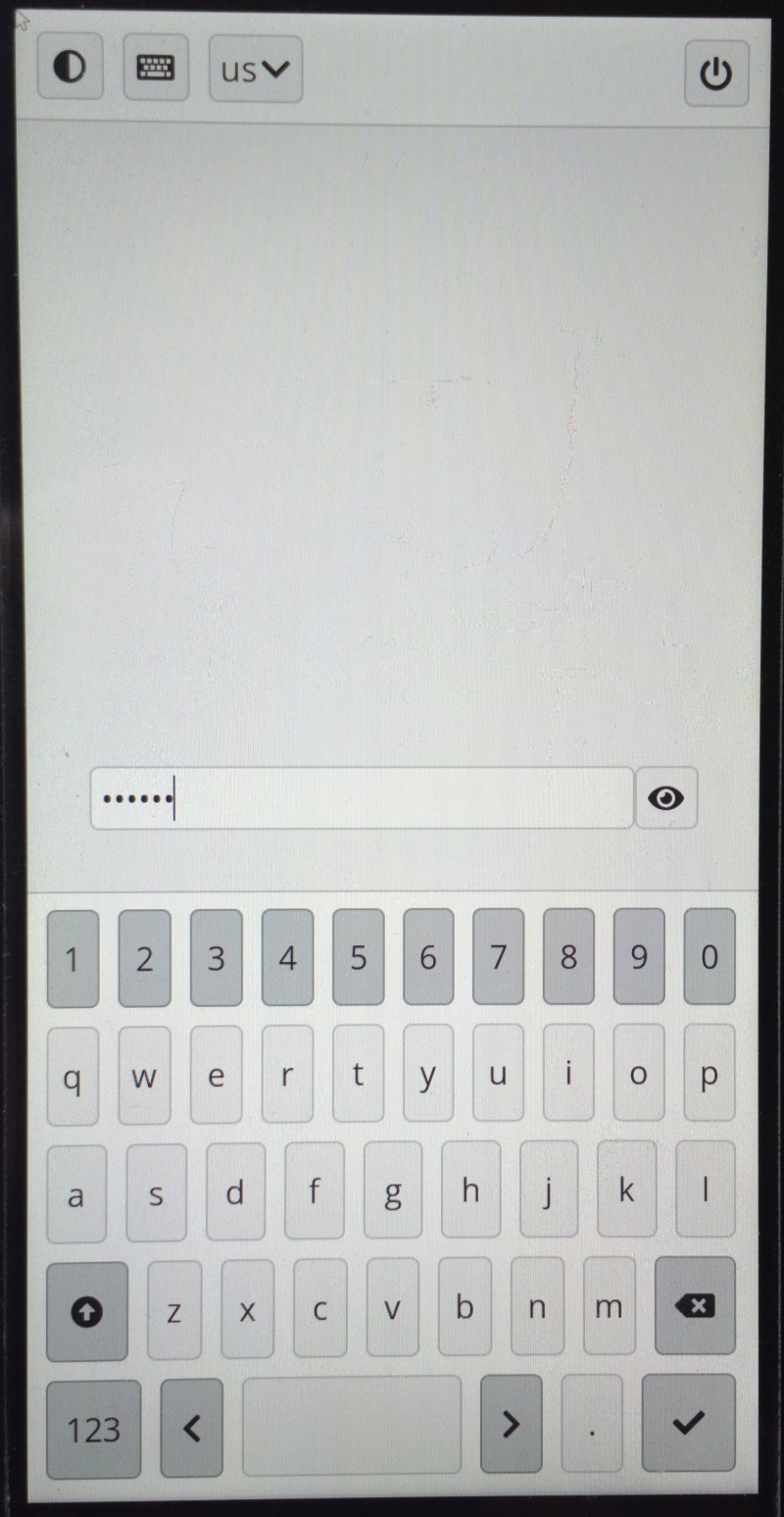
It also recognizes at least a USB mouse at boot, which may help in some special cases. External keyboard probably too, but mine was a bit iffy. There is some info and tweaks at the repo site.
Installation (from):
- fix your
/etc/crypttabfile: replaceosk-sdl-keyscripttounl0kr-keyscript - install:
sudo apt install unl0kr - rebuild
initrd.imgfile: runsudo dpkg-reconfigure linux-image-6.6.0-1-librem5[the current image in backports - this may change, so check yours] - reboot (if no errors - otherwise you may want to slow down and backtrack)