Somehow I missed this thread when you first started it. This is really cool. The pictures look amazing.
3 Likes
Some more pictures from today. I used Exiftool to delete the metadata
It’s always a little embarrassing to share photos but I thought, why not, that is the point here, isn’t it?
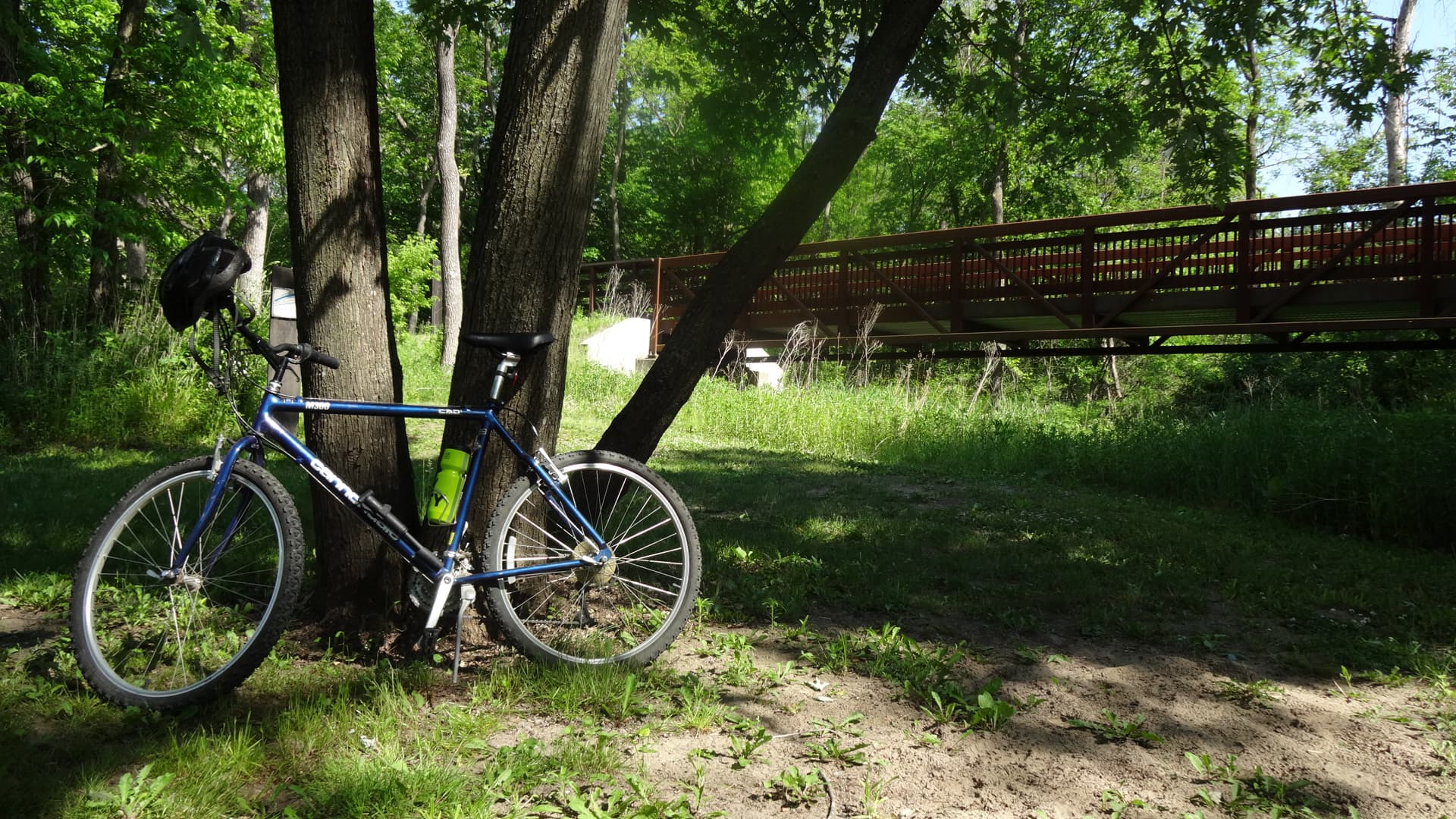
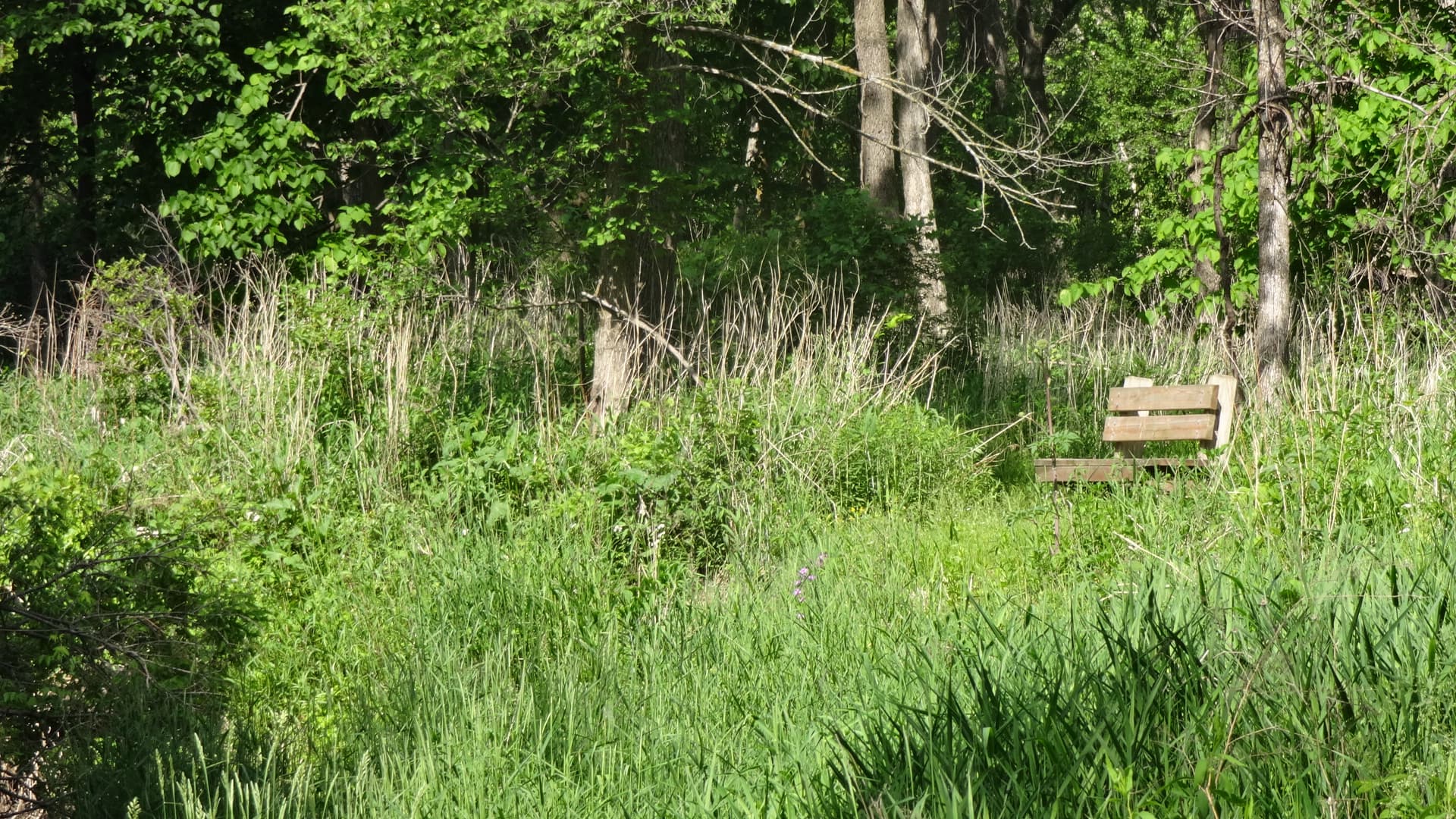
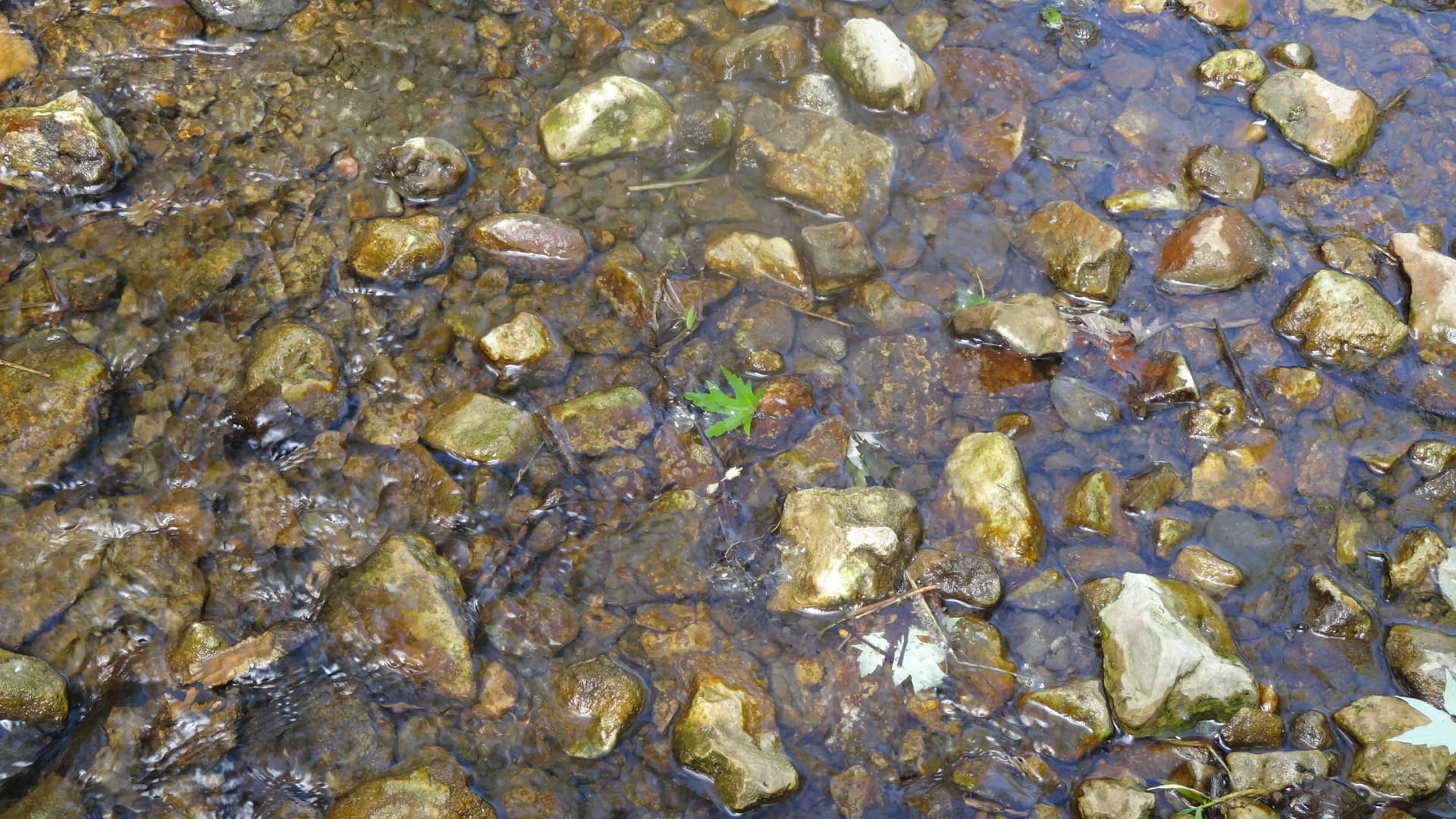
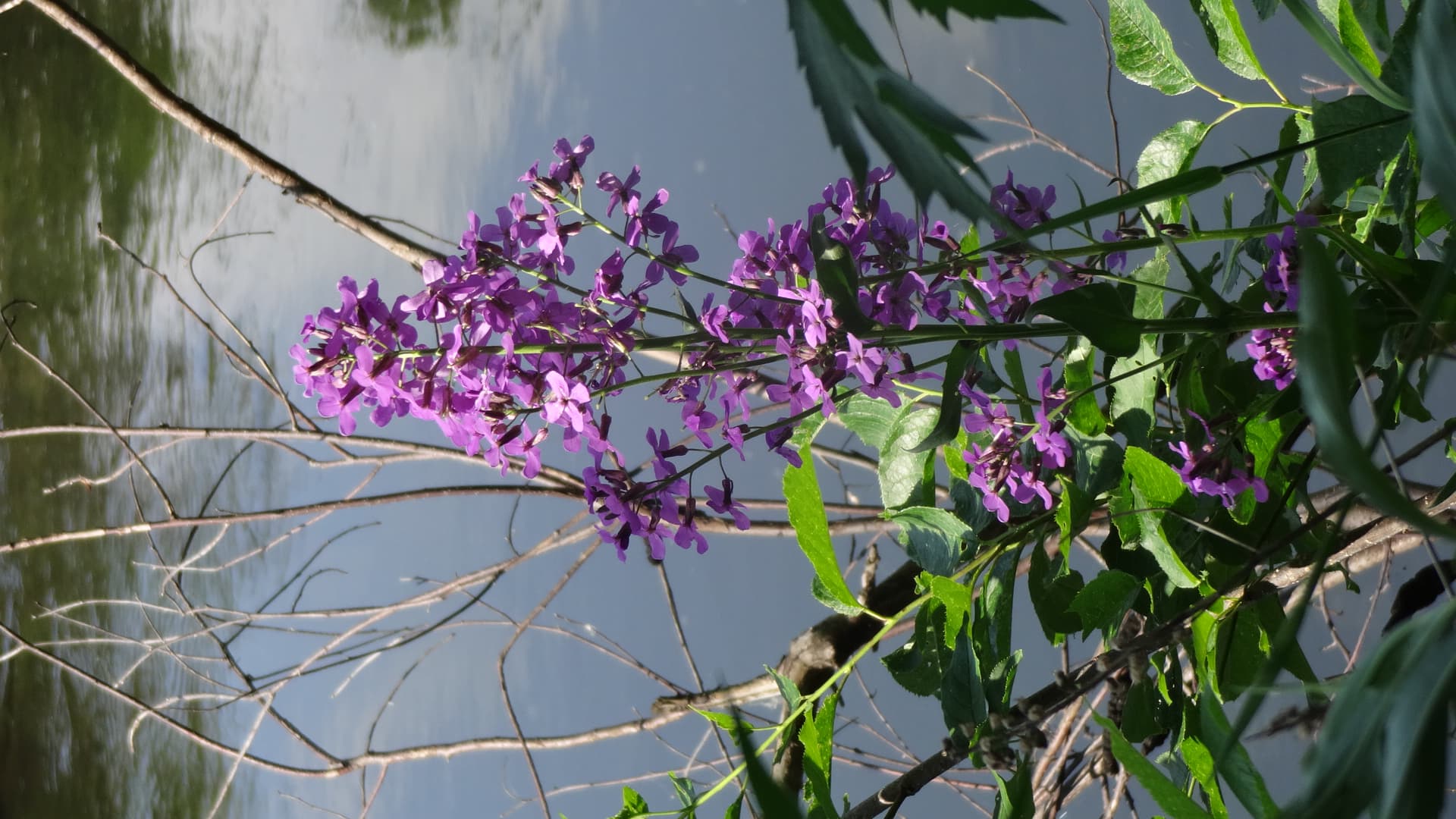
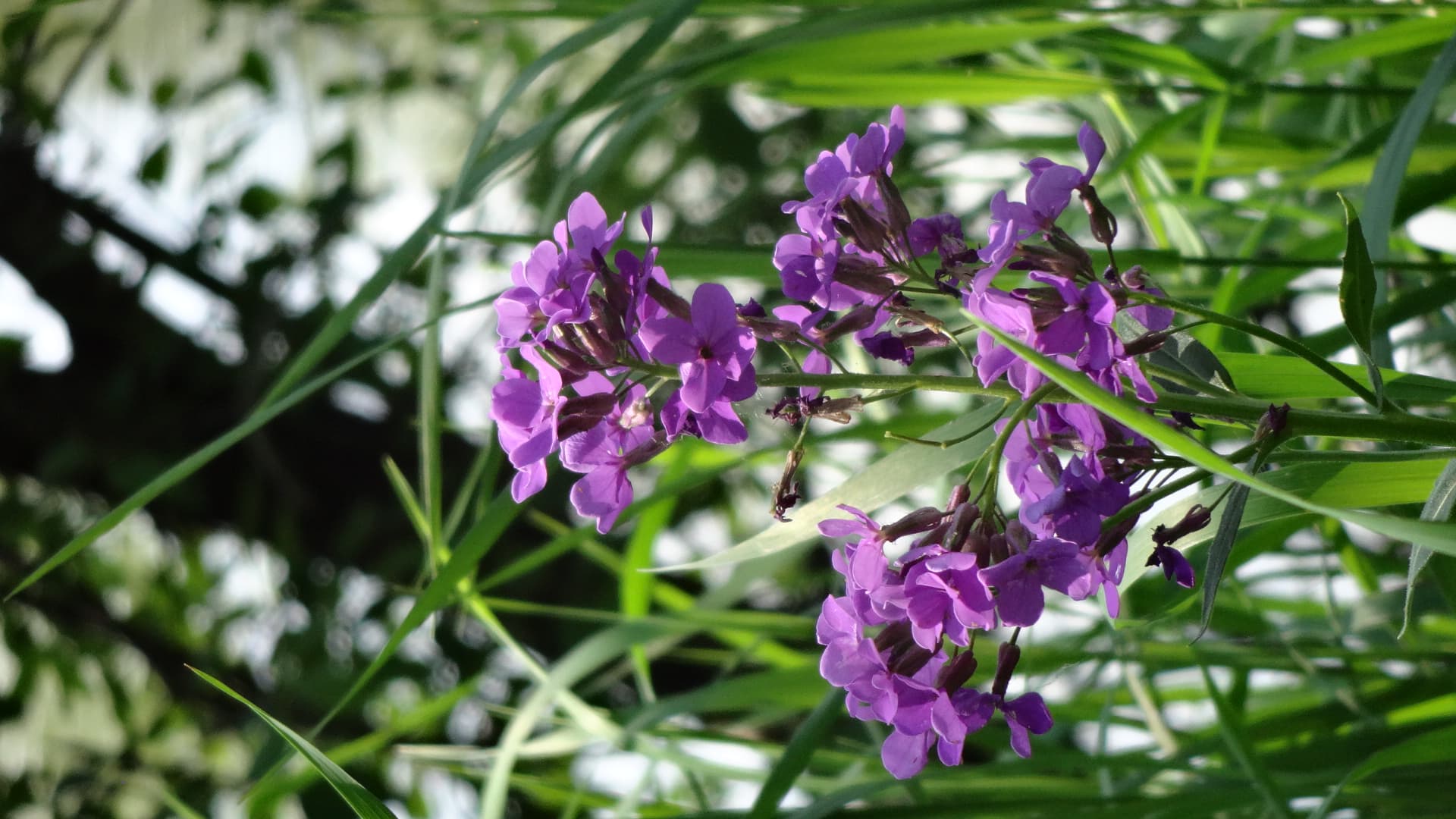
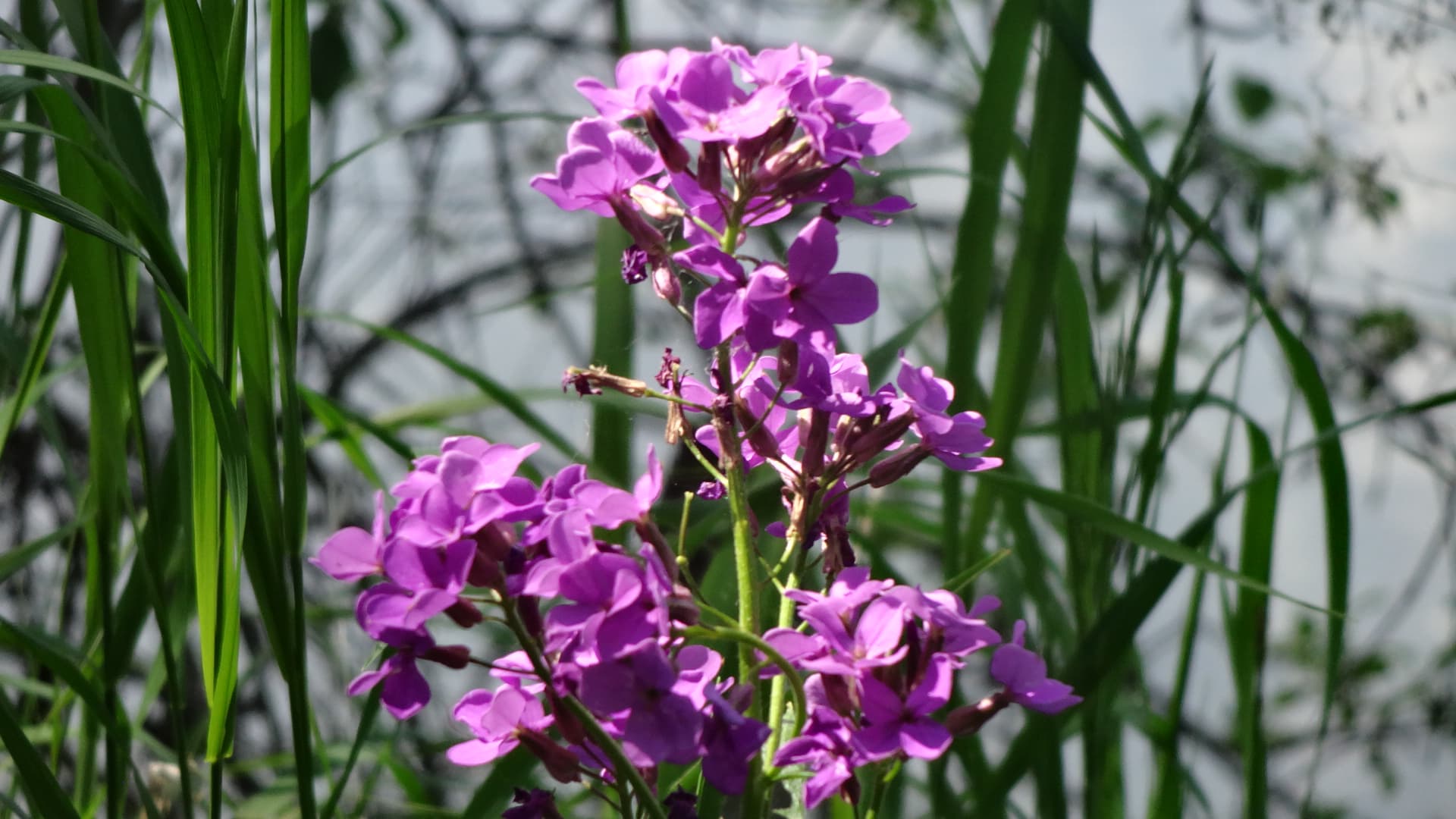
Pics: CC-BY (4.0)
7 Likes
Ok, so I checked a few things already and didn’t find any reason. I’m probably going to have to guess randomly some things. The L5 side dependencies are unlikely culprits (at this point anyway).
The first on my list is that your QX is defaulting to ‘preview’. The script doesn’t specifically request normal image as I’ve always thought that’s the default, but it’s possible that your QX is going with the smaller instead. I’ll have to see how to come up with a check, where that goes.
The ISO values are populated a few seconds after connecting to the camera and may fail. Restarting view (if I remember right) should try to reset those as well (in a few seconds delay).
Thank you for any and all time you spend on this. At this time, the fact that the ISO values are not populating does not seem very important as I believe the camera defaults to auto?
For what it is worth, here is the error message that I receive when the camera connects and when I take a photo:
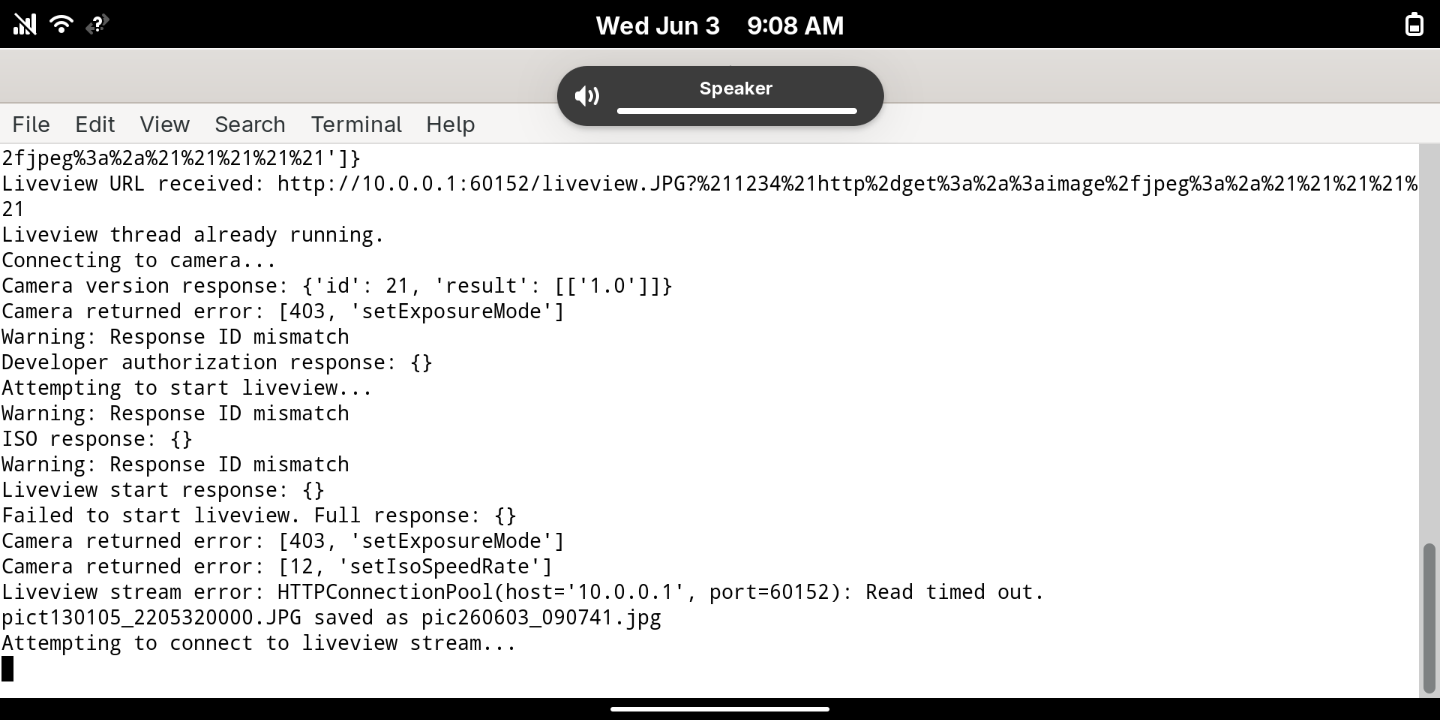
I am not sure if this helps you or not.
I would like to obtain “bigger” images, if possible. That is an important issue. I reviewed the API codes for the camera using the Github links that you posted and it looks like it is possible to insist that the camera use only the “largest” images. I tried writing some code (using AI, sorry) but I was unsuccessful yesterday. It does not look that complicated but it does look time consuming.
Thank you again. This has been a fun project.
1 Like
Did you look for and change the AUTH_CONST_STRING? The error message references Developer authorization response and ID mismatch, which could be connected to that. The one ID-string in the script is just an example/placeholder and each camera has individual one that you need to access, as described on the top of the script. The camera should work partly without it, if I recall, and some features do not. I was never quite sure if and how that worked but it could be the culprit behind both, ISO and getting full size images (just another guess).
[Edit to add: Nah, scratch that idea. I tried to corrupt the string and nothing changed with my images - it all works. I’ll keep pondering…]
1 Like
Bummer, it seemed hopeful. I did try that as I had not entered the correct ID into AUTH_CONST_STRING; however, it had no effect.
Do a little test: push the API-manual, script and the error logs + describe the problem to an AI and ask what could be wrong and how to fix it. If it doesn’t immediately identify it, ask how to add error messages, specific to this problem, to the script to get more clues. That’s probably more feasible than me trying to telepathically solve this.
Yes, that was my logical next step too. What AI platform is best for this sort of task, do you think? CoPilot on Github?
Platform may not play much into it, more the model(s) that they offer. But even standard model should come up with something if it just can ingest the script.
I did all of that and, of course, the responses are voluminous and varied. Here is a summary:
Summary of Changes Needed
| Error | Root Cause | Fix |
|---|---|---|
| ID Mismatch | Non-thread-safe pId counter |
Use threading.Lock() |
| 403 setExposureMode | Calling before auth complete | Remove from populateExposureControls |
| Timeout on liveview | Short timeout value | Increase to (5, 10) seconds |
| 12 setIsoSpeedRate | Setting ISO without authorization | Only set after full auth |
| Empty responses | Connection issues or timing | Add better error checking |
I should note that I downloaded the dependencies and ran the script on a Debian desktop computer. It worked very much the same as on my Librem 5 with nearly identical errors (for what it is worth).
Do you want to see the link to the conversation and suggestions from AI? I asked it to write the code and give me a new version but it timed-out.
At this time, I lack the skills to modify the code based on AI’s suggestions. I tried … I wonder, what is your interest level in resolving this or should I stop bothering you?
1 Like
I’m curious and this has led me to rediscover some ideas that are yet to be implemented, so… maybe. May take a few weeks though. I’ll get back to you. In the mean time, if you could post logs from when you initialize the the camera and including taking a photo, it might help.
1 Like
Ok. I totally understand. Interestingly, I looked at the specs for the camera and it looks like my images are all being recorded as a “movie”:
MP4: 16 M (1920 x 1080 / 30 fps)
https://www.sony.com/electronics/support/compact-cameras-dsc-qx-series/dsc-qx10/specifications
That’s just the same resolution as the 2M/preview mode jpg happens to be
I wanted to update you that I connected the camera to an Android phone and connected to the an App in Android. The camera was defaulting to the “preview” images size at 16:9 at 2M. I changed the default to 16:9 at 15M. Then I went in ran your script on the Librem 5 and, voila, the default is now 16:9 15M with your script. I am very happy with this as I now have the setting I want.
My conclusions: it would be nice to have an API working in your script that allows you to modify the default camera views and/or give choices to use all of the camera’s options (4:3 and 16:9). Of course, the camera is a bit limited in general so I am not sure that this is a big issue, but it would be nice. I would also like to see a flash and ISO choices. I noticed that the API manual lists these options and the Android app confirmed it is possible to have these choices.
Therefore, I am going to continue working with AI to help write some code and to use more of the APIs that I would like to see in your script. Because I am not proficient in Python, it has so far been an exercise in frustration. AI tries to correct errors but then totally ignores your Librem 5 specific changes (which are quite good, I must say). I have found the interaction with AI to be typically artificial, not very creative, and, again, frustrating.
Anyway, I am going to keep tinkering and I will report error messages if that helps you.
1 Like
Nice. That was a logical possibility, defaulting like that. And I’m not a python coder either - I used artificial enhancements too. I think you’re going to like taking pics even more now that you can actually get decent resolution out of it.
I think the AUTH-string thing is somehow flawed and not really works, even though it’s implemented like the old hacks have it. Something there seems to prevent those few functionalities. ISO should populate though, defaulting to AUTO.
I don’t think there is a choice for image 4:3 in the camera, but you can always add a post processing to the script after image has been downloaded to L5 (probably what the Android app does). Speaking of which, one thing on my list is to add an option line to settings, where user can add any terminal command for post processing (why not send pics to an online server via SSL if mobile data allows, or crop it, or both).
There are other things, like that I tried to incorporate already but last year I couldn’t make them work (things like stitching a panorama or reading QR-codes). Other things to try, if you want ideas: option to use left handed (mirror controls), and maybe do a “double-take” where single click will also activate L5’s own internal camera, so you get a zoomed version and a wide angle photo - just remember to place the QX to the other end of L5 so it doesn’t block the view. And maybe the QX can finally start functioning as a web-camera too (with mobile data or usb-lan)…
1 Like