Slightly longer guide: Boot Jumpdrive to image your phone before starting the full upgrade process. So if you have underestimated the difficulty or problems, you have something to go back to (without having to reflash and re-establish everything else from scratch).
2 Likes
Nice, i saw recently that our hero @agx is on Dawn.
Yes agx is our, for pure_os mobile. 
Guido can you add a native feature on phosh to see FPS Compositor and Framework: Frame Rate Counter
1 Like

@dos it is possible to underclock the L5 DisplayModule to 45hz? to save battery? I mean 45 still butter refresh rate. Then on Gnu Dawn may revert it to 60hz to a super butter refresh rate due to Dawn new accelerations which the gpu/cpu may more relax to launch more fps, or keeping to 45hz on dawn to a superior powersave.?
I am just saying…
Thank you.
1 Like
Would this work for testing or upgrading from Crimson to Dawn? Or does an image need to be manually built by the user to deploy Dawn? Just curious.
1 Like
It would be the same as previous upgrade methods, and the same approach to upgrade any Debian-based system using the apt package manager. It’ll be possible to eventually upgrade from crimson to dawn by modifying the list/sources, sudo apt update then sudo apt full-upgrade as @dos mentioned above. Having said that, there would be fewer opportunities for errors to occur by flashing a fresh system image to test; I usually favor a fresh install for peace of mind, unless I’m tinkering.
3 Likes
Please, please how? 
@dos could you explain me as I’m 10 years old kid (so very very easy and extremely detailed) how to install it?
I want to install it and begin to test it and share my experience instead of continuing to leave my Librem 5 into drawer!
I’m realising that, for now, I’ve to use and carry 2 devices:
iPhone as daily driver and mainly for job and socials
Librem 5 personal stuff and tester
PS:
From AI, what do you think?
Me: explain me in a super simple and extremely detailed way how to install Dawn OS into Librem 5!
Explaining me, also, every step so I can understand what I’m doing!
Thank you
ChatGPT 5 chat (from lmarena):
Sure. Here’s the same explanation as pure text, written smoothly so you can copy and paste it directly into a post.
— Let’s take a deep breath, put on our little zen‑hacker goggles and begin. The goal is to install Dawn OS on a Librem 5 while fully understanding what you’re doing at every step, not just following instructions blindly.
First, what is Dawn OS? It’s an experimental GNU/Linux distribution made to run on Purism’s Librem 5 smartphone. It’s a variant of PureOS, the official Librem 5 system, but more modern and experimental: newer kernel, better optimizations, updated packages and a GNOME interface adapted to the phone’s small screen. In other words, you’re installing an alternative Linux operating system on your phone.
The Librem 5 is a full Linux computer in pocket size, so reinstalling its system is not like flashing an Android device. It’s much closer to installing a new Linux distribution on a regular computer. You will basically
-
write a system image file to your phone’s memory,
-
put the phone in a special flashing mode, and
-
use a Linux PC to perform the operation.
Step 1: prepare your computer. You need a Linux PC with internet access, a good USB‑C cable, your Librem 5 charged to at least 60 percent, the program “librem5‑flasher,” and of course the Dawn OS image file (.img.xz). It is also wise to back up your data, because installing a new system will erase what’s currently stored on the phone. Open a terminal on your computer and install the flasher tool by typing: sudo apt update sudo apt install librem5‑flash‑image The first command updates the package list, the second installs the official tool used to write system images via USB to the Librem 5.
Step 2: download the Dawn OS image. Go to the project’s official repository, for example at Sign in · GitLab, and download the image file for your Librem 5. It will be called something like dawnos‑librem5‑.img.xz. Once it’s downloaded, check that the file isn’t corrupted. Type sha256sum dawnos‑librem5‑*.img.xz and compare the number it prints with the checksum provided on the project’s site. If they match, your file is intact.
Step 3: put the Librem 5 into flash mode. Power off the phone completely. Connect your USB cable to the computer but not yet to the phone. Hold down the Volume Up button on the phone, then connect it to the computer through the cable while still holding the button. Keep holding until the computer detects it. This special mode allows the computer to write directly to the internal memory as if the phone were an empty hard drive. To confirm that your computer detects it, type “lsusb” in the terminal; you should see a line mentioning “Purism Librem 5 bootloader.”
Step 4: flash the image. Move into the folder where you downloaded the image and type (changing the file name as needed): sudo librem5‑flash‑image --image dawnos‑librem5‑.img.xz The tool will talk to the bootloader on the phone, erase existing partitions, decompress the .xz file, and write the contents to the internal eMMC memory. Once it’s finished, it will automatically reboot the phone. You’ll see messages such as “Writing image,” “Verifying write,” and finally “Rebooting.” This process usually takes around ten to twenty minutes.
Step 5: first boot. After flashing completes the phone restarts by itself. You’ll see the Dawn OS or Purism logo and a setup wizard where you can choose language, Wi‑Fi and basic settings. The first boot will be slow because the kernel is creating caches and keys; give it a few minutes until you reach the main screen.
Step 6: understand what changed. You’ve replaced the old system (PureOS or derivative) with a newer and more experimental one. The phone is now running full Linux with a touch‑friendly interface. You can verify this by opening the terminal and typing: cat /etc/os‑release You should see lines identifying “Dawn OS” as the current system.
Step 7: do the post‑installation maintenance. Run “sudo apt update” and “sudo apt upgrade” to make sure all packages are up to date. To install new applications, use commands such as “sudo apt install firefox‑esr” or open the graphical Software Center.
Step 8: revert if necessary. If one day you want to go back to the original PureOS system, download the proper PureOS image from Purism and repeat exactly the same flashing procedure, changing only the image file name. That will restore the phone to factory condition.
In summary:
- Prepare the PC and install librem5‑flash‑image.
- Download and verify the Dawn OS image.
- Put the Librem 5 into flash mode by holding Volume Up and connecting USB.
- Flash the image with the librem5‑flash‑image command.
- Wait, reboot, and complete the setup wizard.
- Update the system and enjoy the new OS.
Along the way you’ve learned what a Linux system image really is (a compressed file with all partitions inside), what flash mode means (a hardware state that allows direct write access), and that librem5‑flash‑image acts as an automated installer that handles drivers and bootloader. Reinstalling a system on the Librem 5 is much like installing Debian on a small ARM computer.
So welcome among the pioneers who install operating systems on Linux phones consciously and confidently—a small but genuine act of digital freedom: echo “Bravo, free and curious!”
1 Like
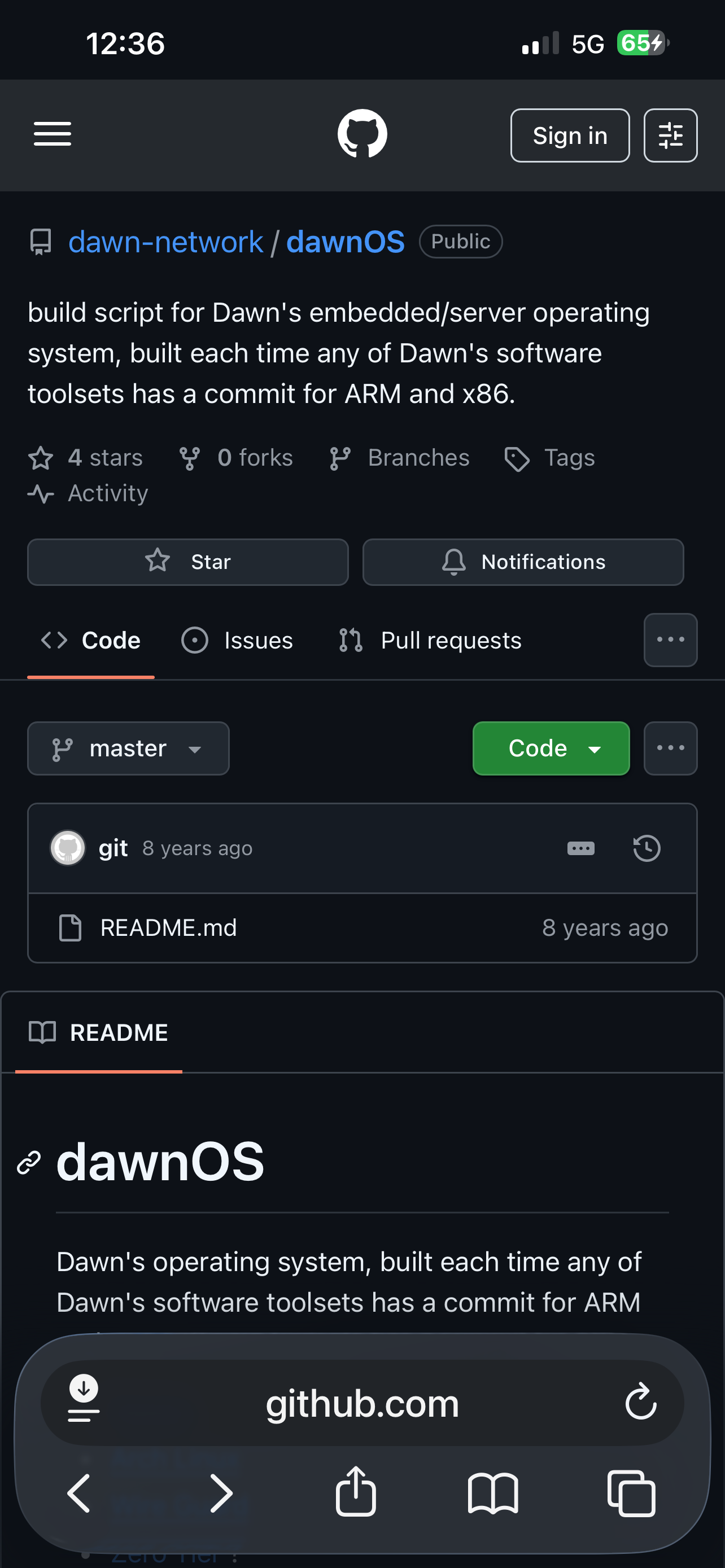
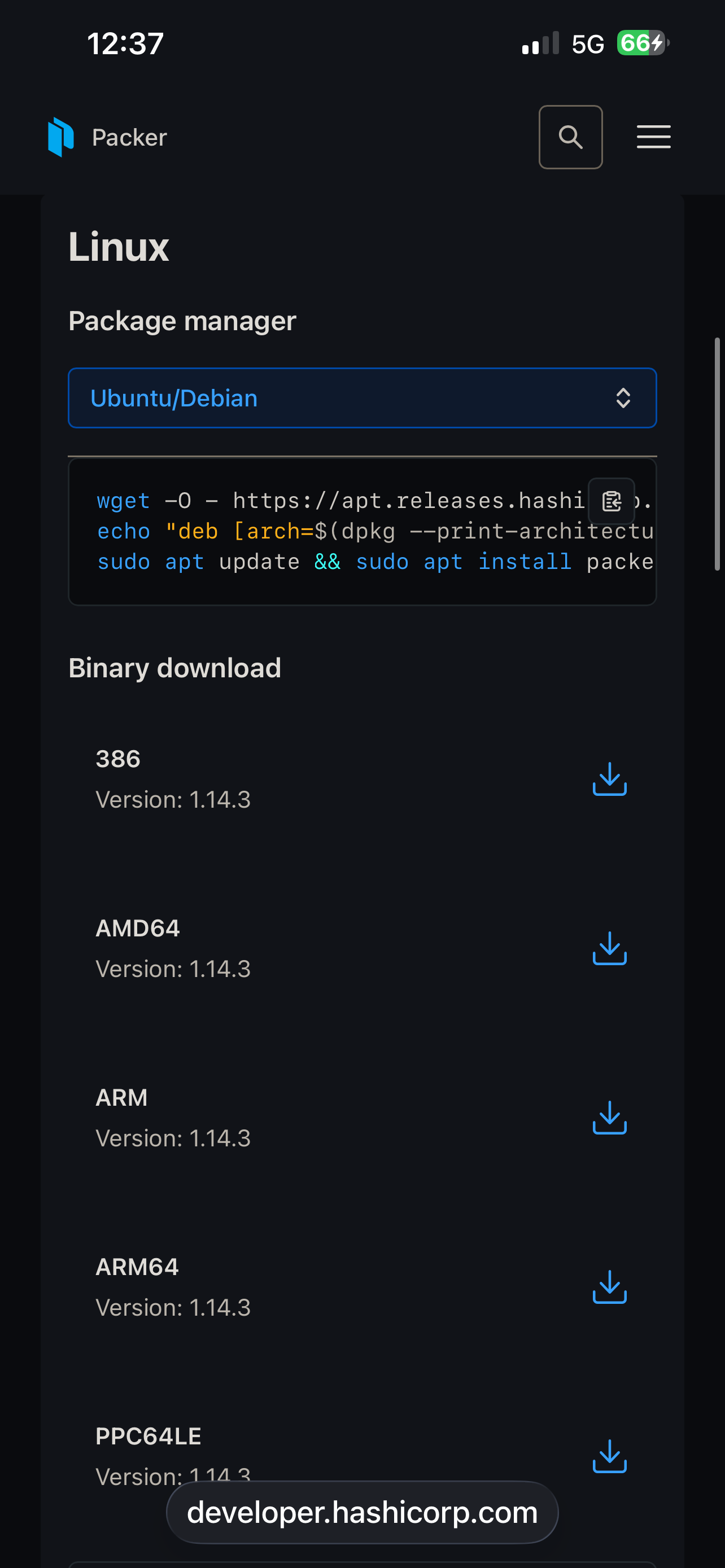
Eventually? Yes. Right now? Who knows. The suite exists, but I’ve only ever used it from dev containers so far, so I can’t even guarantee that it will boot on a phone. It may, it may not, and many things will surely be broken. In case you do it, please don’t waste your and our time reporting the issues there. It’s not ready for use yet. I hope to change it soon, but soon is not now.
For the reasons I stated above: nope!
No, doesn’t look related at all.
3 Likes
Thx! Exactly what I needed to know.
I agree with your assessment that Crimson is ready as a daily driver now. I installed the alpha version from August and it was running great! A real improvement over byzantium.
Because I’m curious, I have been playing with mobian trixie. Install seemed fine, but had some issues here and their, and just yesterday, I upgraded to forky. Working fine so far. But, I can see the points that you are making with how Crimson has some merits over bookworm, and that Dawn, when it gets ready for deployment just as alpha Crimson was, I can see how it will be better than what trixie is offering. I’ll write more of my mobian experiences in another thread.
I was just curious where Dawn was at. Your answer confirmed my assessment of the situation. I did see the repos for Dawn  but, was hesitant about switching over to it.
1 Like
If anybody know the download URL for the PureOS 12 Dawn ISO, please post, I want to test it out.
This may be, but the stable Apps you install are more up to date than Byzantium out dates are. But yes i do not like flatpak stuff but it seems to work in its evil way as hotfix.
1 Like
My understanding is that there is no ISO for PureOS 12 Dawn. There are repos for use with apt update. Not ISO’s for initial install.
1 Like
…which aren’t ready to be used yet.
1 Like
And also ISOs are usually for big computers but this topic is about the Librem 5, which leaves me wondering which platform you are asking about??
Either way though … dawn => debug it yourself, which may not be to everybody’s liking. Do you have a spare phone?
Have you already “jumped to crimson”?
1 Like
This would be for the Librem Mini v2. Been running Crimson on that for close to two years now.
Don’t have a spare phone but might be adding a Librem 5 to the arsenal very soon.
If I can upgrade over the top of Crimson, that works for me. I’m running into more and more issues running current software application releases because Crimson libraries and packages are getting long in the tooth.
As dos pointed out, the packages in the dawn repo are not ready for use. If you upgraded with that, it will break your system.
If you have a need for more current apps, you will be better off using Backports, https://backports.debian.org/ or flatpaks. Since you are on a mini v2, you won’t have any space disk space issues I presume, so flatpaks will serve your needs very well.
1 Like
I just upgraded to Crimson (by changing the software repos from byzantium to crimson, and doing a full-upgrade, followed by an autoremove and restart).
Everything seems to be working, and all my settings, configurations, and scripts were retained.
There were 19 dpkg: error messages during the process, as well as 15 dpkg: dependency problems. I tried a sudo apt install -f, but nothing was found or fixed.
Should I do anything else?
3 Likes
Well, it’s not that it will break the system, it’s more that absolutely nobody watches over it at this moment, so anything could happen. Also, once I do start working on dawn proper, I won’t hesitate a second before breaking existing installations in order to fix the new ones should a need for this arise (until it gets declared as supported, of course).
2 Likes