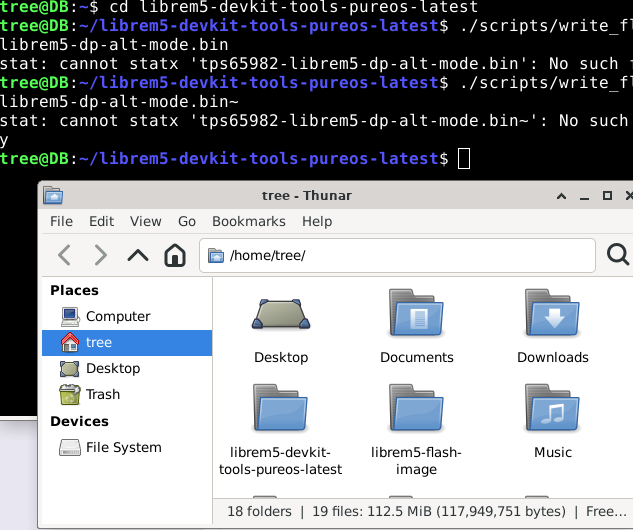
It cant find the directory. In the photo I have the folder in my home folder. Im probably doing something simple wrong.
Is something supposed to happen on the phone when in serial download mode. I did the steps plug in while holding up, get blinking light, put battery back in light turns solid. unpress up button or not, either way phone stays off and is unresponsive. Is that what’s supposed to happen?
Even if it stays blank, what counts is what the terminal shows is happening. (As long as you connected it in serial download mode, which appears to be the case from your description.)
I first copy and pasted the code from the instructions link that dos gave, then I copied and pasted the code you typed which is the same after the cd, and it cant find it. I searched for that file in the directory and it didn’t show it but thats just putting in in the search bar at the top of the folder page. Now im trying to look manually
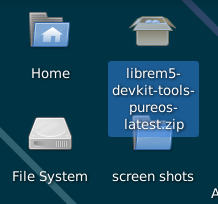
I downloaded the zip file from the link dos gave and then extracted its contents to the desktop then moved that folder to my home page. But the instructions from that link are also where I got the zip so the file should be in there then. did I some how put the folder in the wrong place, I just dragged the extracted folder and put it in to the home folder that is on my desktop page.
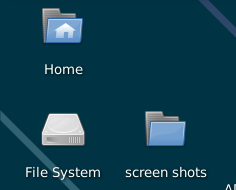
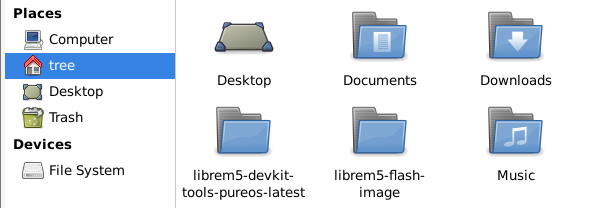
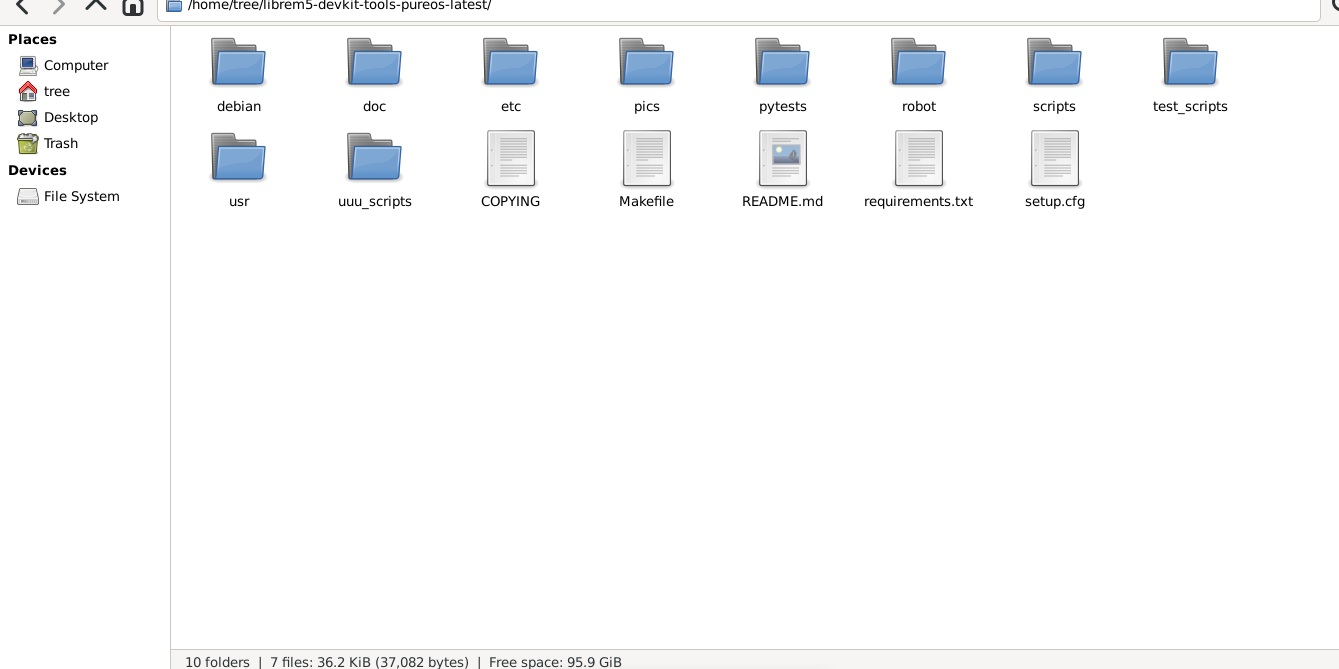
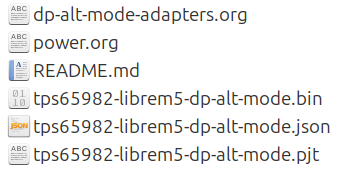
I don’t know what your desktop screenshot is trying to tell me, but open your home folder, find the unzipped tps... files and move them inside the librem5-devkit-tools-pureos-latest folder, if they’re not there already. (Don’t copy the folder where the tps... files are; just copy all the files inside and move them over.)
When you ran the command before, it couldn’t find the tps..., because it wasn’t inside the folder where you were running the command.
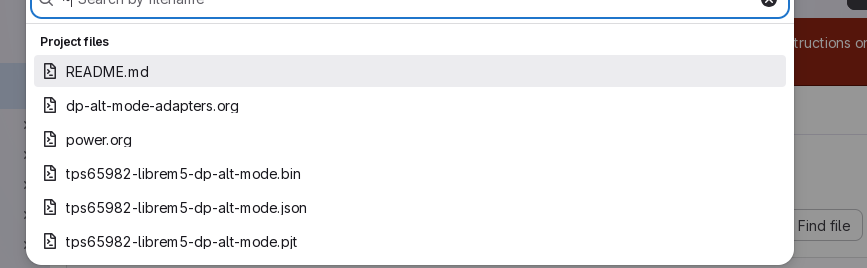
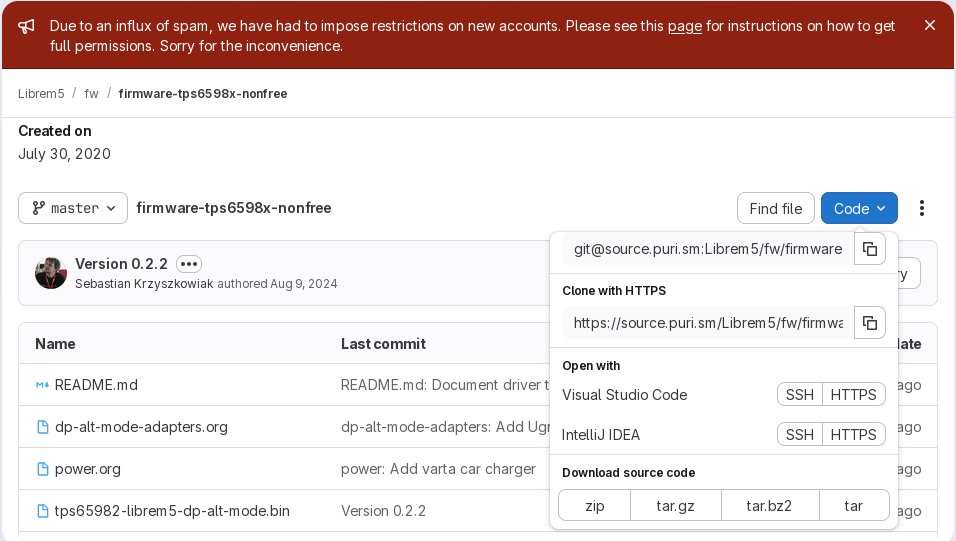
ok. Maybe I never got the tps files. Its confusing how to use these github websites. I finally found instructions on how to use them correctly, but ive since forgotten how it told me to do it, something about find the read me and get specific instructions per each developer or something. What I did at this link Librem5 / fw / firmware-tps6598x-nonfree · GitLab was download the source code zip file and then extract it. Maybe that didn’t give me everything. Instead when I click on find file it shows me some TPS files. Did I not do it the correct way on that website?
I downloaded the zip file to my desktop.
Extracted the folder. then put the folder into the home folder.
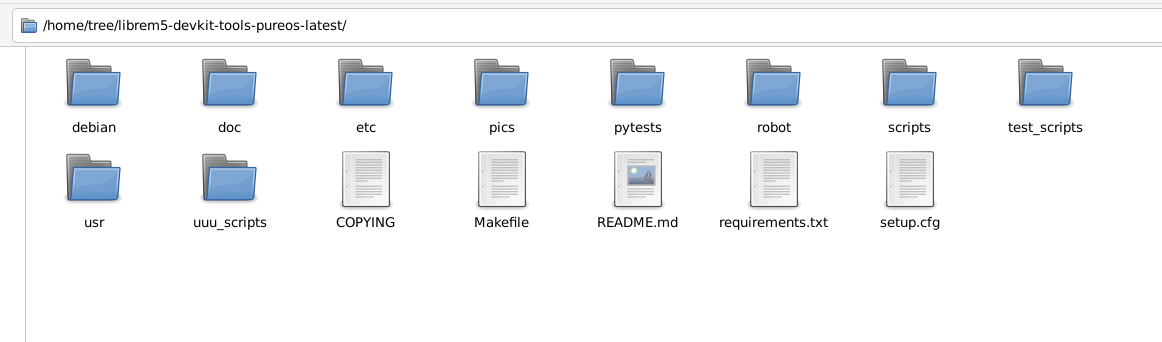
Thats everything in the folder. so tps things aren’t there. Do I have to download them separately
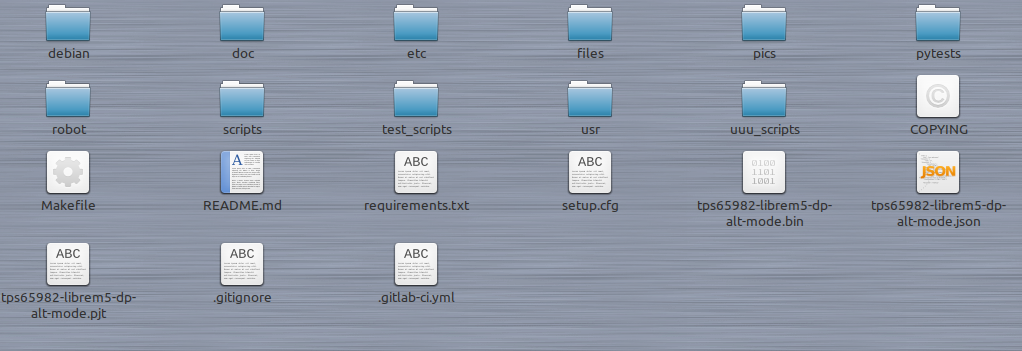
I’m only missing 5 files. Some or all I saw in the search for a files on that website. Ill try seeing if I can manually download them from the website and then put them in the folder like you have. Can’t do it right this second though.
Copy them and paste them into the librem5-devkit-tools-pureos-latest folder.
Btw, I think the official instructions are probably lacking some clarity that makes things non-obvious to the inexperienced. I seem to recall I had problems understanding this, too.
So you could run the command without copying the files over, but after the write_flash.sh part you would need to then add the full path to that tps...bin file, i.e. including the “directory/subdirectory/tps…bin” in full, so that the script would know where it is.
It’s somewhat easier to just copy the needed files into the same folder where you’re running the command.
But if you have the firmware in a separate location:
Hey! I think it worked. So maybe it was some dumb user error. I wouldn’t have known from the instructions that I had to put the 2nd folder into the first one, but I didn’t even see a 2nd folder when I extracted it the first time so not sure what happened there. But I re-downloaded the zip file which it only downloaded the firmware folder? Maybe because I already had the librem5 devkit one. But anyway extracted it, put it in the other folder ran the code and it worked. I attempted to run the following code on my librem5 from the website link to confirm it was successful and it came back “permission denied”
but when plugging in my usb C charger into the anker power bank it works now! When I used a usb A to C cord I was getting 7 watts out put, with the usb C to C cord I now get 10 watts (instead of the 17watts I was getting on my friends android when testing), but librem isn't going to be as fast as google i would imagine so I would think that fixed it and it works now. So thanks!!
And to summarize, you could have run the firmware command in either of two ways:
By putting the firmware .bin file inside the devkit tools folder (which is the folder where you were running the command), or
By running the command from the devkit tools folder, but spelling out the path to the location of the firmware .bin file in your system, because it was located in a different directory and subdirectory. (The terminal always looks for the file where you are currently located, not in some other file in some other directory somewhere. You have to explicitly tell it where to find it if it’s not in the same directory you’re currently inside.)

 )
)