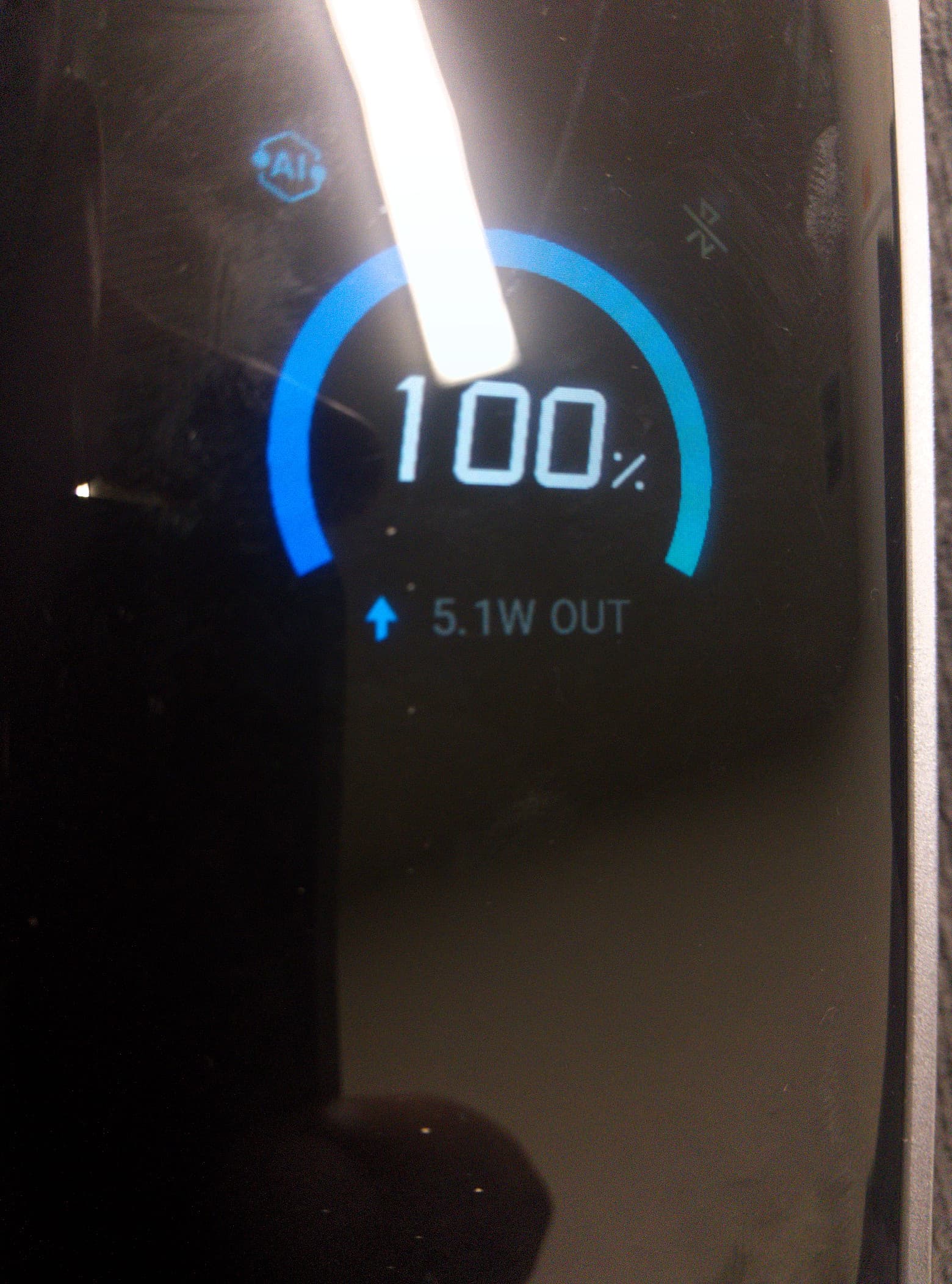
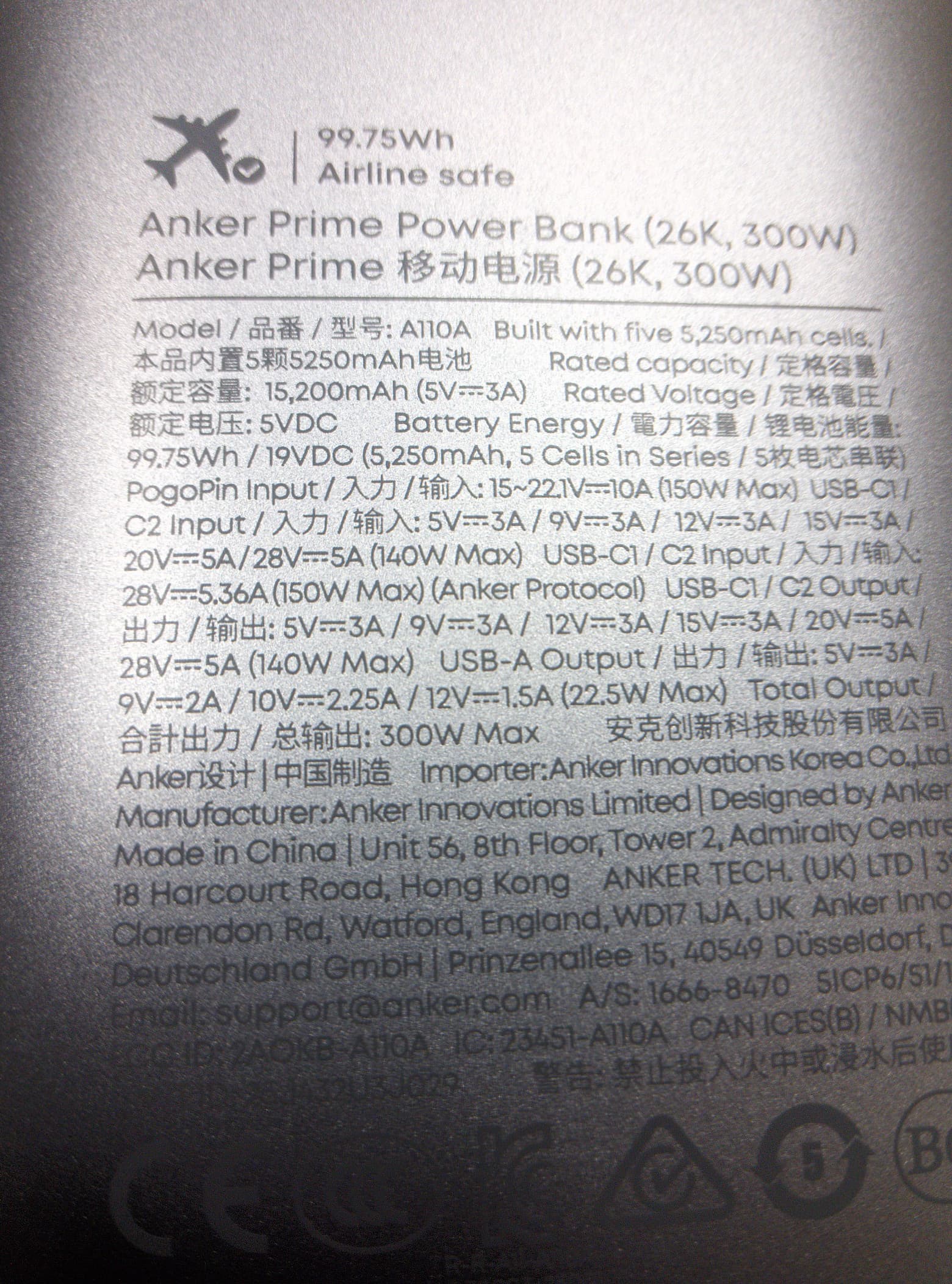
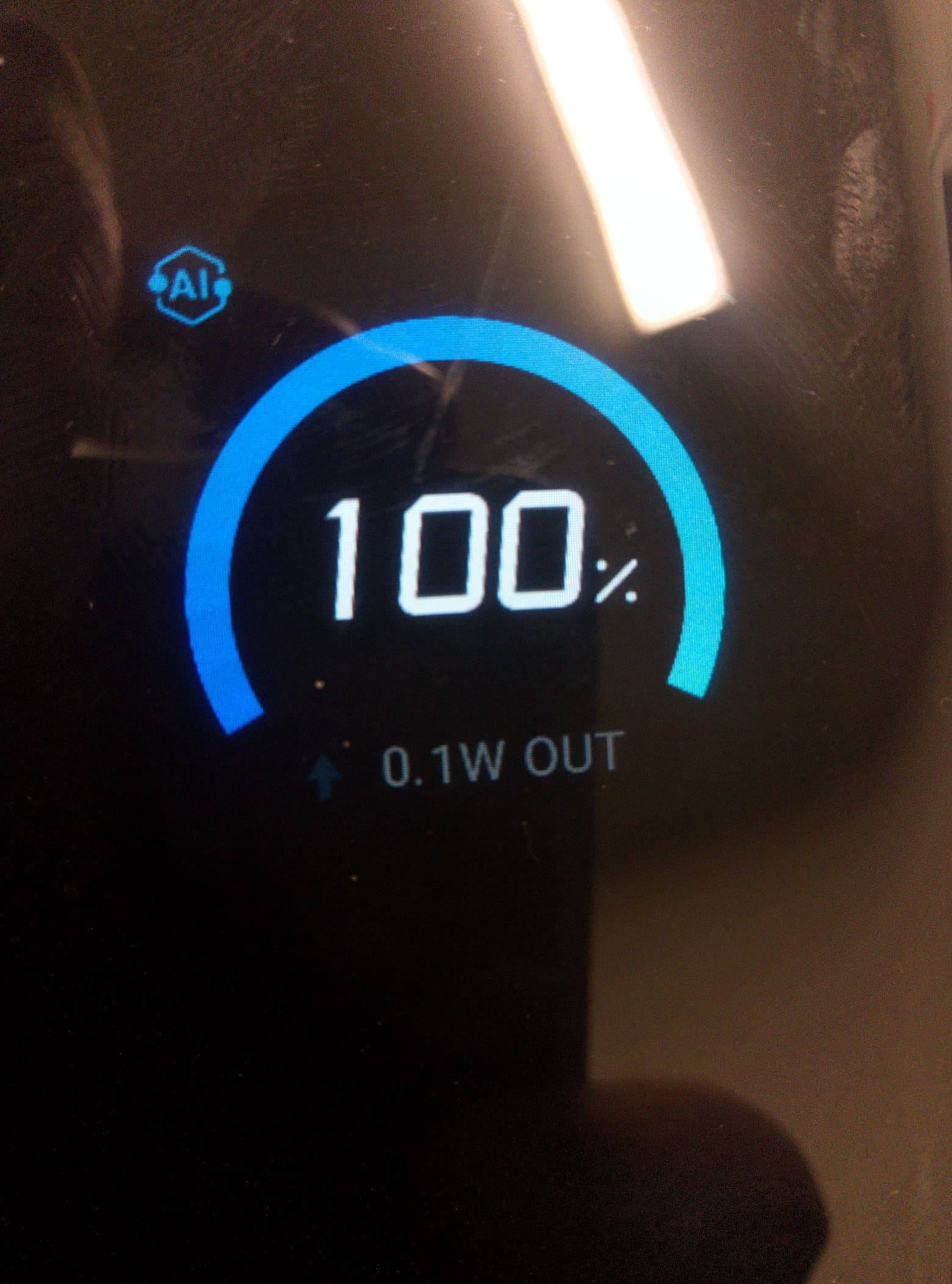
Model number A110A. Got this last week. It keeps jumping around the charge that it puts out. It never goes above 6. something watts. The wattage out put will jump around something like this. 5.4w, 0.1w, 3.3w, 0.1, 1.3w, 0.1w, 2.1w, 0.1w. It will change quickly and the phone will show a charging icon for a second then off (when it goes to 0.1 w) the on again back and forth. I tried the device in someones android and it was consistently charging at 15 -16w out put. So it doesn’t seem its the battery bank. I paid $160 for it on a deal, which is still expensive. Any ideas on how to get it to work?
Did you use official Librem 5 usb C cable to connect or does this Anker Prime have its own USB C cable?
Also, some people said when docking Librem 5 to a computer that some USB C cables might have orientation even though you can plug them in either way and wouldnt expect orientation. So if your cable is USBC on both ends, did you try unplugging each end and rotating them 180 degrees and plugging back in, and if that fails reversing ends of the cable and plugging back in?
I wanted to use my Librem 5 as a pc so I took out the battery, plugged a dock into USB C and plugged the dock into power. For some reason, Librem 5 cannot boot in that configuration even though it boots fine with no battery when its original official USB C cable is the only thing between itself and the power.
Seems like when it comes to power, not all USB Cs are the same. Maybe someone else knows more.
I lost the charging block that came with the phone… but I believe I have the original USB C cord. Its the same one i’ve had for years and it always works. I got a block recommended on the forums years ago that has a laptop USB C port, and the combination has always worked. I tried the anker USB C cord in the car charger and the block and it charged the phone. I’ve used the USB C cord that I think is the original in the Anker battery bank. I’ve tried both cords and turned them 180 degrees on both sides and also switched them so each is in the other plug and nothing changes.
I have not be able to get a reading of 5 watts or higher lately, its been 0.5 to 1.2 to 3 watts and jumps around. When the phone is off I get a much more consistent reading. it still jumps back to 0.1 every time between numbers, but it stays at 3 w. Something like 0.1, 3, 0.1, 3, 0.1 3.9, 0.1, 3. Etc. Where as when the phone is on I get a range of numbers.
I experience the same thing on my Anker powerbank too with USB-C charging. I don’t have the model number with me but it is about 20k, 100W. I am not sure what the issue is either, since it says it can do 5V, 3A charging.
One thing I have tried is to using a USB-A to USB-C charging cable, and it seems like it keeps the charge more consistently to 5 watts. That is still much lower than the usual 15 watts with other chargers, but in a pinch it is still something.
Ah ok! Thanks. Just read there’s an issue with older firmware where the screen will boot into a very dark mode. That’s happened to me a few times.
I tried searching on forums, is there an official way to update the firmware?
I wonder too if there could be a “Hey does your phone meet these requirements” page to just check if your up date for maybe novice users. Or like a “having issues? Check here to see if your up to date” Maybe help avoid silly questions in forums idk. lol.
I’m not aware of any such issue and I can’t think of any way that would make any firmware relevant there. We had an issue with early 6.12 kernels failing to enable the screen with old u-boot, but that was a kernel issue that just wasn’t being triggered by newer u-boots and has been fixed some time ago already.
Sorry I don’t understand the instructions I guess. I assumed i didn’t have a good enough cord, but I do now so thats not it.
I try to put the phone in serial download mode. I turn all switches off, hold up button, plug in phone. Get blinking red light, put in battery it turns to solid red light but weather I take finger off volume up button right away or wait nothing happens.
Is there something that happens before putting phone in serial download mode? Like something I type in the terminal on computer?
”For the script to work you need uuu from the mfgtools package” Did that come with the crimson update? How do I get it on phone if I don’t have it. Or does that have to be on comptuer?
Insert the USB-c cable: (red light blinks, no green light)
Reinsert the battery: (red light is constantly on, the script will continue)
Release volume-up
then flash the firmware:
When I was reflashing the phone I had code running on my computer in the terminal before putting it in serial download mode, but this says the first step is to put it in serial download mode, but I do those exact steps and nothing happens.
”For flashing ./scripts/write_flash.sh from librem5-devkit-tools is used.” but it doesn’t say how it is used. Sorry Im a novice,
Now you’re ready, so connect the phone in serial download mode according to the instructions, as before.
The terminal application, whenever first opened, always starts in your home folder. The script you’re going to run, being inside the home folder, means you first need to change down one level into the librem5-devkit-tools-pureos-latest folder (where the script is located) in order to run it. So, with the phone connected in serial download mode, copy and paste this to the command line:
(The “./” indicates that what follows is a shell script, and “scripts” is the name of the folder inside the devkit tools folder, while write-flash.sh is the actual script inside the “scripts” folder.)
So after you hit Enter, the script should run and finish successfully.
To pick a nit, the first “word” of a command line is the name of the executable file to run or the name of a built in shell command. If it is not in the form of an absolute or relative path, then the name is searched for in the directories in the environment variable $PATH. It used to be common for “.” (current working directory) to be in $PATH, but for some decades that has been considered bad from a security point of view.
So ./scripts/write_flash.sh is a relative path, and had write_flash.sh been in the cwd ./write_flash.sh would mean run the write_flash.sh that is right here, not some other random write_flash.sh that might be in $PATH.
I think you will find that many of the commands in /usr/bin are in fact shell scripts with no need to involve a “.” when invoking them.