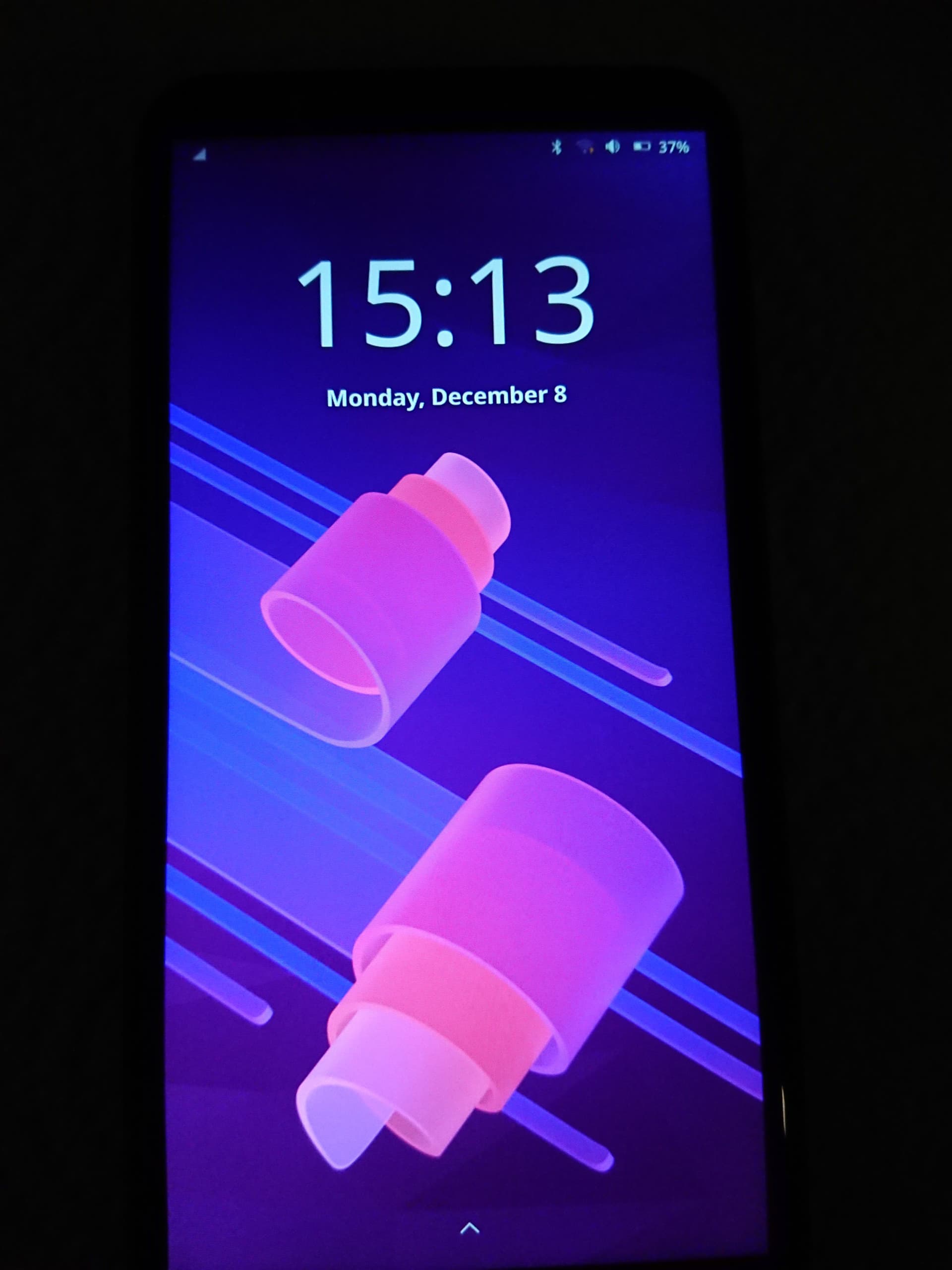
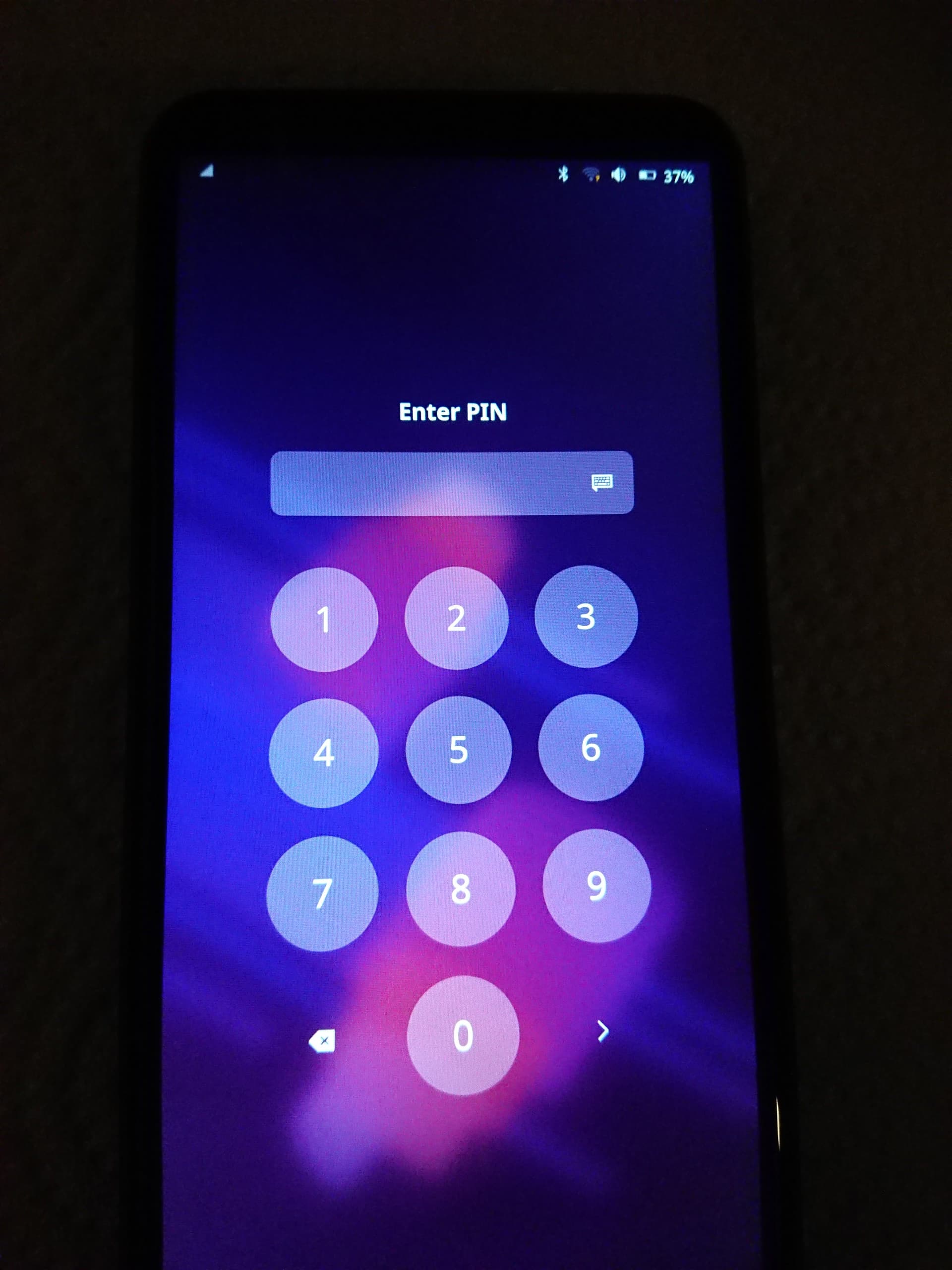
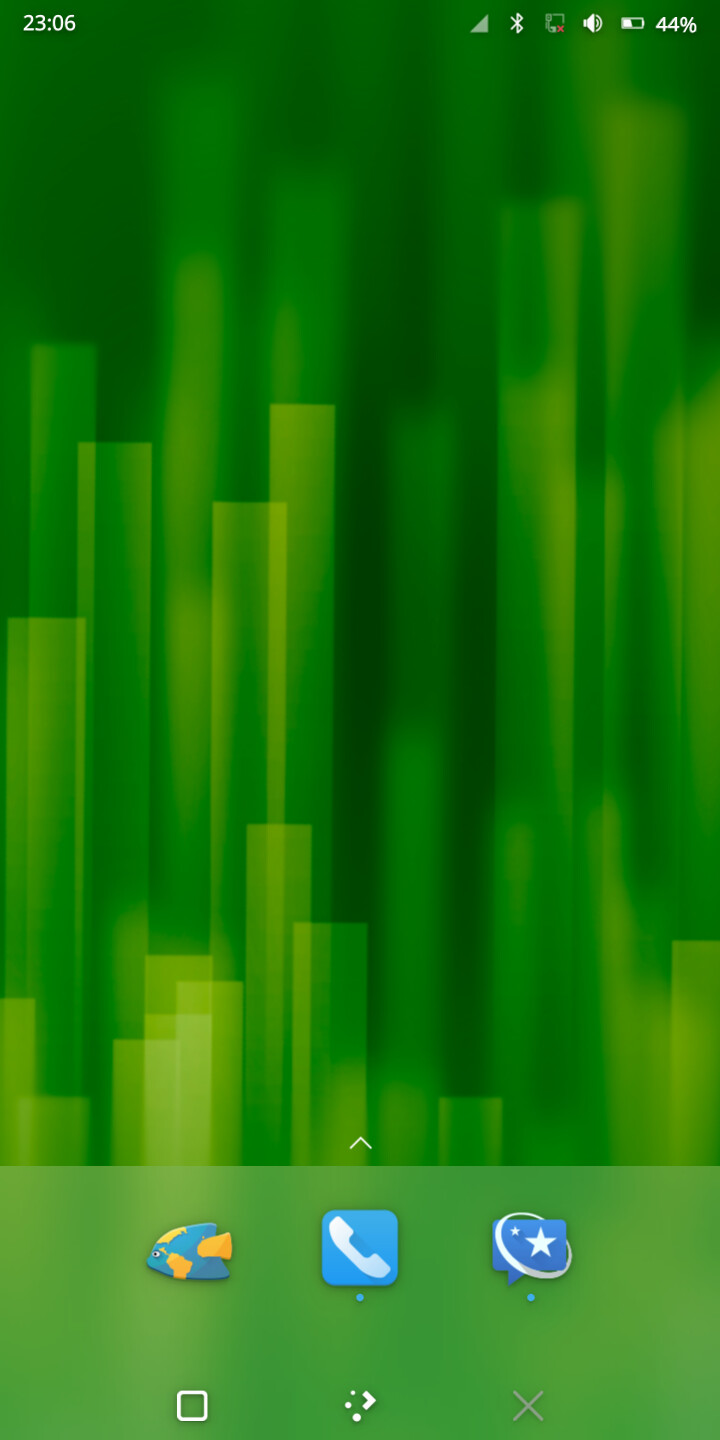
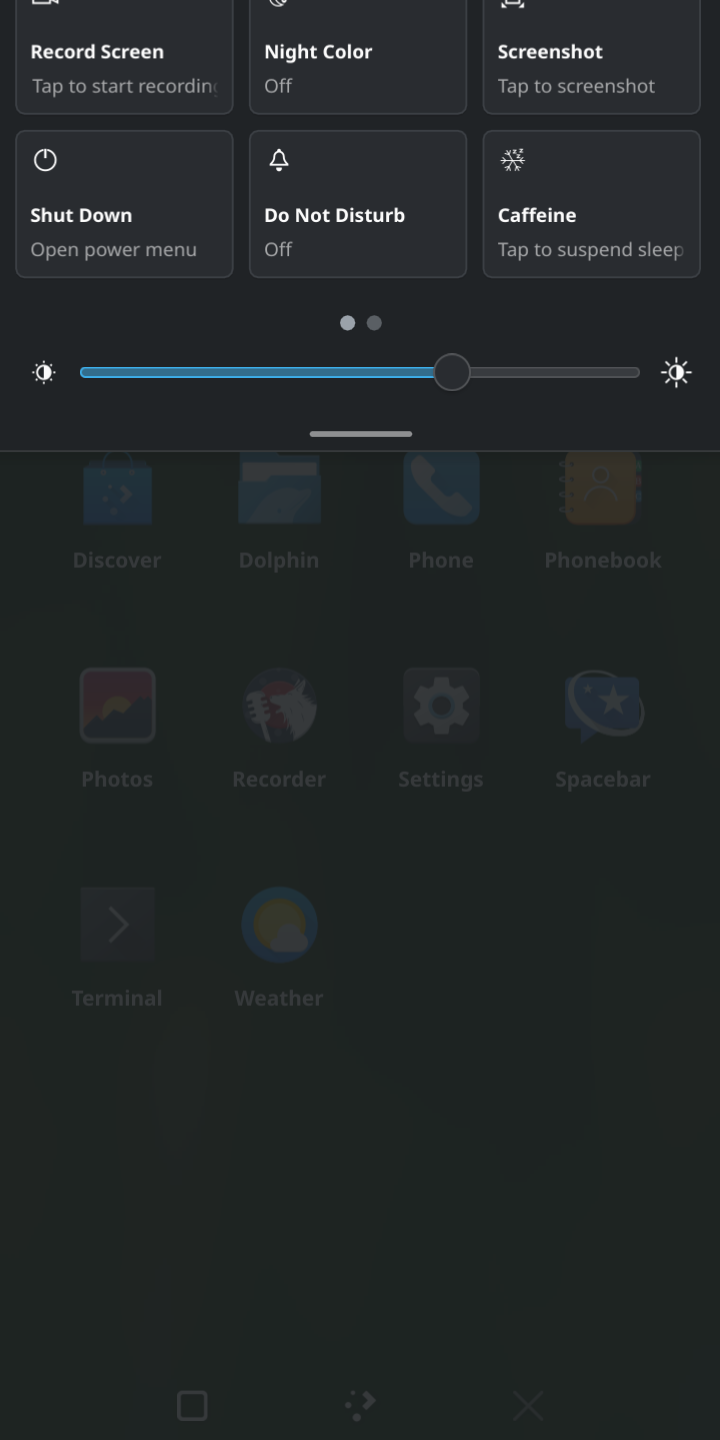
I initially tried to live-boot postmarketOS (pmOS) from the microSD card in my Librem 5, but due to some issue was unable to launch it.
So I decided to:
clone my Librem 5’s drive, with its existing PureOS (Crimson) install, all my applications, settings, and configurations
save the cloned drive to my computer for safekeeping
do a full install of pmOS on the Librem 5, replacing the PureOS install
boot pmOS, poke about, and have a look-see
then restore the cloned PureOS drive, returning everything back to the way it was
Cloning the existing PureOS install
I used the Disks application on my computer (running Linux Mint). Using the dd command in the terminal is an alternate method, but Disks is an easy GUI method, for those who prefer that.
I launched Disks without any other drives attached, just to make sure I know how my computer drive is labeled. (Wouldn’t want to ruin that!).
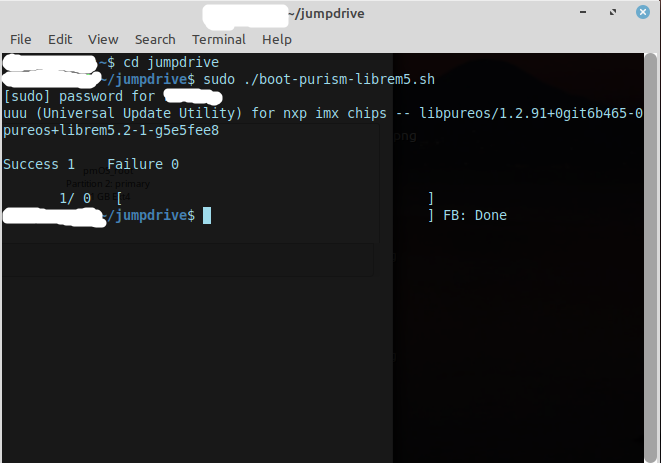
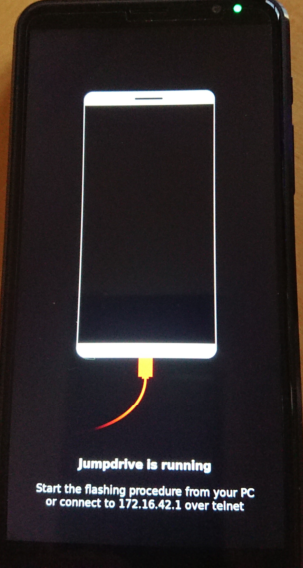
Then, I went to this guide. I already had uuu installed, and jumpdrive set up, so I skipped the first section, opened the terminal on the computer, navigated to the jumpdrive directory, and connected the Librem 5 to my computer to expose the Librem 5’s filesystem. The phone’s screen then displayed the “jumpdrive is running” notification. [EDIT: Note that as I already had a “jumpdrive” directory created, my process differs slightly from the guide that I linked, which doesn’t create a directory called “jumpdrive.” There’s no need for it anymore with the “new and improved” guide.]
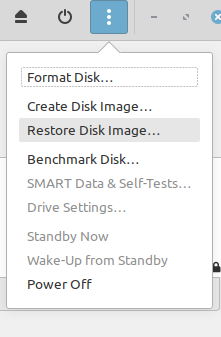
Returning to the Disks application on my computer, I selected the Librem 5 eMMC, then from the 3-dot menu in Disks, I chose Create disk image. In the resulting pop-up dialog, I selected a storage location on my computer, then started writing. That took about 30 minutes.
Installing postmarketOS
With the cloning done, I was ready to install pmOS on the Librem 5. Back in the Disks application, I made sure the Librem 5 eMMC was selected, went back to the 3-dot menu, and chose Restore disk image (although this was going to be a new OS install, not technically a restoration).
I selected my (previously downloaded) postmaketOS image, which was located in my computer’s Downloads directory, and started writing the image to the Librem 5 eMMC. That took 15 minutes or less.
Testing postmarketOS
Next, on my computer I exited the terminal, disconnected the Librem 5, and after shutdown, restarted the phone.
Open Disks on computer, click the Librem 5 eMMC from the list at left, select “Restore Disk Image” from the top menu, and then navigate to the saved image that is to be restored:
Really nice, thank you. I’m using KDE on all my other computers (not counting the Raspberry Pis, I guess) so it all looks familiar and attractive to me
However I don’t feel ready to start even more experimental things on my “daily driver” device yet. Crimson is plenty experimental as it is.
Any chance we can ever apt install plasma-mobile-desktop or something like that on plain PureOS for people like me who prefer KDE?
For the record, flashing mode never gives any LED indication. Red LED shines because of charging (or blinks because of charging error), and green LED shines when u-boot launches, which is uploaded onto the phone through the flashing mode (so you need to actually make successful use of flashing mode first for it to shine).
And in my case, the charging LED has always been a little screwy. It takes about half a minute sometimes after plug-in to illuminate, and actually plugging into an outlet always causes my L5 to power on, and then it does not start charging. I have to power down while it’s still plugged in, in order to get charging to start (and still the 30 second delay - or more - before the red LED illuminates).
So that means when using jumpdrive, I don’t get the red charging LED after connecting to the USB port (if it should in fact illuminate), but I do get the green one eventually.
Note that you can tell whether the Librem 5 went into flash mode by using lsusb on the host computer - regardless of what the LED is saying. The USB vid:pid and the description will both differ between a regularly booted Librem 5 and a Librem 5 in serial download mode, although I suppose that could depend on exactly what operating system and version is running on the host computer.
I am familiar with KDE and love it on desktop, but I do not like this design on phone. Phosh has the cooler design in general, there are just some UX improvements required that matches the current design.
Same here. I’ve been a KDE / Plasma user for the last 20 years, but I find Phosh and GNOME apps to be a better fit for my phone. I would not be able to use GNOME on a desktop though. Different contexts require different approaches and form different preferences, I guess
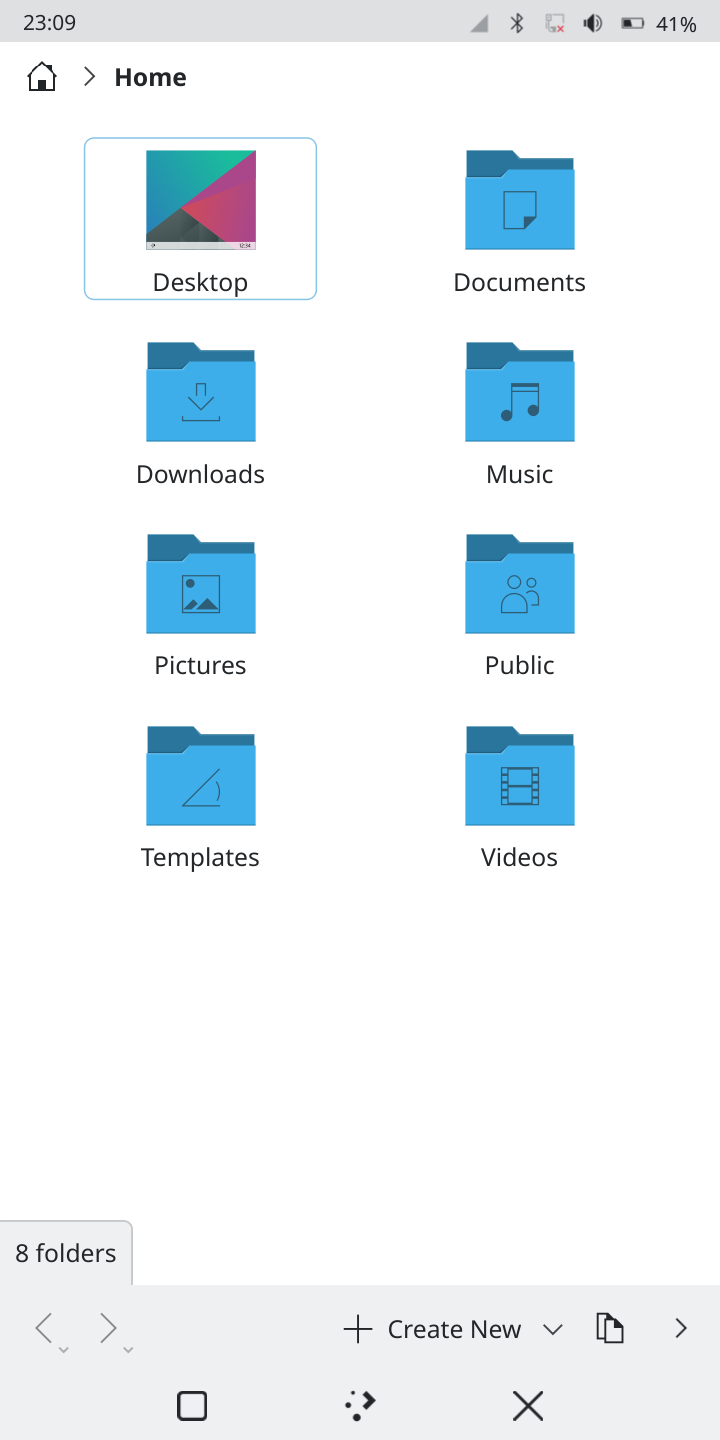
There’s a collapsible left panel that extends from the left (temporarily, I think), that displays the file system directories, if that’s what you mean. I just didn’t make a screenshot of it.
I had a really hard time trying to figure out how to copy and paste some pics from the Screenshots folder to either the µSD card or an attached USB drive, using the menus. I was able to finally display a top menu bar and then I found the copy and paste menu entries. Trying to use other menus, context menus, etc., it was a needlessly convoluted process, in my opinion.
You can have two different locations in one window at the same time. So you can easily drag and drop between two locations or whatever you want to do. It is one of Dolphins killer features. It is only active if you hit the “split” button until you hit the “close split” button.
Has it also full touch screen support and dark mode?
Edit: Of cause it is better to have it this way than none, but my previous comment was also about vertical split, since phones have more vertical space than horizontal (in portrait view). A fully adaptive split screen would make use of the space and not force the default behavior. But it could be “too much functionality” for Nautilus, so I’m afraid to ask them to implement such a feature.