Apparently is seems so!
Please what do you think?
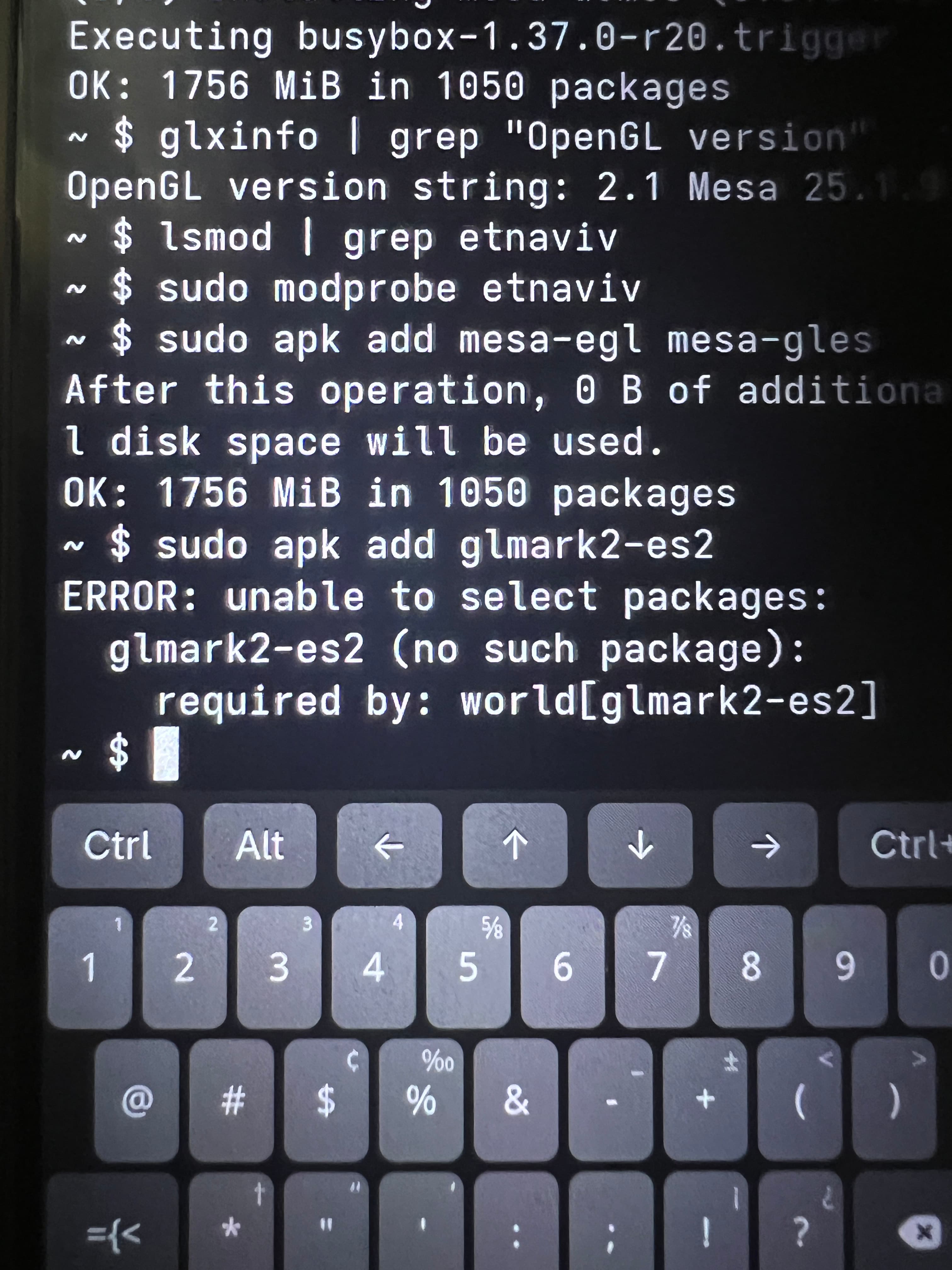
Just I can’t do that because “no space in fileroot” so I’ve, first, to fix it 
From a determined penguin’s point of view, your **Librem 5** can be surprisingly flexible — but integrating **GLES 3** into *postmarketOS / Alpine with OpenRC* takes a bit of package surgery on Mesa and special attention to the **i.MX 8M** hardware (Vivante GPU → *etnaviv* driver).
Let’s go step by step; note that GLES 3 support on *etnaviv* is **almost** complete, though a few GLES 3.1–3.2 extensions are still missing.
— ### 1. What you actually need - **Librem 5**: NXP i.MX 8M SoC; GPU Vivante GC7000Lite - **Open-source driver**: *etnaviv*, included in Mesa - **GLES 3 support**: present since Mesa ≥ 19, but in many Alpine/postmarketOS builds it’s only compiled up to GLES 2 for compatibility.
So the goal is to **rebuild Mesa** with GLES 3 support and replace the default packages.
— ### 2. Set up the build environment Open a root shell on the Librem 5 or an ARM64 Alpine chroot of the same release:
```sh sudo apk add alpine-sdk mesa-dev meson ninja python3 git wayland-dev libdrm-dev expat-dev ``` That gives you the needed build tools.
— ### 3. Get Mesa source
```sh git clone Making sure you're not a bot! cd mesa ``` Optionally check out the stable branch that matches your postmarketOS release, e.g.: ```sh git checkout mesa-24.1.2 ```
— ### 4. Configure for *etnaviv* with GLES 3 enabled Create a build directory:
```sh mkdir build-etna && cd build-etna ``` Configure with Meson: ```sh meson setup \ --prefix=/usr \ -Dplatforms=drm,wayland \ -Dgallium-drivers=etnaviv \ -Dvulkan-drivers=‘’ \ -Dgles1=disabled \ -Dgles2=true \ -Degl=true \ -Dshared-glapi=true \ -Dbuildtype=release \ .. ``` In recent Mesa versions, *“-Dgles2=true”* enables **both GLES 2 and 3** if the driver supports it (which *etnaviv* does). You can confirm with: ```sh meson configure | grep gles ``` — ### 5. Build and install ```sh ninja sudo ninja install ``` This overwrites your existing Mesa Gallium libraries in `/usr/lib`. Before doing so, it’s smart to make a quick backup: ```sh sudo apk info -L mesa | grep libGL | xargs -n1 sudo cp --parents -t /root/mesa-backup ```
-– ### 6. Environment variables (optional) Ensure the system uses **etnaviv** and not *llvmpipe*: ```sh export LIBGL_ALWAYS_SOFTWARE=0 export MESA_LOADER_DRIVER_OVERRIDE=etnaviv ``` You can place these inside `/etc/profile.d/etnaviv.sh` for persistence.
— ### 7. Verify Install `mesa-demos`, then run: ```sh glxinfo | grep “OpenGL ES” ``` You should see something like: ``` OpenGL ES profile version string: OpenGL ES 3.0 Mesa 24.x ``` If it still says *2.0*, Mesa may not have been overwritten or a different library path (e.g. `/usr/lib/aarch64-linux-gnu/`) is taking precedence.
-– ### 8. Lock Mesa package To prevent your next `apk upgrade` from overwriting your custom Mesa: ```sh echo “mesa” >> /etc/apk/world apk add --no-upgrade mesa ``` Or build a local `.apk` package via: ```sh abuild -r ``` so it’s properly managed.
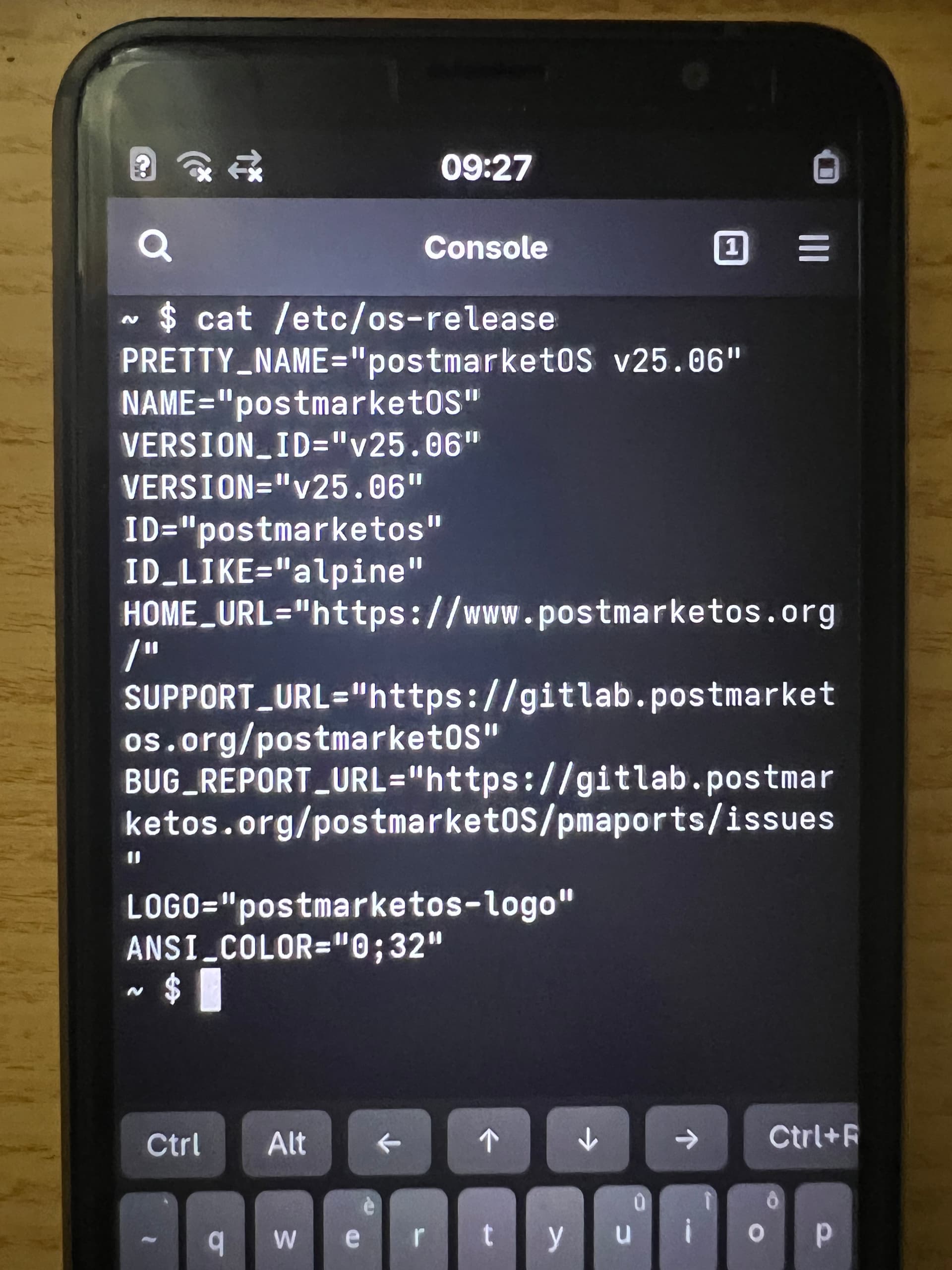
— ### 9. Matching DawnOS style DawnOS typically runs the same Mesa + Wayland stack with GLES 3 enabled. Building Mesa this way gets you nearly identical graphics behavior while staying true to postmarketOS’s Alpine/OpenRC philosophy — no systemd, no extra layers.
— ### 10. If graphics issues appear - Check `dmesg | grep etnaviv` to ensure the kernel module is loaded. - Confirm `/dev/dri/card0` exists and has correct permissions (group `video`). - Add your user to the `video` group if needed. — Following these steps gives you a fully working Mesa *etnaviv* build with **GLES 3** on the Librem 5, under OpenRC — about as close to a “DawnOS‑style” setup as you can get while staying pure Alpine. At that point, it’s practically “SunriseOS”: you built it yourself, and it shines even brighter.




 I shared something wrong here!