That’s exactly what the command I used says.
But why do you expect that file to be present in your “librem5-devkit-tools-pureos-latest” directory? I asked you to point it to the file from the other repository.
And I don’t know what “point it” actually means. Should I download tps65982-librem5-dp-alt-mode.bin from https://source.puri.sm/Librem5/fw/firmware-tps6598x-nonfree? And place it in the librem5-devkit-tools-pureos-latest directory?
I’m not an expert at this.
“write_flash.sh” from librem5-devkit-tools is a generic script that writes a file passed to it as an argument to the SPI NOR memory.
You’re expected to use it to write the tps65982-librem5-dp-alt-mode.bin file there. You point it to that file using file paths in your filesystem, and the file will be wherever you cloned that repository.
I haven’t actually cloned anything; I only downloaded the tar.gz, unzipped it, and extracted it.
Well, same thing.
But that download didn’t include the tps file…?
Then I’m not sure what you’re downloading, as I’ve already shown you that the file is clearly there:
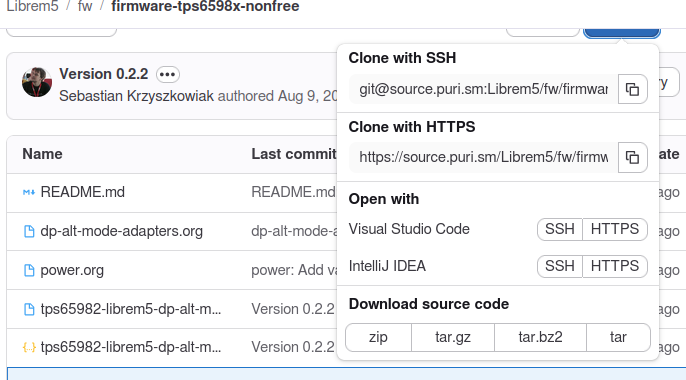
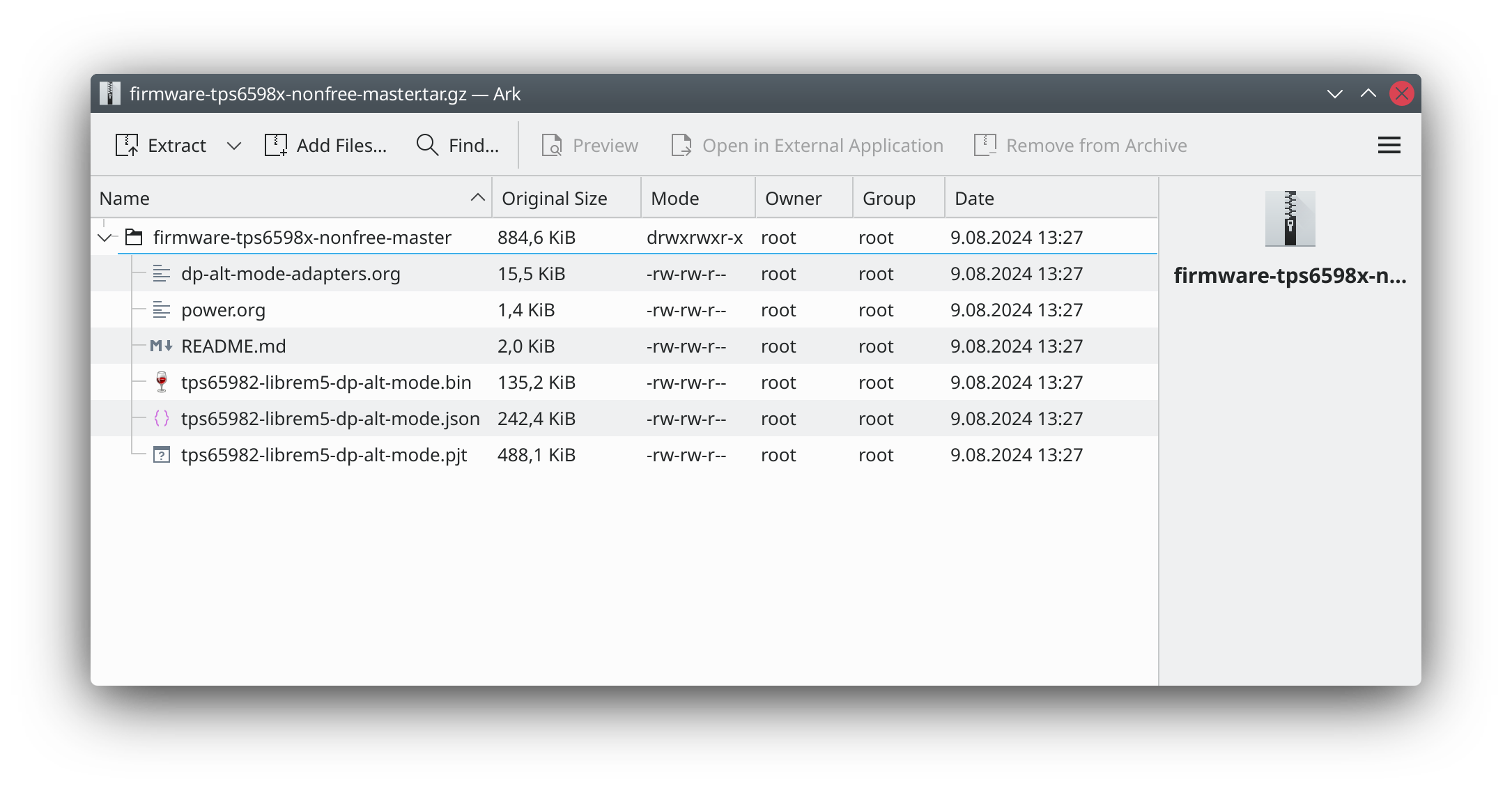
I downloaded “Source code” .tar.gz. And I didn’t see any tps file. But I added it a few minutes ago.
In any case, I think it’s done now.
purism@pureos:~$ sudo cat /sys/kernel/debug/tps6598x/0-003f/customer_use
[sudo] password for purism:
0x4c35445000000202
EDIT: I just realized I flashed without the tps .json or .pjt files.
Is that a problem? Should I reflash the firmware?
No, only one file is necessary (or even wanted) there.
So at least now any issues you’ll continue to have will be caused by bad hardware rather than bad configuration 
Was I wrong to cd into the librem5-devkit-tools-pureos-latest directory to start the operation? Should I have done it from the extracted firmware-tps6598x-nonfree-master diretory, which I now see does have the tps file in it?
No, but you should have used the path to the bin file in the other directory, either relative or absolute. Copying the file around works too, but isn’t necessary.
That makes sense. The write script is in the directory I started from, after all.
By the way, I now no longer need to power down in order to make charging kick in. 
Thanks for all the help through my confusion.


Glad to hear it helped!
I wonder if it was actually the CC protection chip doing its job. We disabled negotiation of higher voltages than 5V because of the risk of shorts between Vbus (charging voltage) and CC (PD comms) pins that are placed next to each other in USB-C plug, combined with the fact that TPS65982’s CC pins are only rated up to 5V. Older batches that lacked this protection chip often ended up being damaged; it’s present in Evergreen, but unfortunately, it turned out that TI’s own protection chip dedicated to TI’s USB-C controllers wasn’t actually enough to fully protect a TI’s controller without replacing the said controller with one from a newer generation that’s not drop-in compatible 
In retrospect, where I went wrong was thinking that the command ./scripts/write_flash.sh tps65982-librem5-dp-alt-mode.bin in the instructions at source.puri.sm was correct as-is. So, at first I forgot that I had downloaded two directories: one with the scripts and one with the firmware, and that I needed to alter the command to include the path to the firmware, which wasn’t in the same place as the scripts.
Might be a good idea to make a note about that at source.puri.sm.
FYI that’s the same firmware version (0.1.1) that I had when my (Evergreen) phone originally arrived. Late 2020/early 2021. However I have long ago updated the firmware. 
I would have done so, too, if I had realized it was needed. 