Thank’s for your express return 

I follow what it’s explain here
how-to-investigate-and-fix-a-librem-5-installation-that-hangs-at-boot
I do
./boot-purism-librem5.sh
and do this
- Then identify the partition on
sdc:
$ lsblk /dev/sdc
NAME   MAJ:MIN RM  SIZE RO TYPE MOUNTPOINTS
sdc      8:32   1 29,1G  0 disk
├─sdc1   8:33   1  465M  0 part
└─sdc2   8:34   1 28,7G  0 part
- Decrypt and mount the root partition (in this example it’s
sdc2but mind that yours may vary):
sudo mkdir -p /mnt/jumpdrive/emmc
sudo cryptsetup luksOpen /dev/sdc2 jumpdrive-emmc  # replace sdc2 with your individual device name

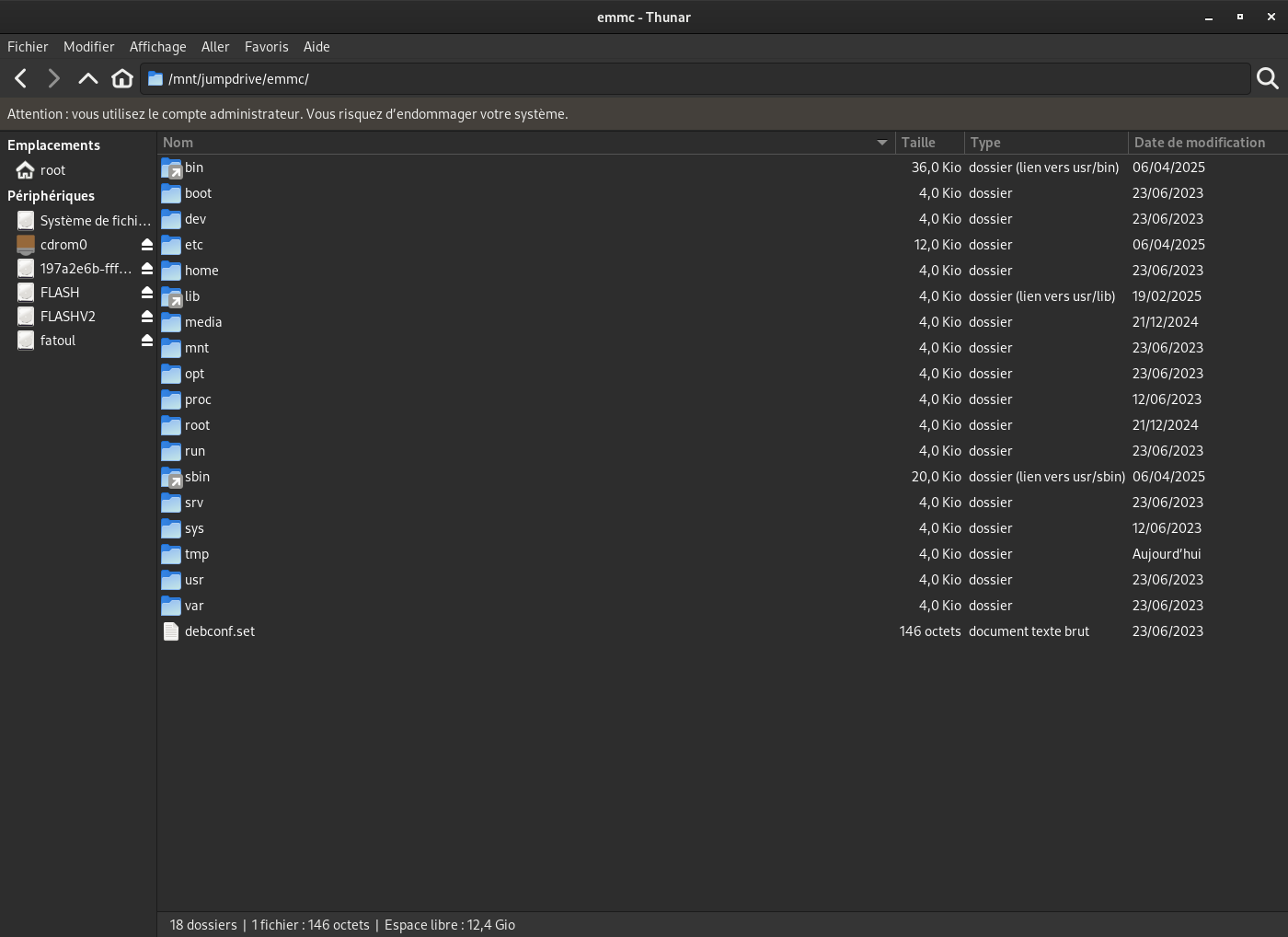
sudo mount /dev/mapper/jumpdrive-emmc /mnt/jumpdrive/emmc
and i can access on boot and emmc with apparently no problem, I think
boot partition
But I mounted the boot partition (well I think I’m not an expert far from it) with gnome disk, sry for that, I take the shortcut, but maybe, it’s not the real boot partition
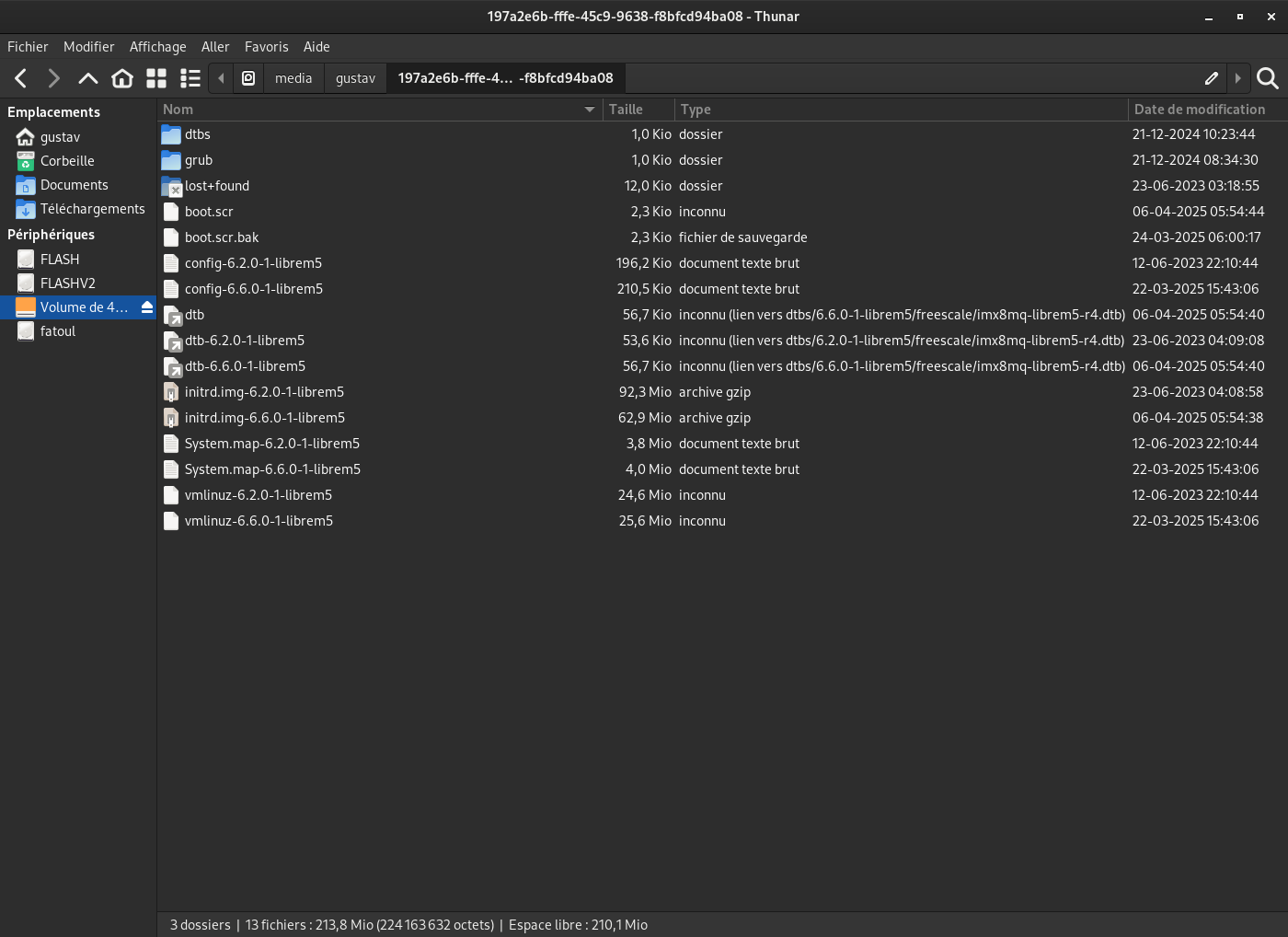
emmc
But I don’t use something like that
mkdir -p /boot
mount /dev/mmcblk0boot0 /boot
Maybe there is still a partition of the disk above? Or in a memory. Not 100% sure that I explored everything, all this is very new for me. But I did not feel that there were mistakes, sudo dmesg -w. send expected return