First, as of October 2021, I was able to generate a HTML ProtonMail app, accessing ProtonMail via the phone’s web browser log in and then I was able to generate an app from the menu. Super convenient.
This app works very well, the only problem is (in my opinion) that the contacts do not get synced.
(And the problem from Gnome Contacs is that you cannot import contacts by uploading a vCard file, but that is another story. My findings there are that you have to go with Nextcloud if you can…)
Anyhow, I contacted ProtonMail and this is what I found out:
/****** begin email from proton mail ******/
Hi Fagus,
Thanks for the message.
As of this time the Bridge app is available only for desktop devices, not mobile devices.
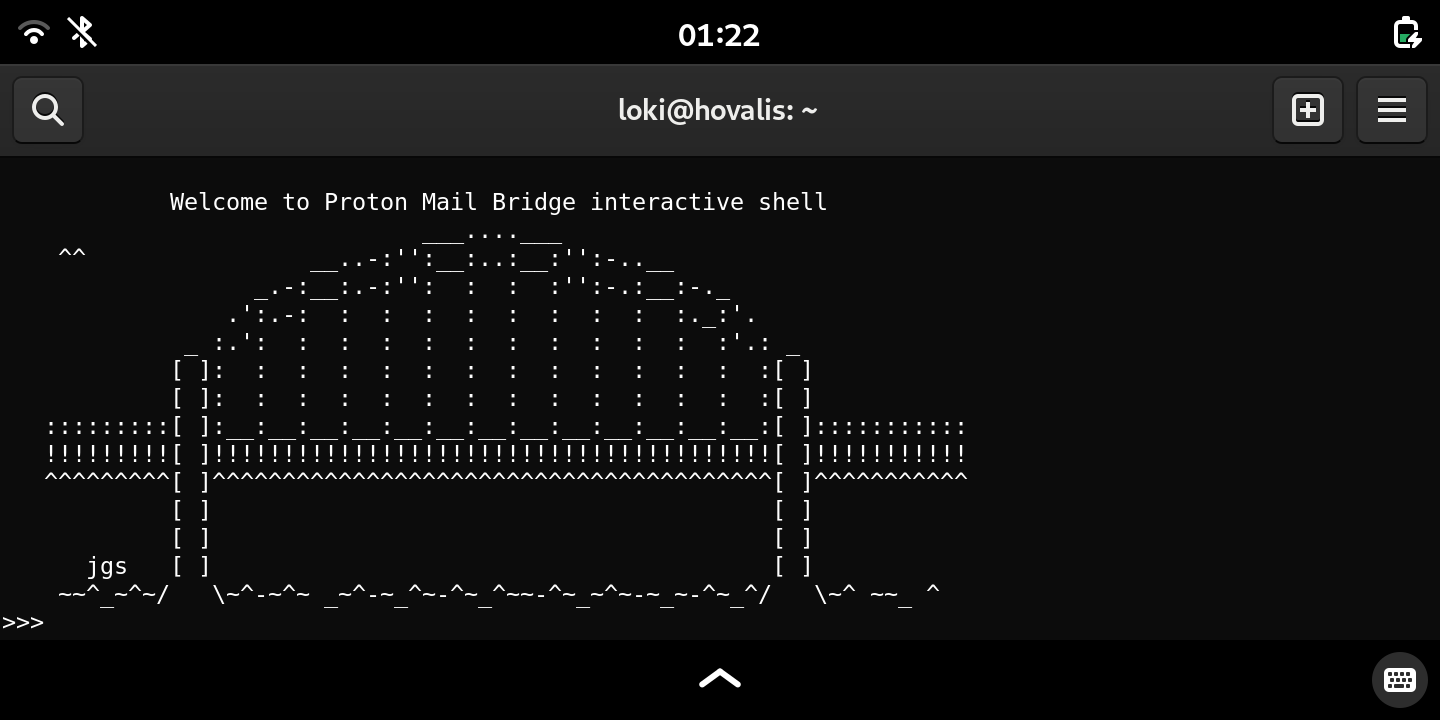
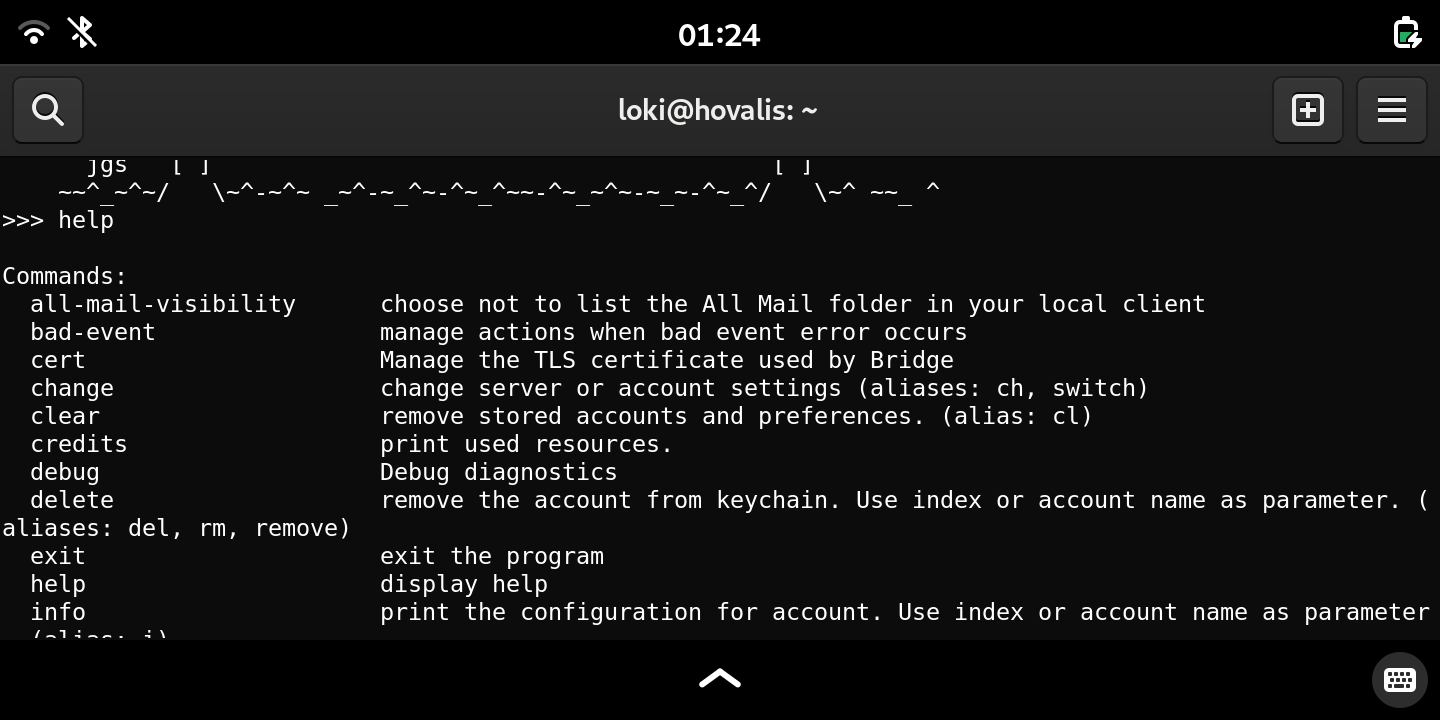
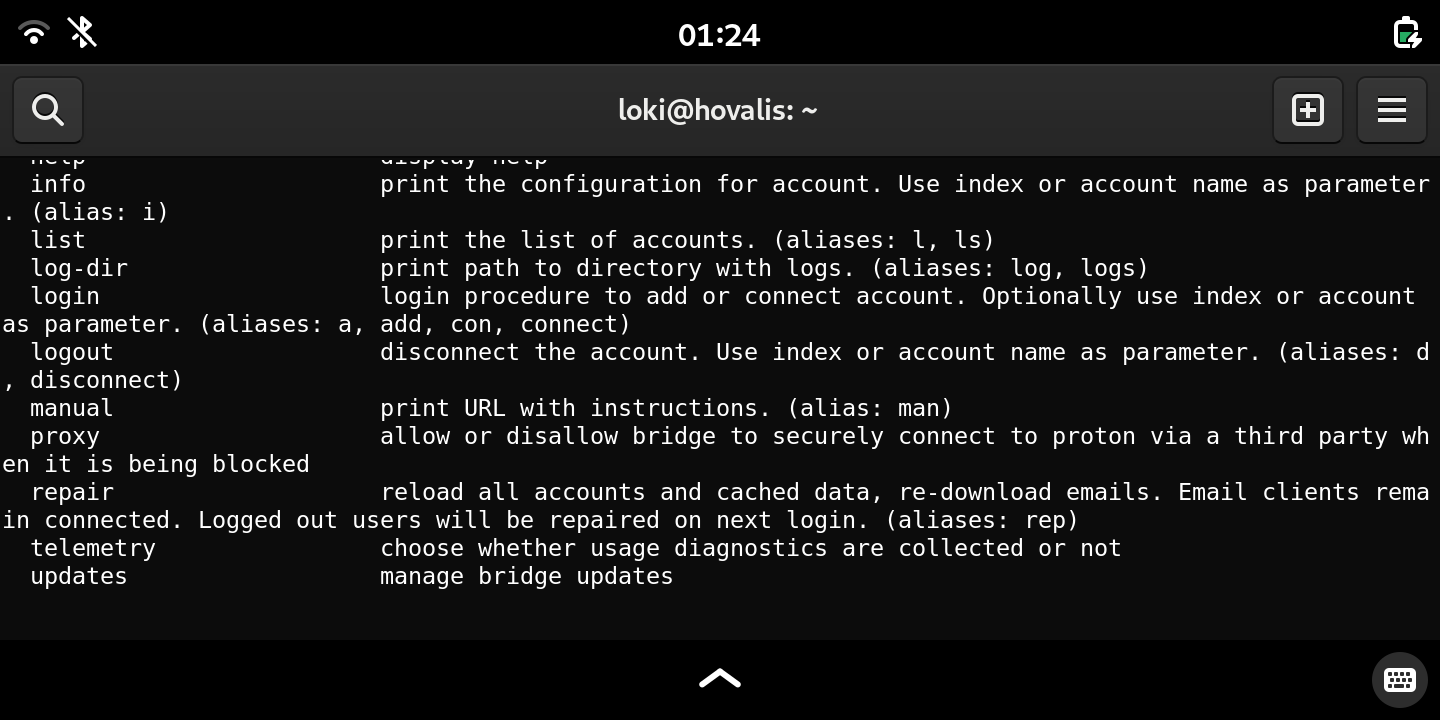
Unfortunately we don’t have a version compiled for ARM. We would like to mention that you can run Bridge in CLI mode with protonmail-bridge -c or protonmail-bridge --cli from the terminal.
If you wish to build the Bridge from source, you can get it from the link below:
Additionally, if you so desire, you can build the Bridge app from source with make build-nogui
You can open the BUILDS.md file for some additional information in regard to building the Bridge app.
Do not hesitate to reach out to us for any further assistance, or if you have any additional questions.
Regards,
Milan
Customer Support
ProtonMail
/****** end email from protonmail ******/
I just created my first, new proton email account (I want escape from bigG)… but still I can’t use geary because no bridge yet! So, still now September 2025 Proton didn’t develop bridge for my beloved L5?
Ok I can use web version but I’d prefer geary (or similar)!
Yes, there is a ProtonMail Bridge available for Linux. It enables integration of your Proton Mail account with IMAP and SMTP email clients such as Thunderbird and Evolution. The Proton Mail Bridge for Linux supports DEB, RPM, and PKGBUILD-based distributions, covering most popular Linux derivatives like Ubuntu, Fedora, and Arch Linux. It requires a paid Proton Mail plan to use.
The Bridge app runs as a local IMAP/SMTP server that syncs with your Proton Mail account, allowing you to use traditional email clients. It is available for download from Proton’s official site and supports password managers like GNOME Keyring or Pass for storing credentials securely.
Installation instructions and packages are offered for Debian-based distros, RPM-based distros, and Arch-based distros. The Bridge runs in the background and can be configured to start automatically on system boot.
Hence, ProtonMail Bridge is fully supported and available for Linux users with paid accounts, providing seamless integration with common Linux email clients.proton+3
Unfortunately I downloaded .deb install file but it doesn’t work with L5! I suppose because it’s developed for x86 architecture and not for arm. I sent email to Proton and I’ll post here their answer if they’ll answer me!
If you only need/want the CLI version, you can build an arm64 binary directly from the ProtonMail/proton-bridge git sources. The only caveat is that if you are running byzantium the version of Go within the byzantium repos is too old. However, it is fairly trivial to install a newer version of Go and build the proton-bridge cli client on byzantium.
The GUI version is a little more involved as it depends on Qt6 and it’s a bit more work getting suitable Qt6 libraries into/onto byzantium. There are also most likely a couple of other dependencies required to be resolved.
Librem One sign ups don’t work at the moment, you could try one of,
All of them have pretty good track record when it comes to privacy and will work with any email client like geary or thunderbird with mobile-config plugin.
It’s a relatively straightforward build, it’s built directly from the Proton/proton-bridge git sources. The only additional step was installing a more recent version of Go than is available from the byzantium repo.
Probably something that should go in a Wiki page as I guess for the foreseeable future Proton isn’t providing an ARM client. Would also need updating though when crimson and/or dawn are released.
 I just created my first, new proton email account (I want escape from bigG)… but still I can’t use geary because no bridge yet! So, still now September 2025 Proton didn’t develop bridge for my beloved L5?