As your laptop managed to survive  without damage some of my posts, in order to install (and use) LibreWolf in its original form (please remove your previous types of installation) on PureOS 10 (that I’m not really familiar with), what I’m aware and like to share here is that there exist two strict rules: LibreWolf package needs higher versions of to it related dependencies and those do not exist (probably or not yet) within PureOS Byzantium repo. Secondly, and related to the first, as I recall, use only:
 sudo apt install librewolf every time when LibreWolf browser needs to be upgraded.
When above well understood (especially not to use: sudo apt upgrade during here described LibreWolf install steps on PureOS) we can proceed to what’s needed to be done:
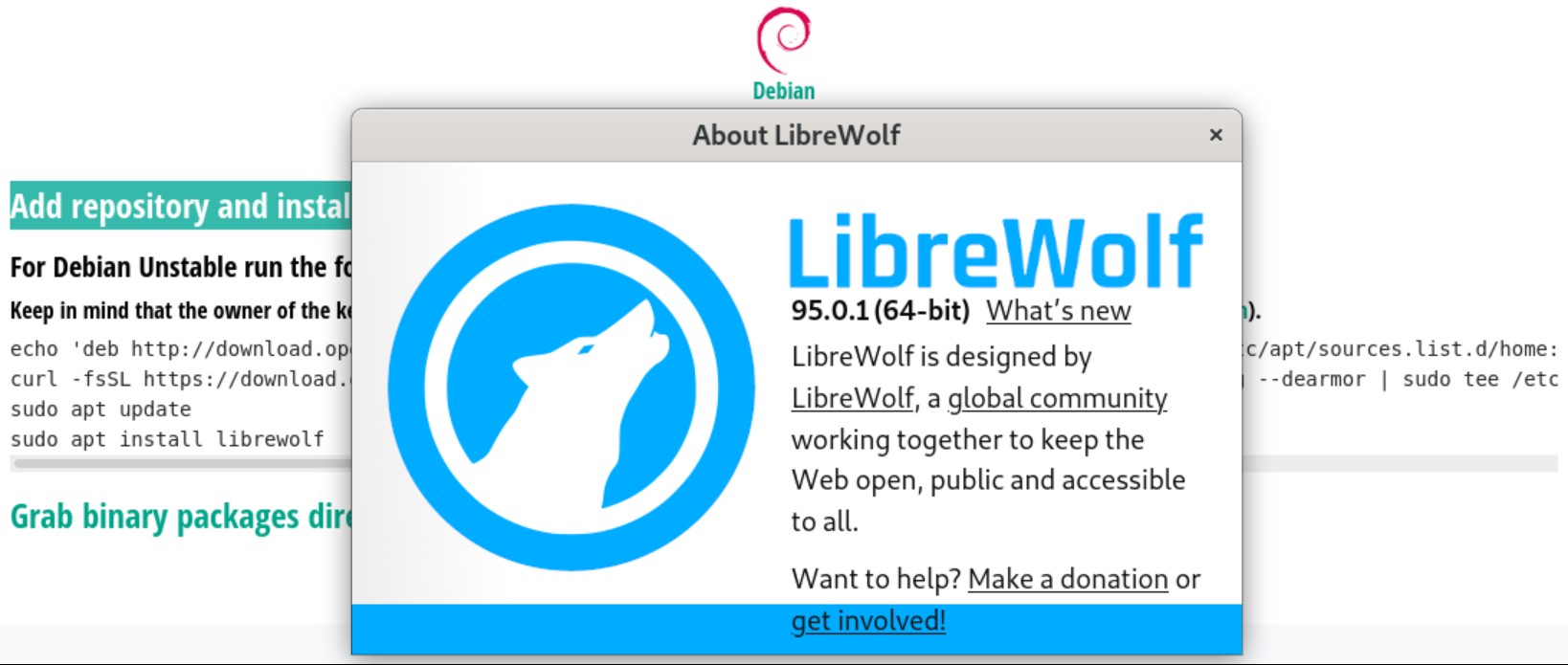
a. visit the official (opensuse.org) LibreWolf link and execute first two commands (exactly please),
b. sudo apt update − check if everything ready,
c. add temporarily (in addition to the one within a.) to your main sources.list this repo: deb https://ftp.debian.org/debian/ bookworm main,
d. execute manually: sudo apt update && sudo apt install librewolf,
e. disable bookworm main repo until you reach the point to upgrade librewolf package again (do not enable it if not necessary), as mentioned already, “upgrade” it only with: sudo apt install librewolf.
Hope this helps. Please inform us back, post how things worked for you (if my advice works for you) as I didn’t proofed this recently (and I usually forget important things anyway
 ).
).