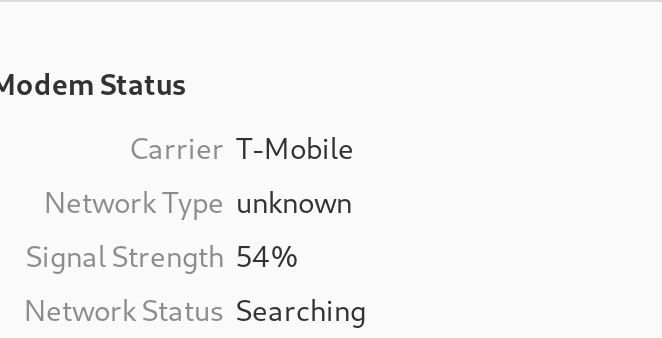
i checked and it says the mint service is not down. it started friday afternoon. i had dropped the phone sat and screen cracked more (dropped it one other time in past too) but it worked fine after that. i was on an hour an a half drive friday i texted before i left and it worked and then somewhere on the drive i noticed it had no service. and has not come back. yesterday i was sick and couldnt check it. today i checked it in morning and now. its over cast day and im rural but i do get service outside the building (im at work).
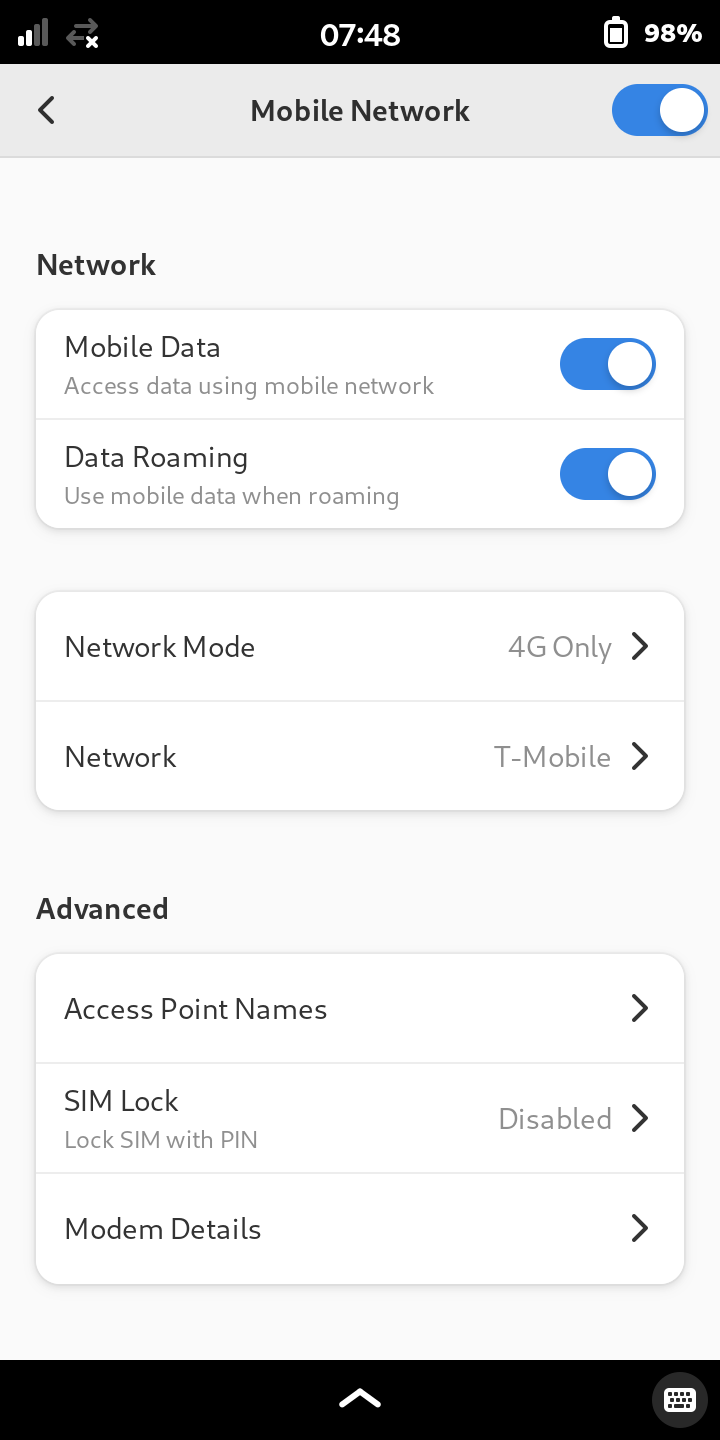
under network it usually is blank, during the screen shot it said t mobile.
everything look right? what should i do or try to check.
Sorry if I come from “stating the obvious department” here.
On my Librem 5 when I don’t have signal, similar to your picture, often I do this:
Toggle off “Data Roaming”
Toggle off “Mobile Data”
Toggle off that top slider (upper right hand corner)
Toggle the HKS for the modem.
Give it a few seconds, assume the capacitors in the modem are discharging
Re-enable power to modem
Wait for the software to show the top right-hand corner switch again, then switch it back to blue
Wait for the system to show “Mobile Data” and “Data Roaming” again, then toggle them back on
Sometimes, and I do not know why, this sequence of actions causes me to start getting signal when I was not previously getting signal, even when I do not physically move my location. I think others on the forum have experienced the same, so if that’s something you already tried, then again I apologize for stating the obvious.
Edit:
Caveat, I do not use Mint Mobile. I have been typically using a T-mobile reseller plan that I was grandfathered into, which probably would not allow you to sign up with Librem 5 devices in 2026. They told me in a phone call in late 2023 and early 2024 that my phone was unsupported, so I think I hung up and stopped talking to their tech support.
Thanks for the reply. I realized that my number was in two of the screen shots so I deleted them. I got a new one Ill upload it later. Doing those steps didn’t change anything but Ill keep them in mind for the future.
I did drop the phone but it still worked a day later so i dont think i damaged any internals, but not sure why its not working.
Another thing that worked for me after dropping my phone while overseas – and this may have been a problem specific to the E1 version of the Broadmobi modem that I switched into the phone for overseas use – was that the metal shield thing fell off of the E1 version of the modem and started shorting things or whatever. When I removed the shield thing, it was fine after that and I’ve had no issues.
Maybe like this – it’s something to look for if you open up the back:
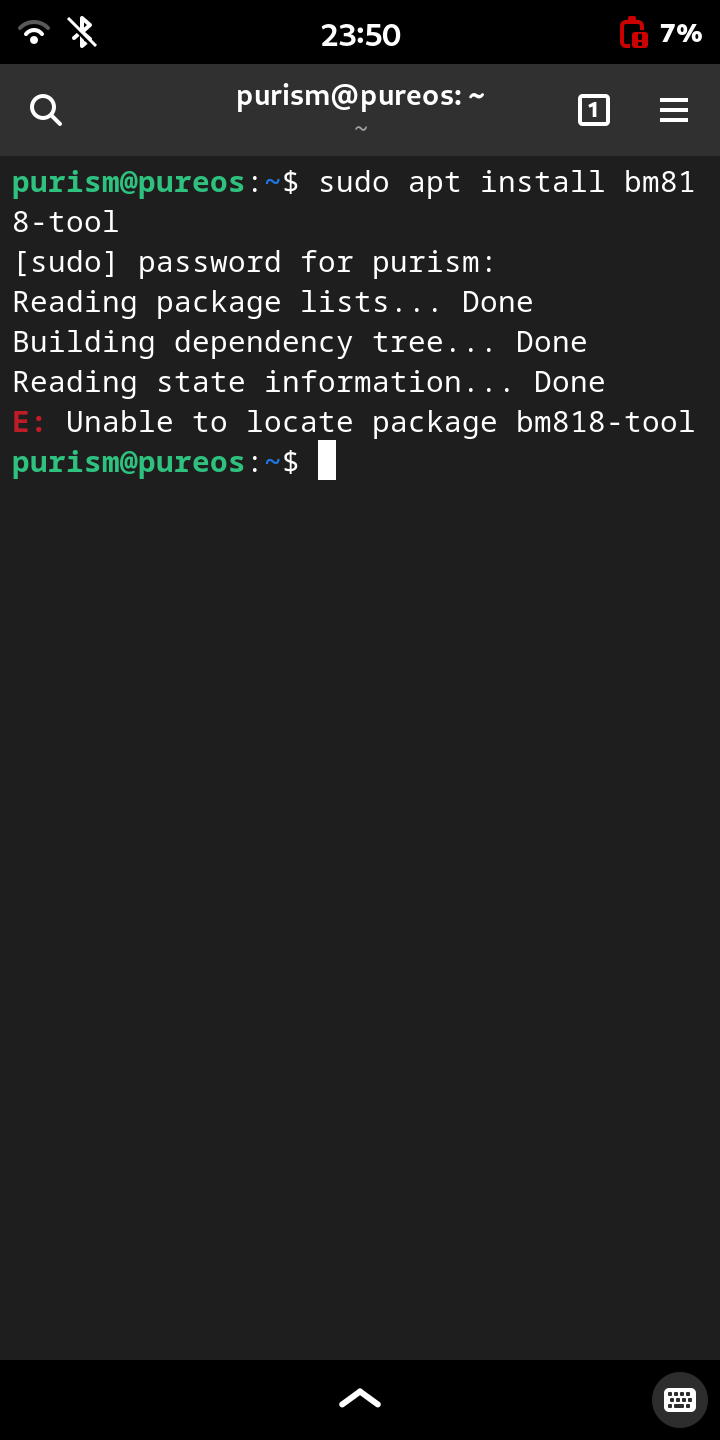
nothing makes any sound when i shake it. it wasnt a hard fall but did crack the screen. it was already cracked so maybe more prone. it may not be a hardwear thing. idk if theres a way though the terminal to check or rule things out…
actually i got this text from mint that was strange. maybe the sim got jostled when i dropped it. it sent on the day i dropped but dont know what happened 1st. i have a year plan with mint and like 3 months in so nothing would change on that in but its acting like its new service. ill try the link they sent and see.
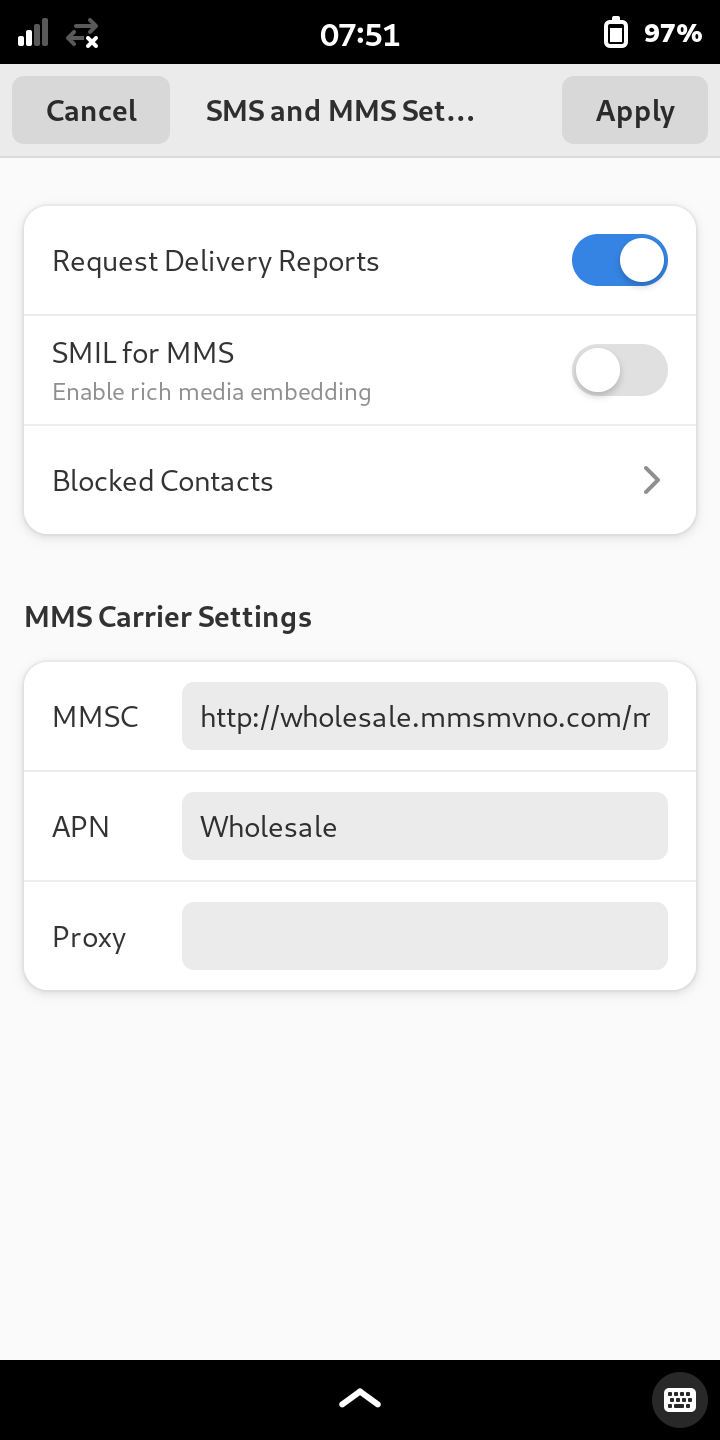
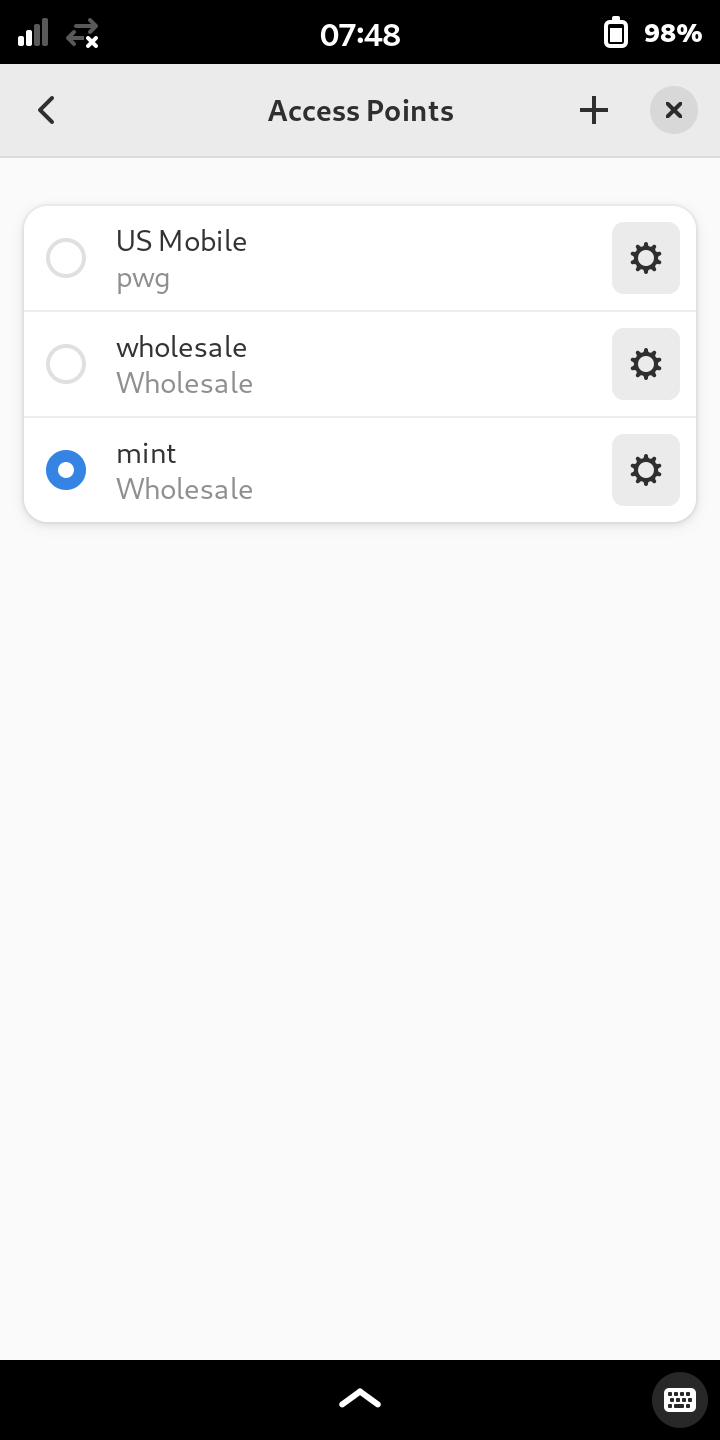
The link is just the instructions to set up the apn and such which I did a long time ago. Just checked it and everythings correct. Idk why it would be sending me that. Idk what else to check at this point.
How do i check if volte is enabled. Ill try your 2nd thing. I did take the sim out when the phone was off but put it back in before turning it on. So ill try it the other way and see.