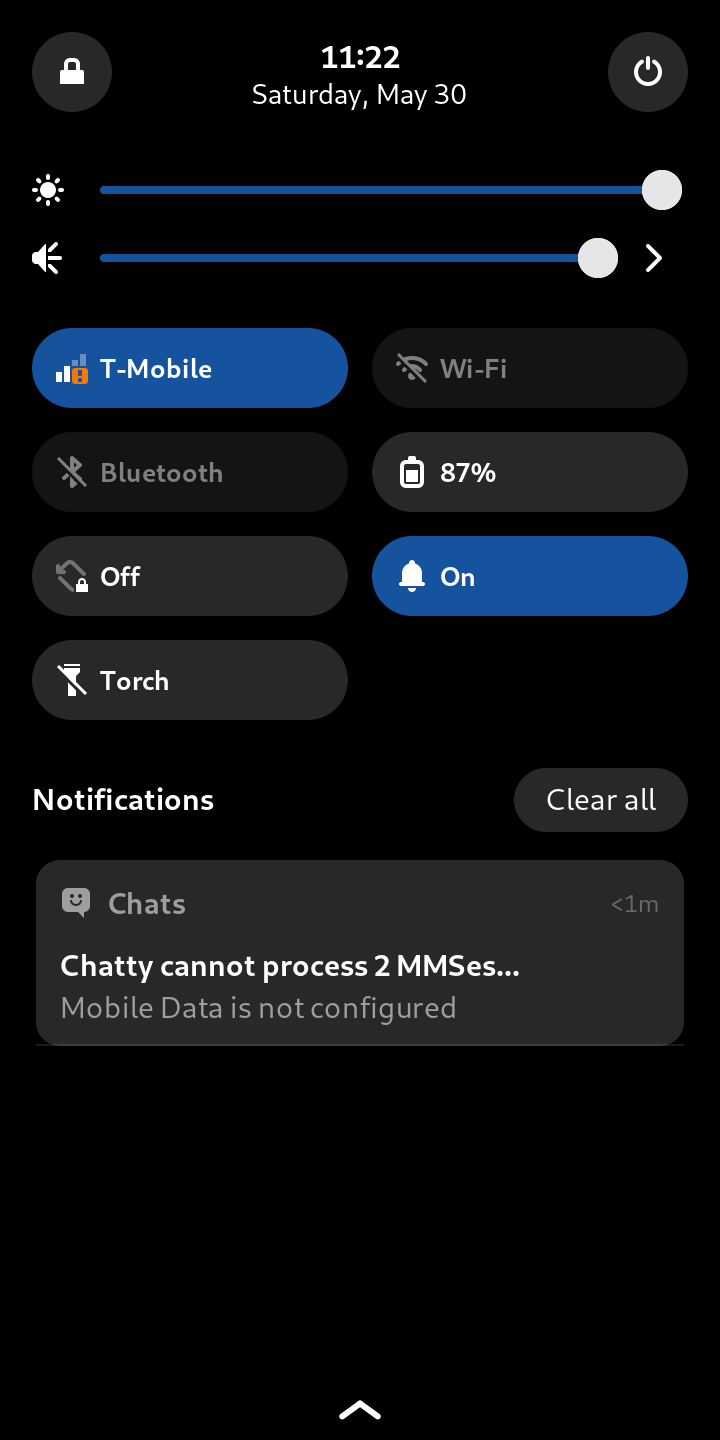
MMS work outofthebox on gpure, however it work on wwan, not wlan.
I do not support mobian, nor pmos, if so ask there.
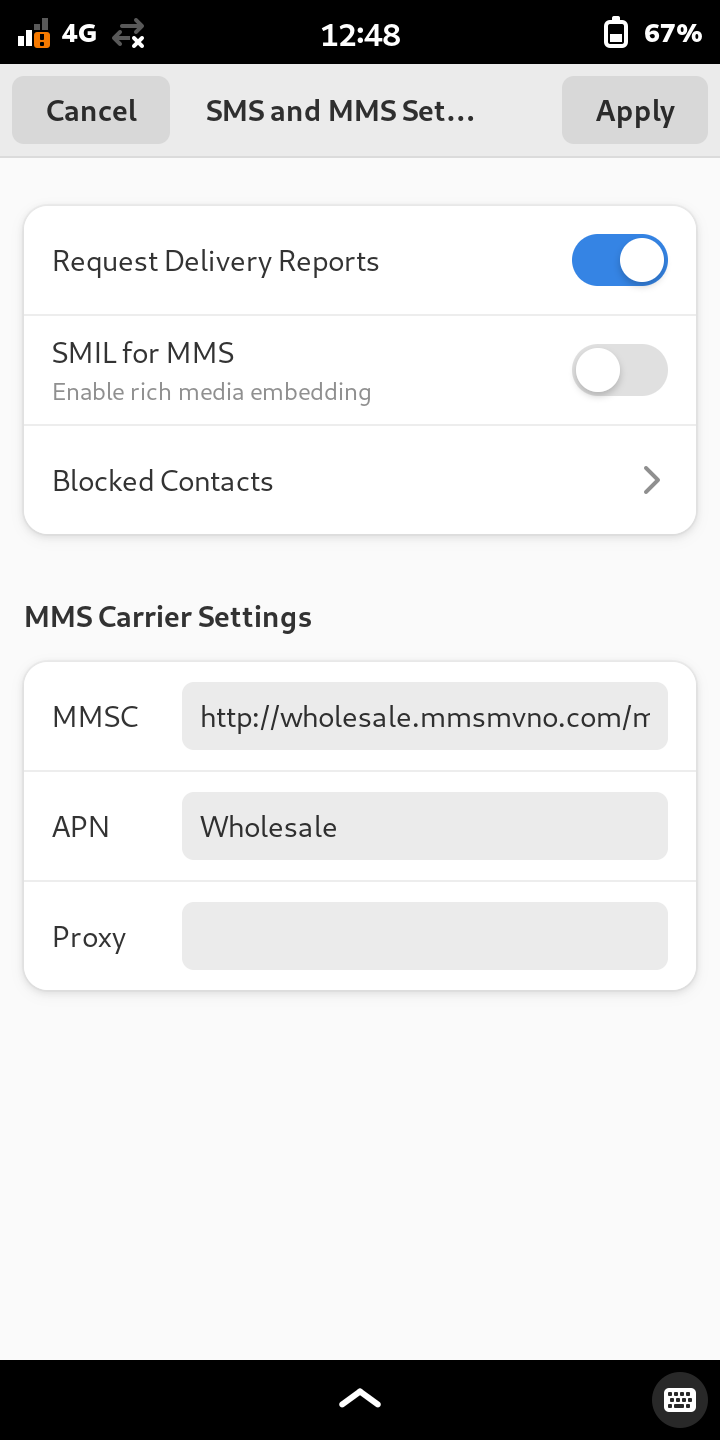
im on pureOS on librem 5. i believe internet works, thought i already tried it. im at work and service is low its remote. but ill confirm in a bit. thats what i put in for mmsc. something else i have to do?
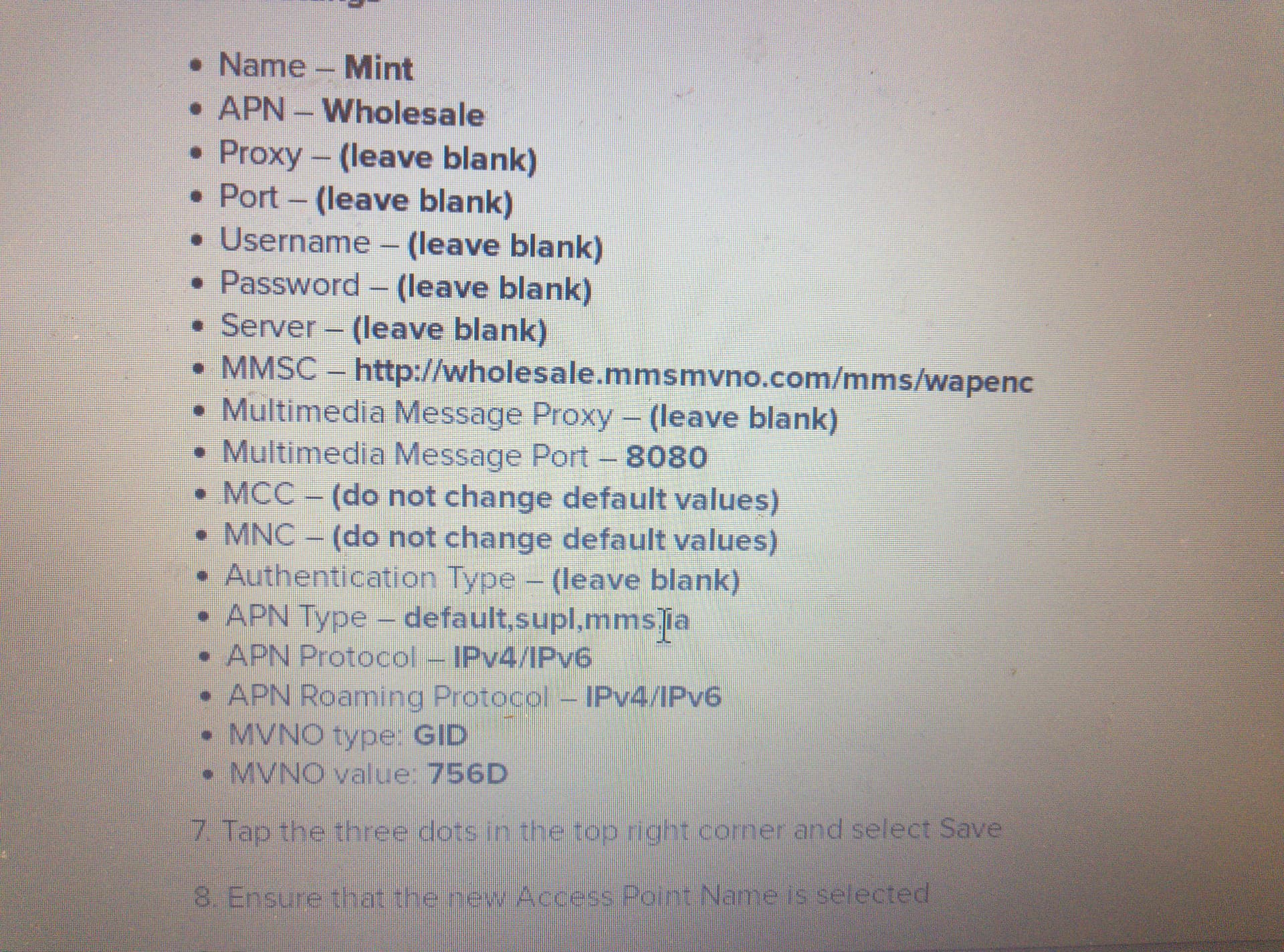
As i say MMS and Data work outofthebox so do not need change anything, just enable WWAN DATA option from Settings.
gcrimson featuring mms and data outofthebox for most carrier.
where is that setting to enable in settings? i realized i didnt have mobile data using mobile network on. now it is but still not working.
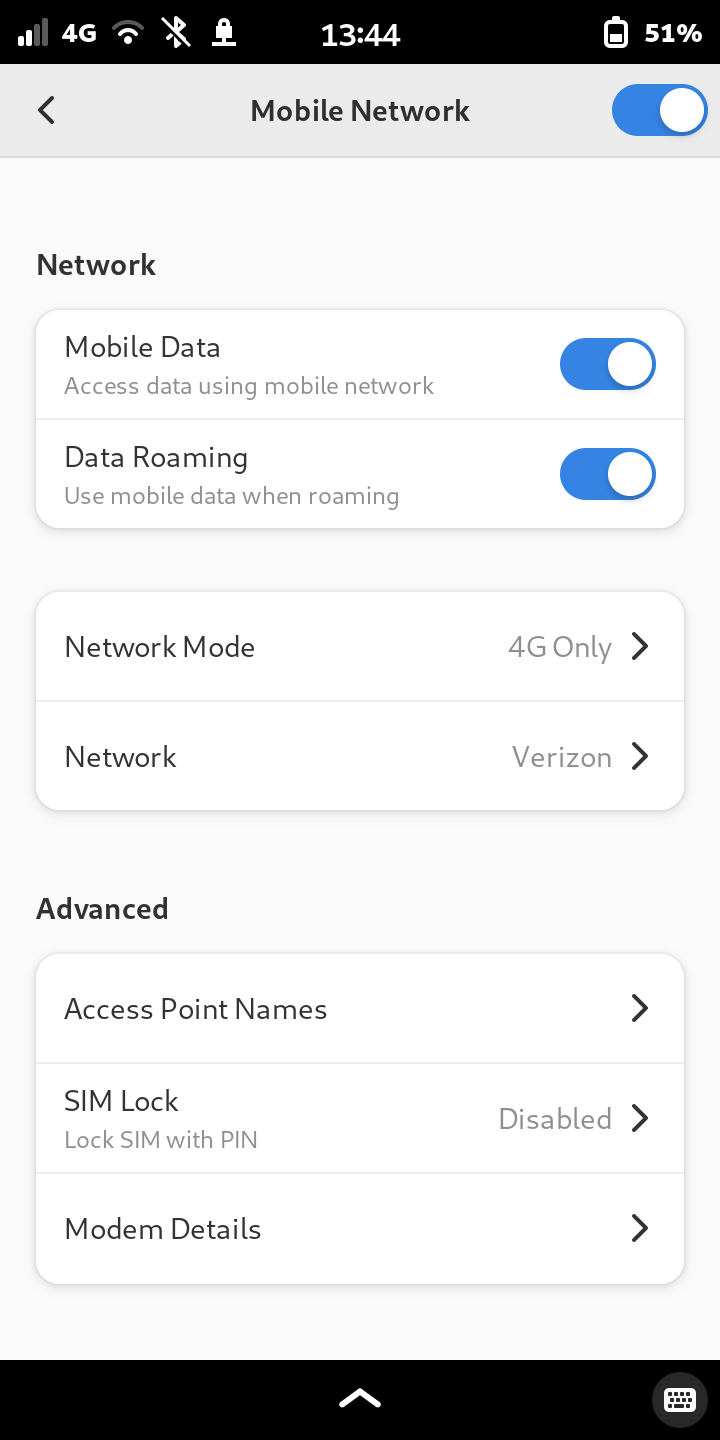
That screenshot shows that you have selected a Verizon APN, not T-mobile/Mint.
Keep WLAN disabled for MMS. What mobile os are u using?
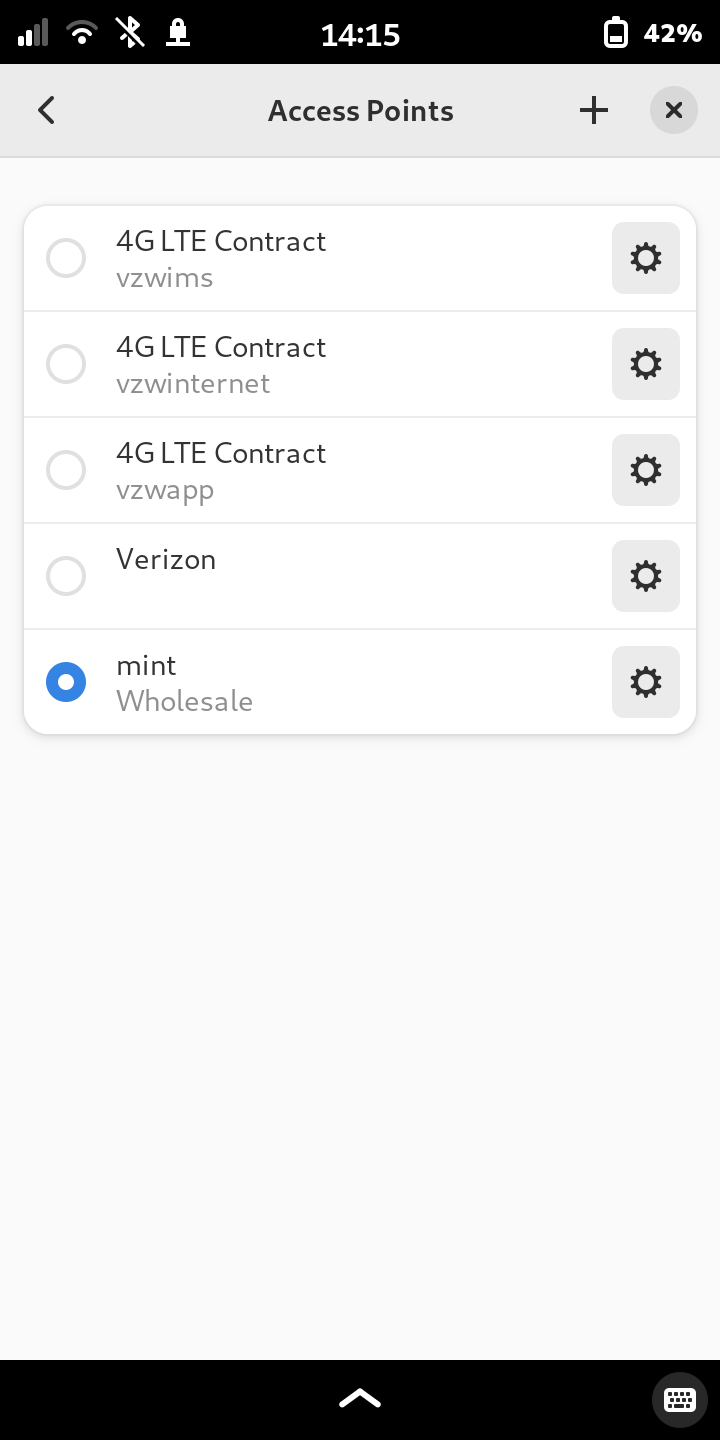
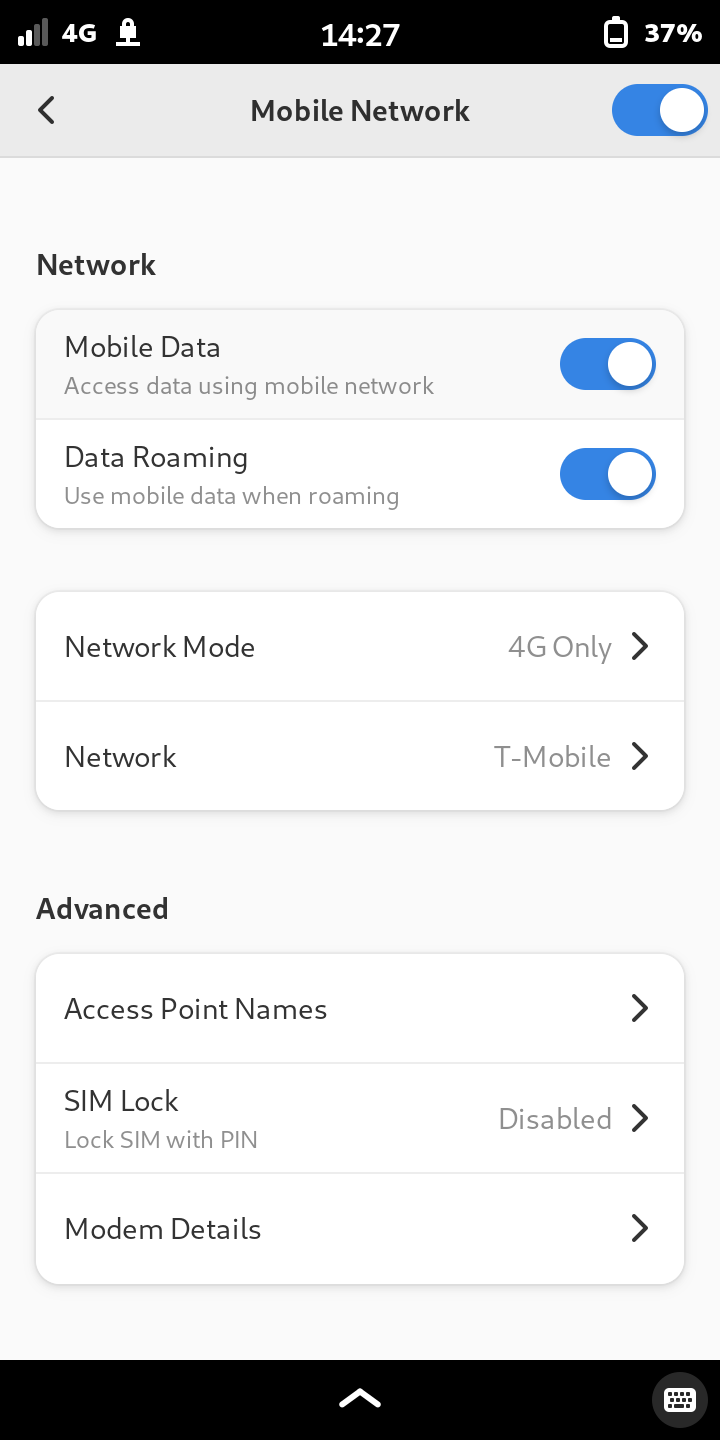
i uses pure os on librem 5.
could have been a low service issue. tried sending photos and one displayed a check mark by so maybe it works now. calling and internet do work so does regular texting.
MMS do not work on VPN eithers, disable too.
ah okay good to know. I don’t have it on unless I’m actively using internet I think it drains the batter to much leaving it on always. Maybe that doesn’t make sense if im not using the phone but its just on, except when I get into the low service pockets it will disconnect and try to reconnect again and maybe that is what drained the battery but anyway I leave it off now until I need.
OK, maybe it’s just a roaming partner thing.
I can send and receive MMS even with VPN connected. Just tested.
Sometimes I get the error message in chatty when messages get blocked up in modem manager. Usually if I toggle the modem hardware kill switch to turn the modem off then on again and it will receive the message.
If not, you can run the command sudo mmcli -m any --messaging-list-sms to see if there are any messages that haven’t been processed.
If the message is stubborn and won’t receive or delete on it’s own, you can try to recover the message with sudo mmcli -s [number] --create-file-with-data=/path/to/the/output/file where the number is the last number you see in the output of the first command.
Most of the time for me there is no data, so it might have just been something that failed to send/receive and so I delete it with sudo mmcli -m any --messaging-delete-sms=[number] to clear the buffer.
As a note, Chatty has its own MMS settings that are separate from system settings that you had screenshotted. Did you check those?
See Post#1, second screenshot.
I am not sure what the MMS issue is. For my L5 I use Awesim and it works. For my FLX1 Linuxphone I use Mint Mobile (15$/month). Initially I used the APN settings provided by Mint - and had no internet or MMS. Someone in the FuriOS forum pointed out that you should not put in ”wholesale” but ¨fast.t-mobile.com” . For me it worked. In chatty for SMS/MMS(?) I have MMSC ”http://mms.eng.t-mobile.com (APN mobilenet). Hope that helps.
It worked (most of the time) for me on Byzantium, but not on Crimson.
Ultra Mobile, which works normally [EDIT: i.e. as expected/without issues] on the L5 for me, including MMS, has the very same MMS settings, and the same APN setting (“Wholesale”) as Mint.
I’m on Crimson.
These two providers started out as “sibling” companies owned by the same “parent,” then diverged, and then were eventually both bought by T-mobile.
it works but seems really unreliable. I wont get partners texts they will come late and it can be something important. It doesn’t do it all the time but happened today. Then when I send texts she says she will get them all at once sometimes and not when when i sent them. Im more rule. Right now im in town and have 3 bars, but a bit ago in the same spot I had two bars, and sometimes it will just automatically switch to another network it found was better (that I don’t have service with).
If texting cant be reliable then I may have to start looking for another phone unfortunately.
Texting is totally different from MMS though.