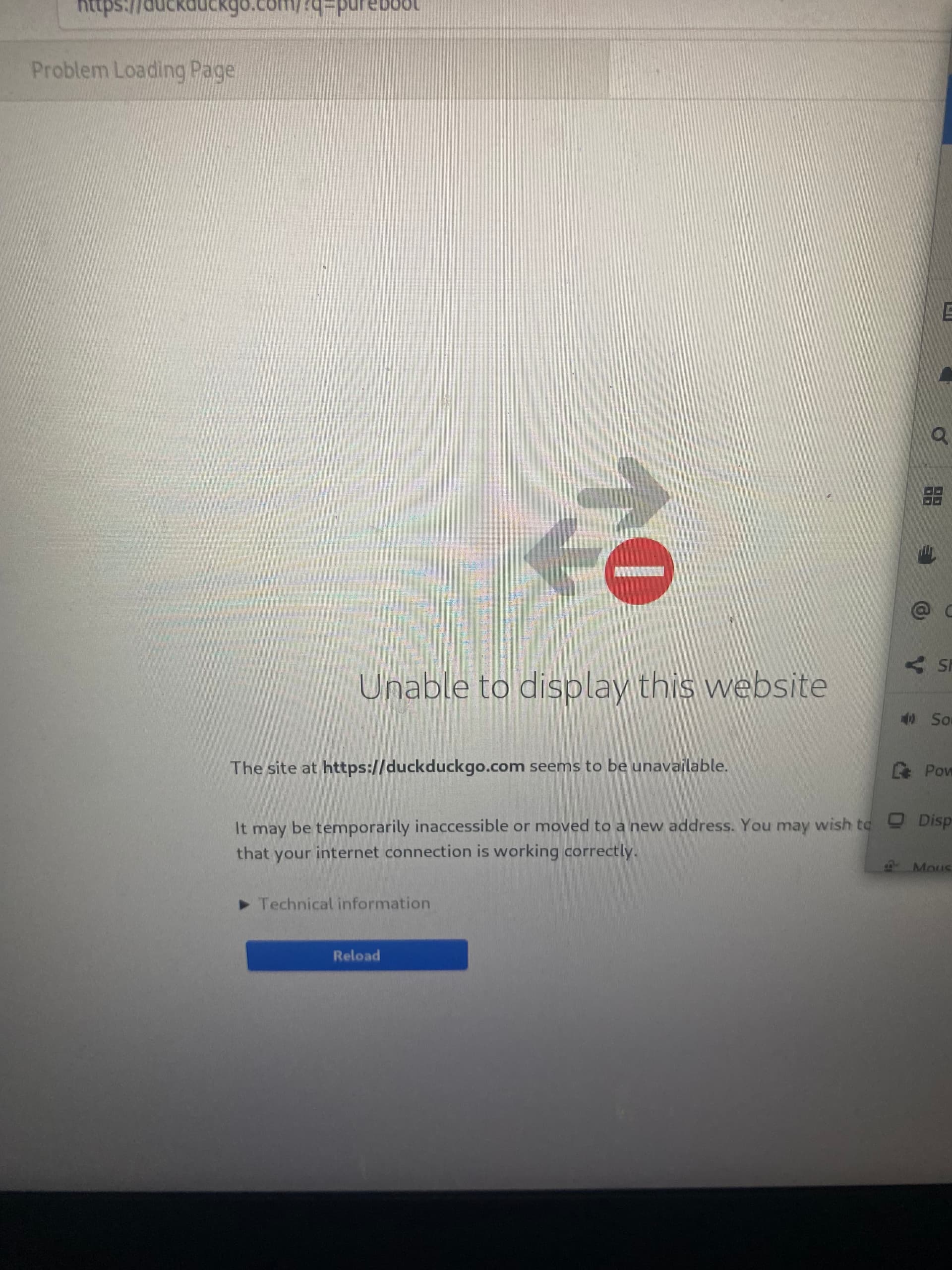
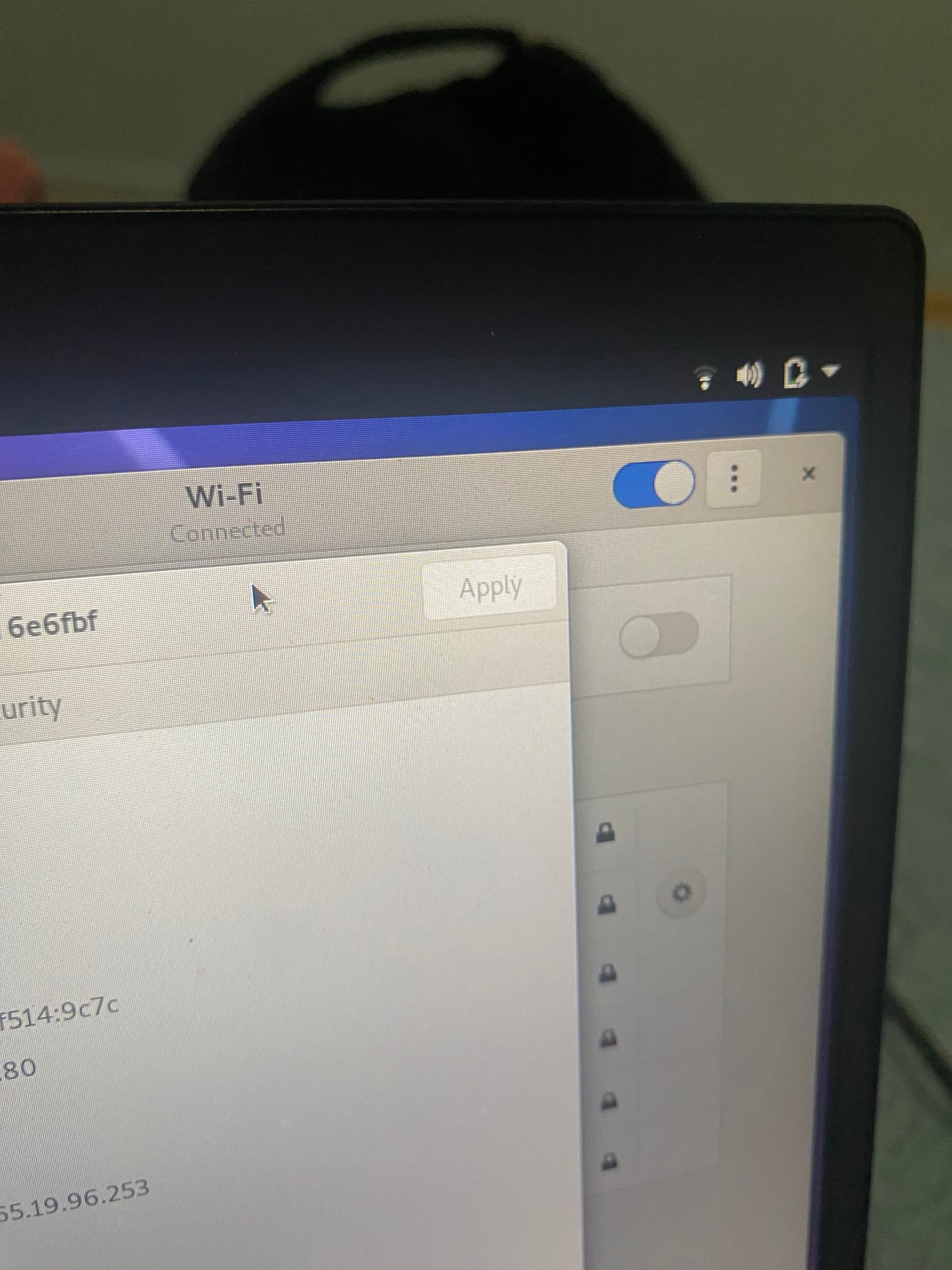
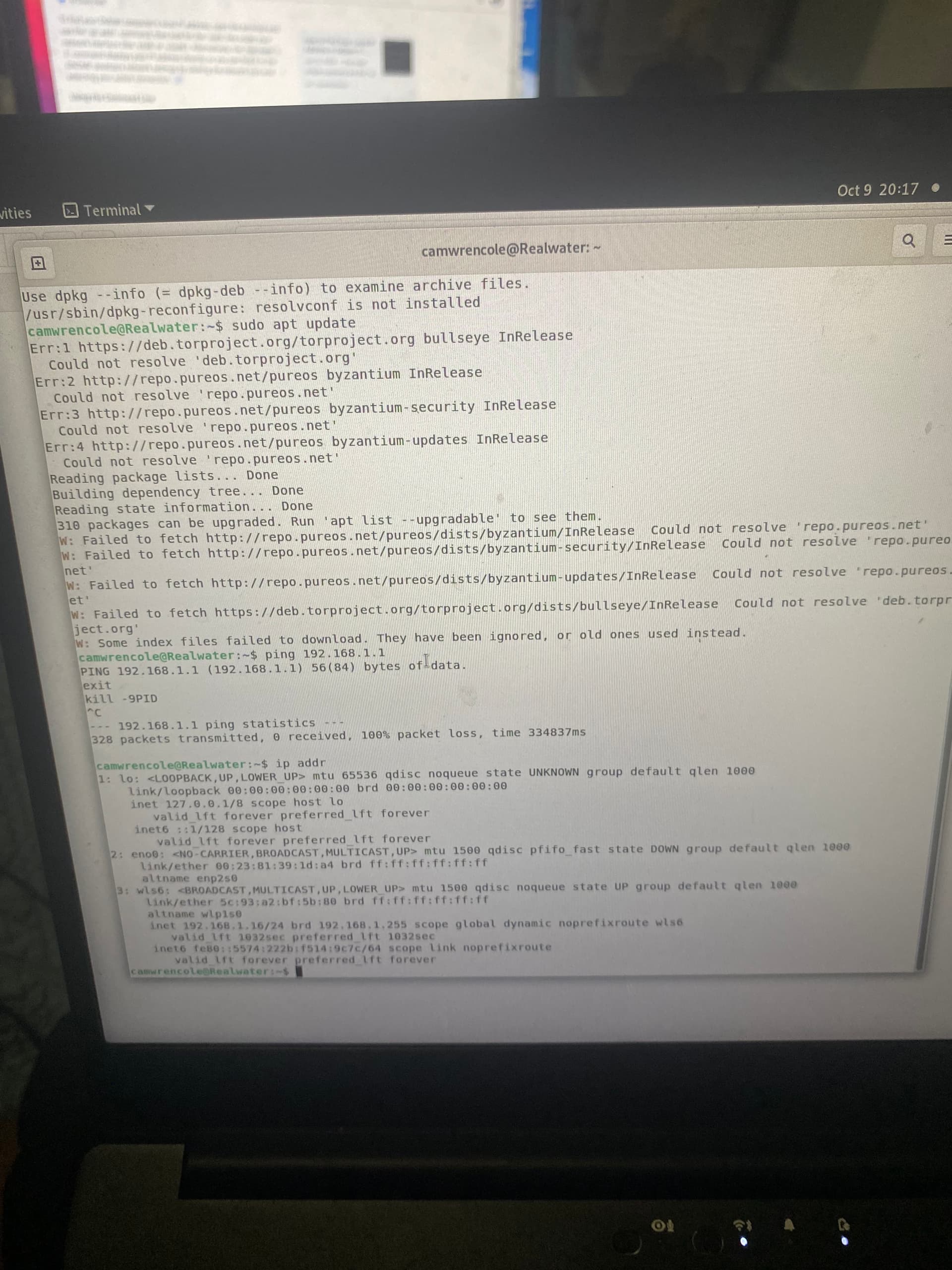
Tried following purism no internet troubleshooting steps But couldn’t resolvconf because it wasn’t installed apparently but the internet is not working so could not install it
[Link edited in by moderator]
Tried following purism no internet troubleshooting steps But couldn’t resolvconf because it wasn’t installed apparently but the internet is not working so could not install it
[Link edited in by moderator]
Here’s what I would suggest … go to the shell prompt and ping by IP address another host on your local network. The goal is to confirm whether or not you are even correctly associated with the WiFi.
(To do this of course you will need to know the IP address of another host on your local network but the premise of the Purism troubleshooting process that you cite is at least that “The same WiFi connection is working on other devices.” i.e. those other devices must at least exist. Even if you have no other devices, you should be able to ping the LAN-side IP address of your internet gateway. But I guess you must be on one of your other devices now.)
As a general observation about systematic troubleshooting of network connectivity issues (on any operating system), you want to be able to answer these questions in order:
To answer the first and second questions in my environment, I would jump on the relevant web page from a device that is working and look to see whether the problematic device is listed respectively as a wireless client and with an IP address.
That assumes of course that you have access to (e.g. know the required username and password) the relevant web page. (Some dodgy ISPs send out network equipment where the customer does not even have access to it. Yes, this reduces support calls from customers futzing around with settings, but it may increase support calls when customers can’t sort out even basic issues that require access to the network equipment.)
I have other devices running that are connected to the router . When pinging it stalled . And for the first and second I question I am listed on the respected website
OK, so if we tentatively suggest that the answer to Q1 and Q2 is “yes” then it is failing at Q3, which means that the linked Purism troubleshooting process is not applicable because that is more targeted at failure at Q5.
Failure at Q3 is more suggestive of some kind of firewall or routing problem.
Dare I ask whether you have been playing around with a VPN?
Obviously I am not familiar with your network, so I can’t say whether 192.168.1.1 is a correct IP address to be pinging but it is certainly a plausible IP address.
In any case, one direction for fault isolation would be to Live Boot any distro of Linux on the problematic device and see whether the Live Booted environment experiences the same problem.
Another direction for fault isolation would be to turn off (kill) the WiFi and try the ethernet port on the problematic device.
One line of investigation would be to post output from route -n while trying the WiFi still.