Hi.
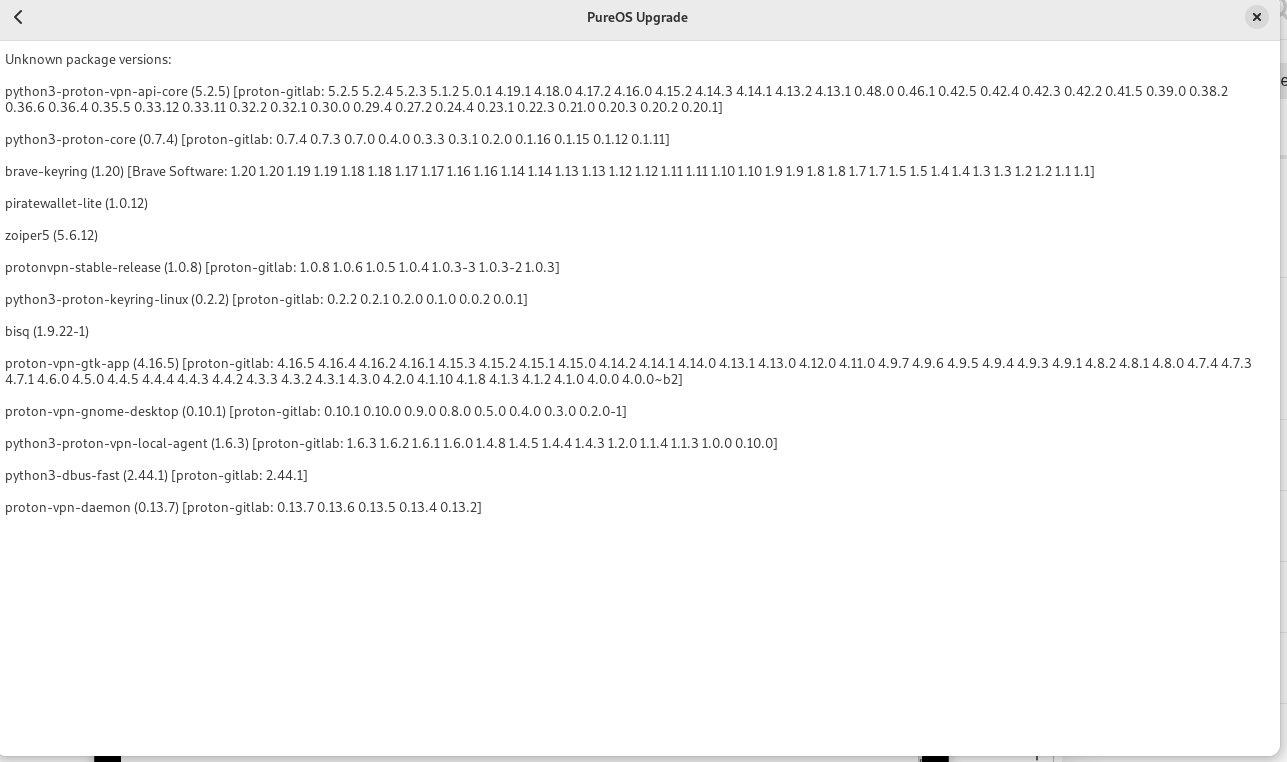
I’d like to upgrade to PureOS 11 but I get message that my system contains foreign packages.
What’s the recommended thing to do here?Would I uninstall all of these packages and then reinstall them after upgrading to PureOS 11 ?
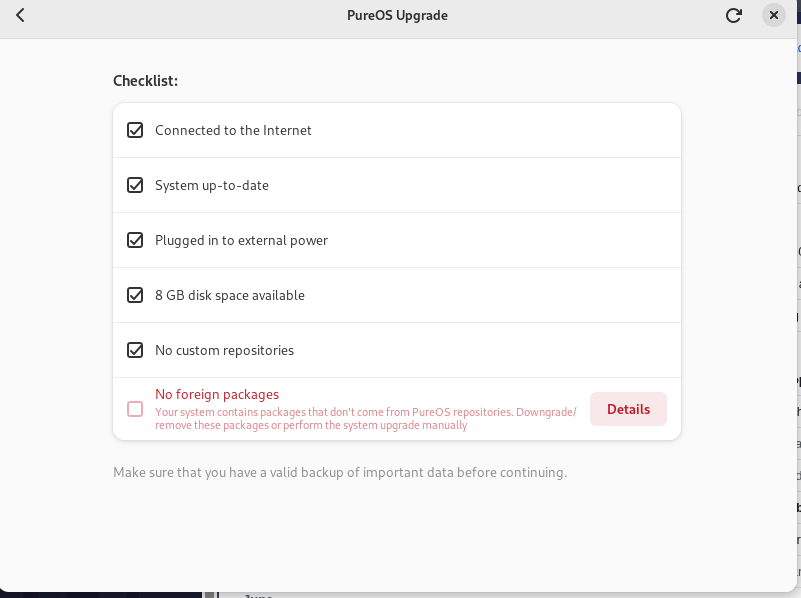
Thanks
Hi.
I’d like to upgrade to PureOS 11 but I get message that my system contains foreign packages.
What’s the recommended thing to do here?Would I uninstall all of these packages and then reinstall them after upgrading to PureOS 11 ?
Thanks
Especially with bisq an piratewallet-lite be careful not to loose anything when removing the packages. As always make sure to have a working backup. But in general, indeed, I think removing packages is the way to proceed. And later you can indeed try to install them again.
Yes but also after that clean out your apt sources so that only standard sources are being used.
Then, after the upgrade, add sources that are compatible with your new baseline version, then reinstall the packages (if possible).
I upgrade my librem5 to PureOS 11, but some wifi setting are can’t show in the screen. I can’t zoomout, can’t scroll the setting ui. And WPA3 Personal not work.
Please be more specific. Every screen in GNOME Settings should either fit the screen or be scrollable in PureOS 11, and there should be no changes regarding WPA3 support compared to PureOS 10.
I’m only aware of the “displays” panel sometimes not fitting the screen.
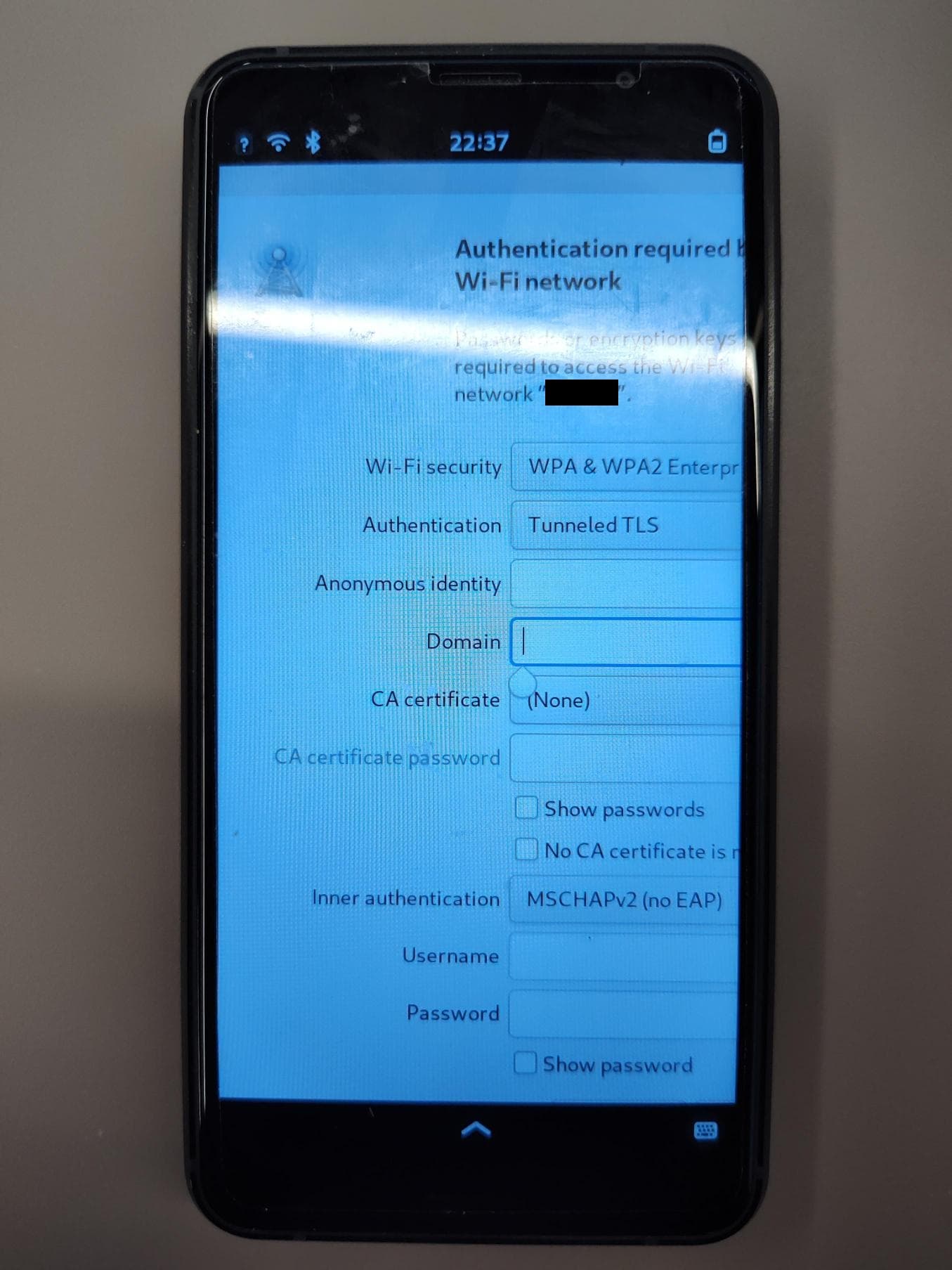
Because PureOS 11 wifi setting still have issue so I switch back to PureOS 10. Please see the attached screen capture, I can’t scale the settings or move around to see the below and right.
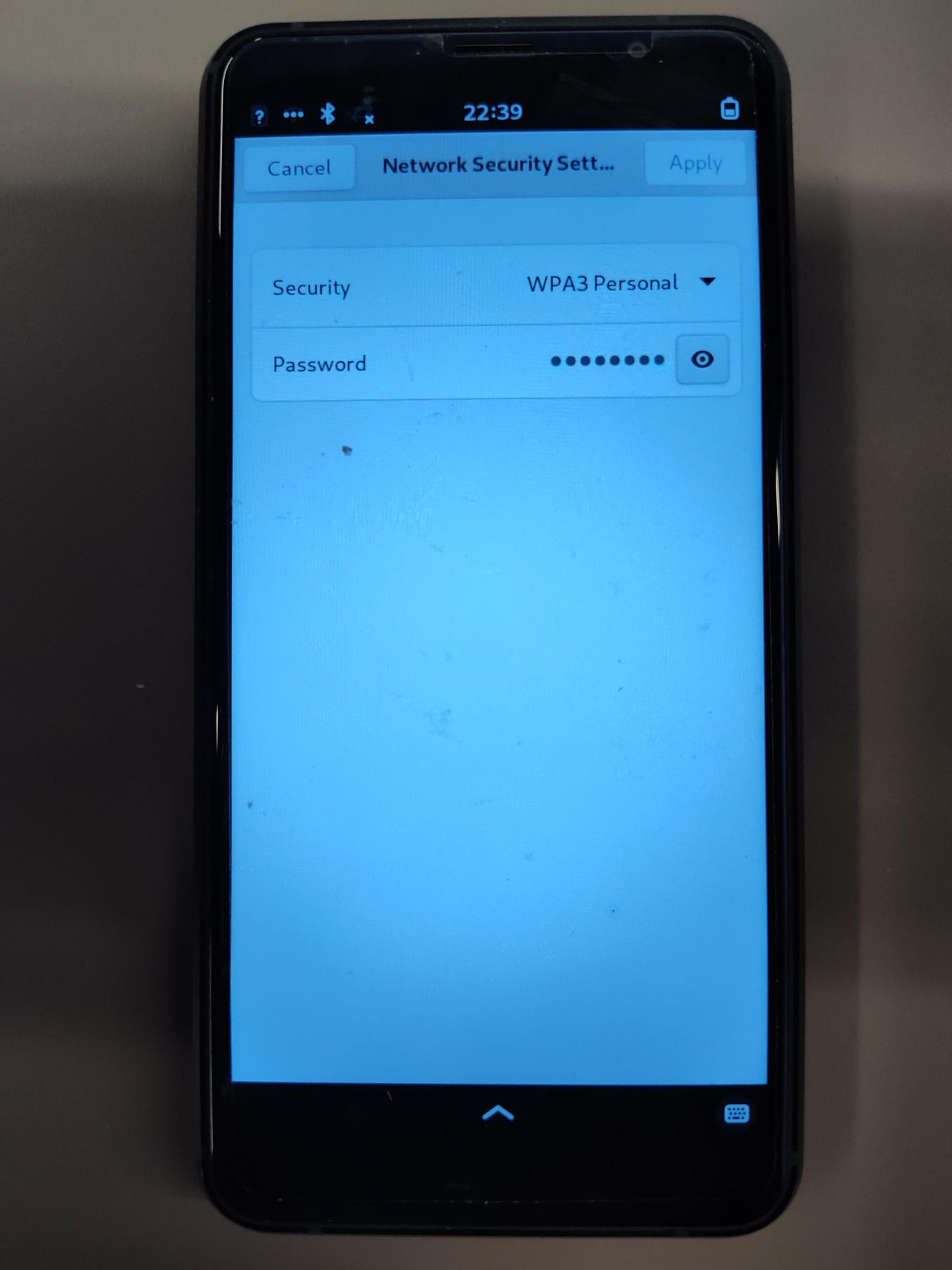
Because I only can upload 1 media, So post another comment for issue connect my wifi with WPA3 Personal, it never works on librem5, which I can connect success with the same settings on my ubuntu laptop.
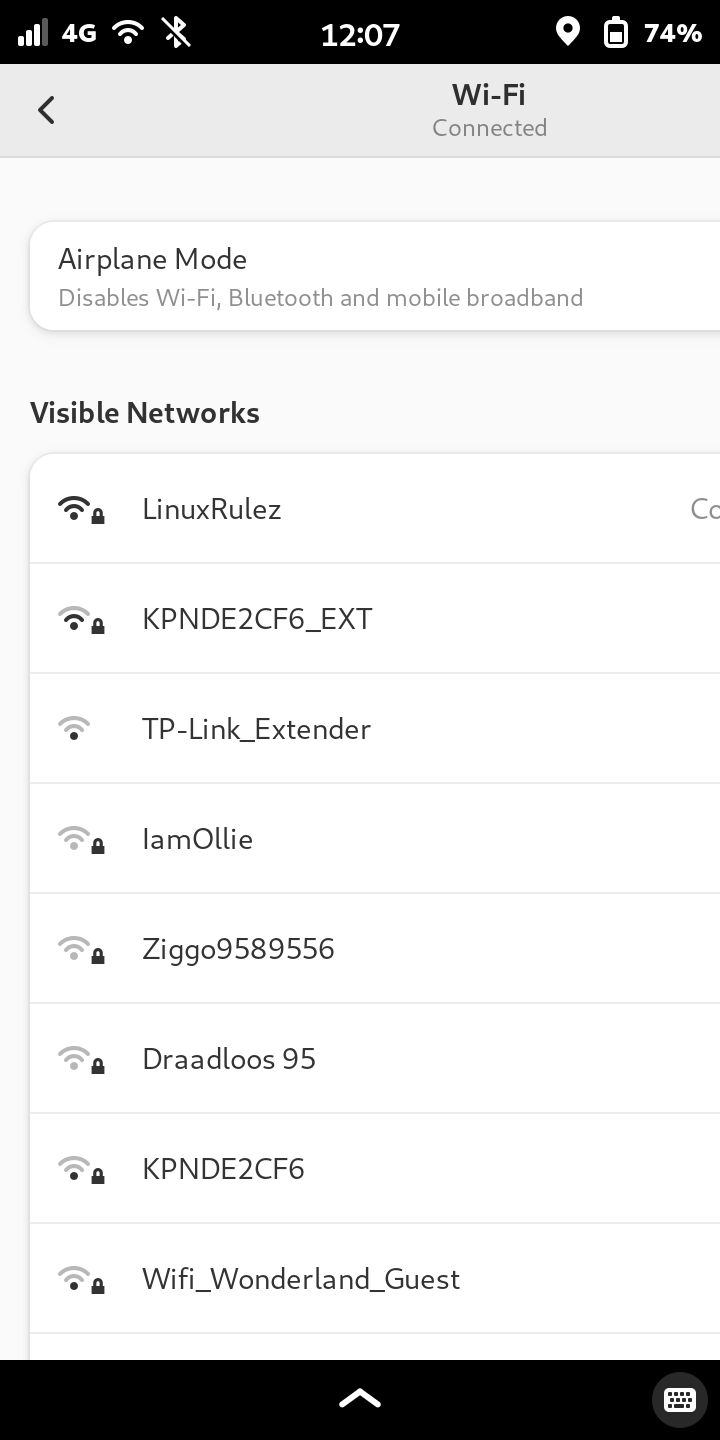
If you go to GNOME Settings > Wi-Fi > tap on a Wi-Fi network that you never used (an Authentication required popup appears) > tap the Cancel button
then the Wi-Fi settings window does not fit the screen any more:
If, in this state, you tap the < icon at the top left, the Settings screen is also not fitting the screen.
When you “leave” the GNOME Settings app, by activating another window, and then going back to to GNOME Settings, the window content adjusts to fit the screen. This is why I could not take a screenshot via Phosh, but had to take the screenshot via the command line via ssh with gnome-screenshot.