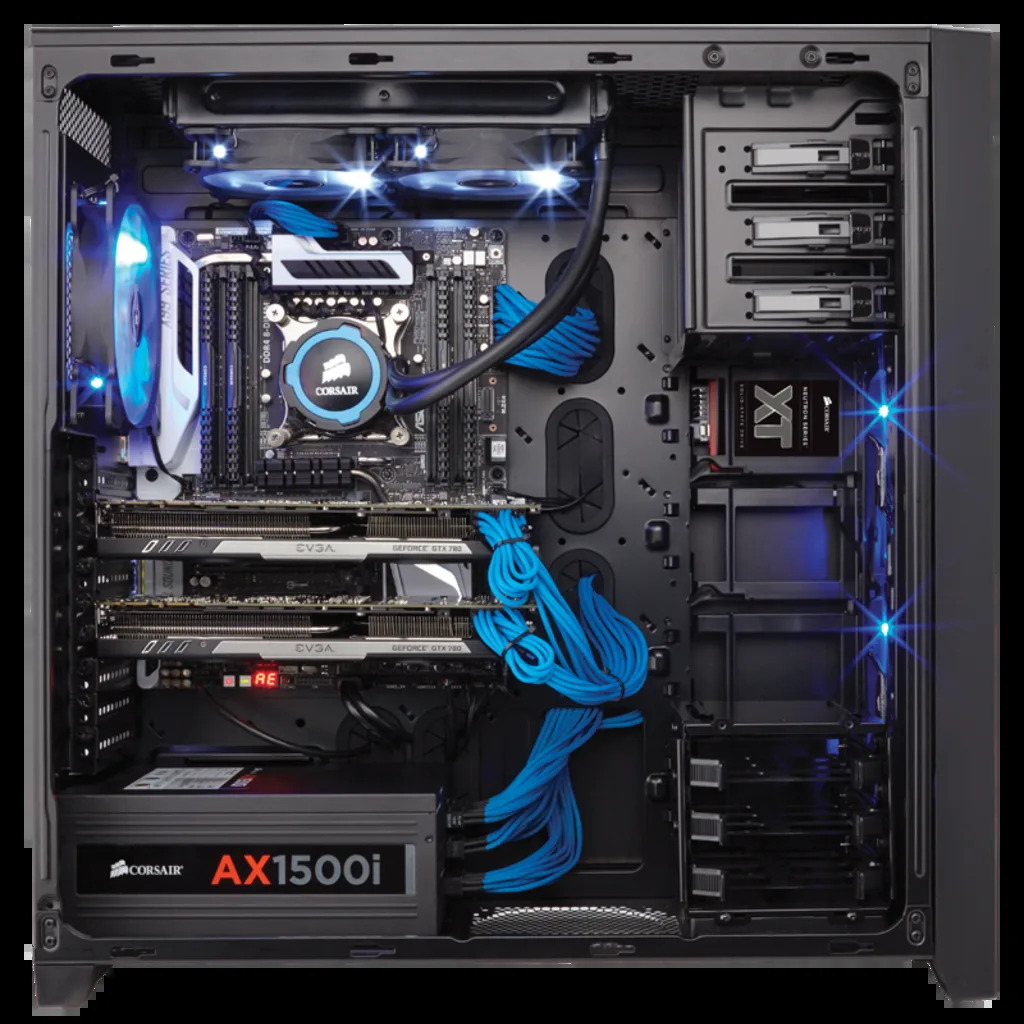
I have also another “escape”, I notice coreboot with F2A85-pro works fine and is also fast for modern standards, but is still not secure as gnu-boot because include non-free firmware (I think for gpu, and other) even is more secure than proprietary bios. If my “asus-kgpe project” fail i can use this, even as I said I prefer gnu-boot (but they don’t support F2A85) and libreboot (and they don’t support F2A85 too).
The good things are
no amd-psp
no proprietary, bugged and not-maintained bios
the bad things
iommu return error about irq 16 nobody cared, this happen also in old am3+ asus mainboard with proprietary bios, the system works, but return a lot of kernel panics
I do not know. The cooler’s fins look thin and narrowly spaced. Not quite massive for a heat sink. Not quite spread to build up airflow by convection only. The “2U” here stands for the rack mount chassis height which this heat dissipator is intended for. Those usually come with a strong and loud chassis fan which forces the air through the narrow chassis, including through such heat dissipator on the CPU. So, the cooler is passive in a sense that it does not require a fan on it. But a strong chassis fan is likely expected.
Unfortunately, the linked reviews do not mention their setup. They are also mixed.
The only truly passive CPU heatsink for ATX tower cases which I know about is Noctua NH-P1. However, I do not know whether it fits on ASUS KGPE-D16 and whether it is enough to cool an Opteron 6200 series. The older Alpine 12 and Alpine AM4 from Arctic are probably of no help at all.
I am curious what heat sink are you using now? The TDP of your current CPU is probably twice as low as of an Opteron, so you will need a different heat sink.
You could probably sacrifice some performance by undervolting the CPU. But I would not expect you to want that.
Is really great, unfortunately is only for Intel LGA1200/1150/1151/1155/1156 and AMD AM4/FM/AM series, some sites and vendors report is also ok for am3+ but is a lie, I have tried it and don’t mount because the socket is a little “long” than am4. A great product would be a thing like this for g34.
Thanks a lot, I was not aware of this endeavor! Looks quite promising, although I did not see fixes for the excessive power usage there, but might be worth a try. What definitely looks promising as well are the improved RAM support (maybe I could not run 128GB with a single CPU stable?) as well as the added PCIe lanes so that hopefully the M.2 cards should work at their expected speed.
I will definitely check this out once I find the time! I still have a few 15h machines (KGPE-D16, KCMA-D8, F2A-85M) and was already afraid of having to dispose them soon.
Please, where did you buy the radiators? Is possible to get the model name? I found all for this board (gpu, case, ram, cpus) but for coolers I found only passive cooler made for rack 1u and 2u. Is near impossible to find a g34 cooler. The awful google when I search for g34 return results for amd epyc, Intel and other modern unreliable cpus!
Thanks, I hope the passive works, I have to test it. But an user already said is for 1u-2u rack mount, maybe will works fine in ventilated tower? I have to test it, but I prefer to use a quiet stuff more safe even if a little noisy.
Case? Actually nothing I have some money problems and when I bought/start a new project I made this way
1st month: buy motherboard + cpu
2nd month: buy ram and case
3rd month: buy gpu and cooler and mount all (I already had a good power supply).
I made the error the last year to buy ryzen amd products because I though only Intel use spyware hardware project (the infamous Intel ME with an outdated os Minix+webserver!), only too late I discover the infamous Amd PSP which is even more dangerous than ME because ME is (probably) possible to de-activate meanwhile PSP is not (only some proprietary bios can, I heard, but I never seen it).
I remind with a little sadness, when in 2000’s we have more proprietary stuff, but more safe and no-spy than modern stuff!
Actually we have this sad situation
Rich people = Buy Thalos workstation (10000-30000$)
Medium rich people = Buy Thalos Desktop (7000$)
Poor people = Buy old hw and use Gnu-boot + a decent Linux os without proprietary firmware inside
Poor informated people = Buy latest Amd or Intel product with ME and PSP, install Linux with proprietary stuff + Amd gpu and said “hey window user! I’m safe because I use Linux than Windows!”
I prefer a case like this for one reason: look the psu. The recent case has all a “metal plate” which can cause problems if the psu is a little big or long like my cooler master psu 1000w.
“hen I first began this project, my dumb ass somehow missed the very clear disclaimer on the Libreboot Wiki that graphics DO NOT INITIALIZE when running Libreboot on this board. This is fine if you’re intending to use it as a server as you’d probably only need text mode, but it’s not so great if you want to use it as a desktop PC, which is why I originally began the build.”
So the graphic/gpu don’t work using gnu-boot or Libreboot? Is not a problem, I can use this as server and maybe starting another project for Desktop but I prefer to hear other opinions
Gnu-boot and libreboot wiki said only text mode works, I still don’t know if with this board+gnuboot or libreboot or canoeboot a gpu (nvidia gt7100 or other) works or not.
Only text-mode is known to work, but linux(kernel) can initialize the framebuffer display (if it has KMS - kernel mode setting).”
They refer to this gpu?
Graphics
Aspeed AST2050 with 8MB VRAM
EDIT: As I understand the Aspeed AST2050 works fine with proprietary blobs so libreboot and canoboot and gnu-boot cannot initialize, but a second gpu can work fine, maybe we lost the boot “phase” before gpu initalize but a good serial fix all
 anywhere.
 I have some money problems and when I bought/start a new project I made this way