I’ve just made a first attempt but without success.
These are the steps I’ve taken:
-
I’ve copied the text for us.yaml into a file named stevec.yaml and placed it in /home/purism/.local/share/squeekboard/keyboards
-
Same action taken for us_wide.yaml and stored into stevec_wide.yaml located in /home/purism/.local/share/squeekboard/keyboards
Remark: That folder did not exist, I had to create /home/purism/.local/share/squeekboard/keyboards/
-
The third file (gtk.css) was copied and placed into /home/purism/.config/gtk-3.0 (same name used).
-
Next I have edited the file evdev.xml in /usr/share/X11/xkb/rules
As explained in the message from ktmr I added a new layout section in that xml file.
and doing so I’ve managed to add the new keyboard into the list of available keyboards.
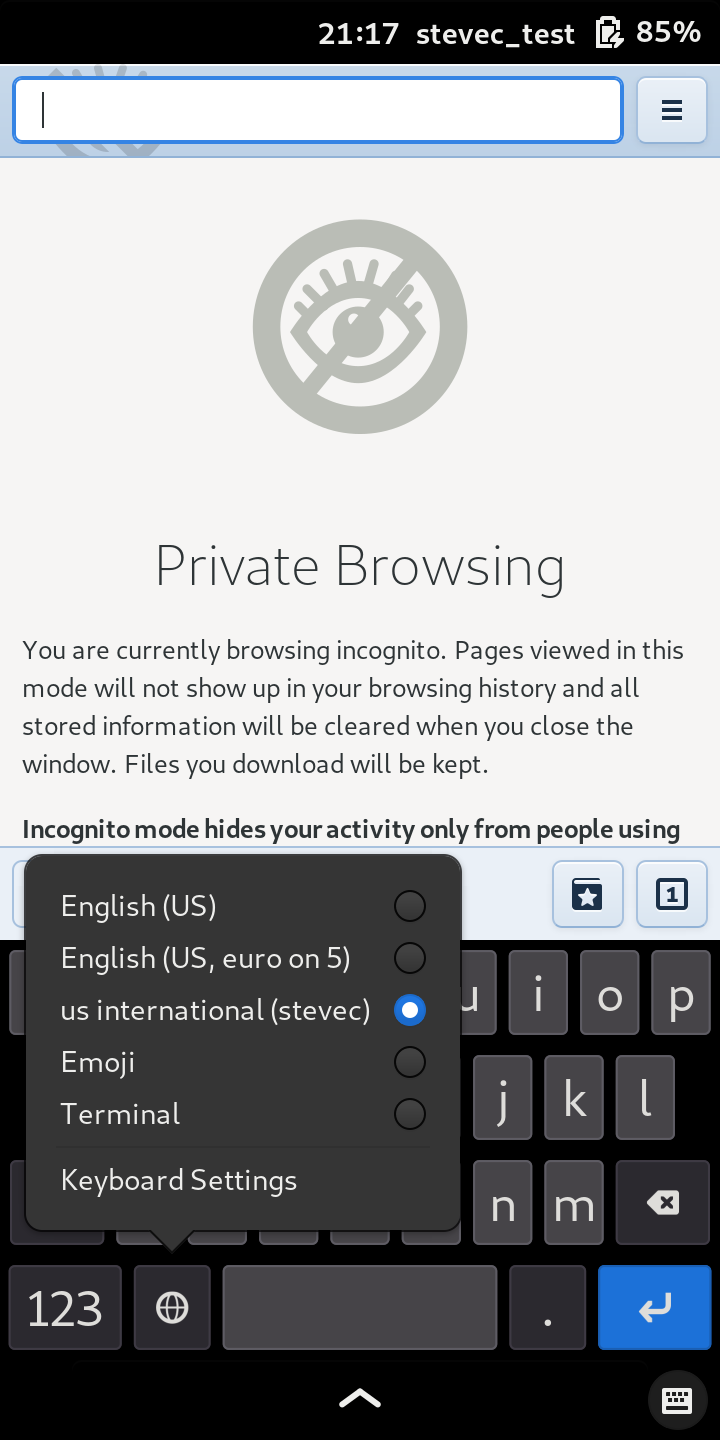
For both views the layout remained unchanged (default layout was shown).
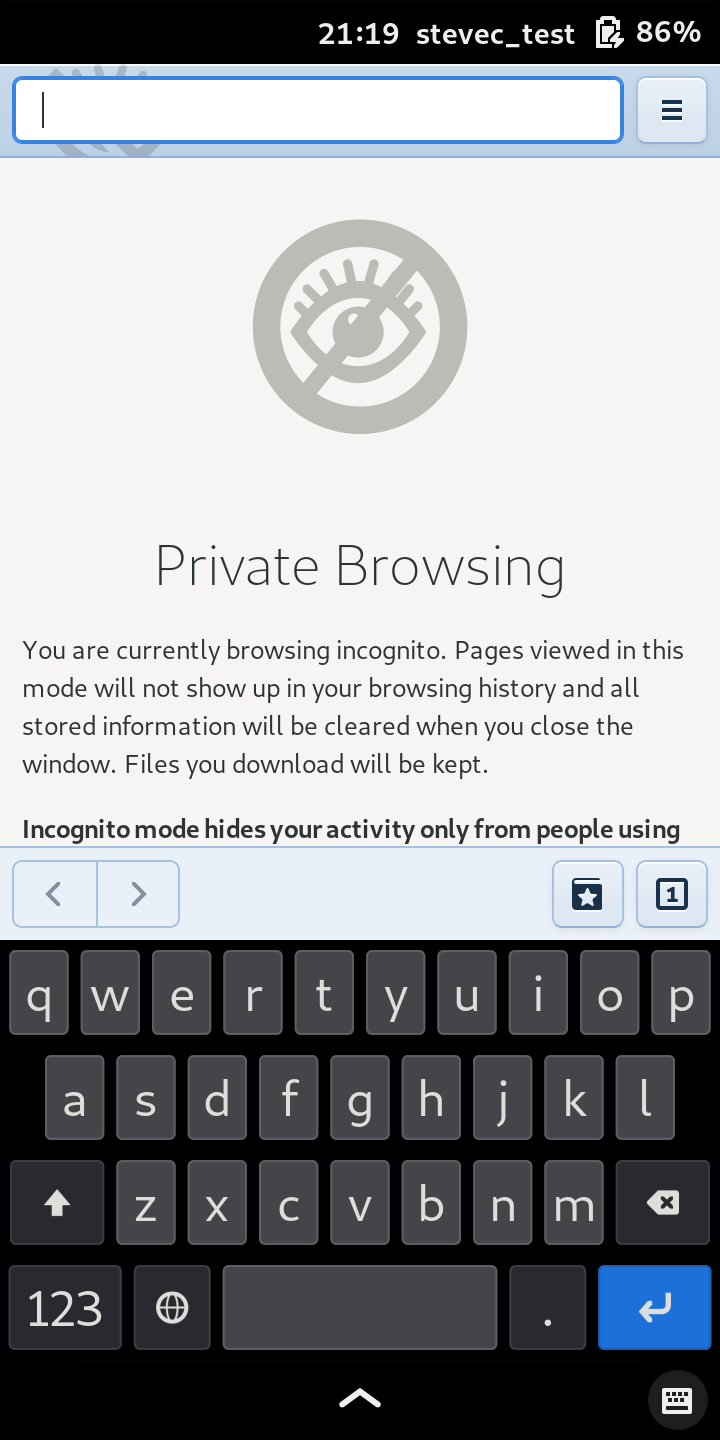
Obviously something isn’t OK.
I wonder what encoding is needed. I stored them as UTF8.
EDIT
I forgot to mention that I did reboot the L5 after making these changes.