Bwahahahah!
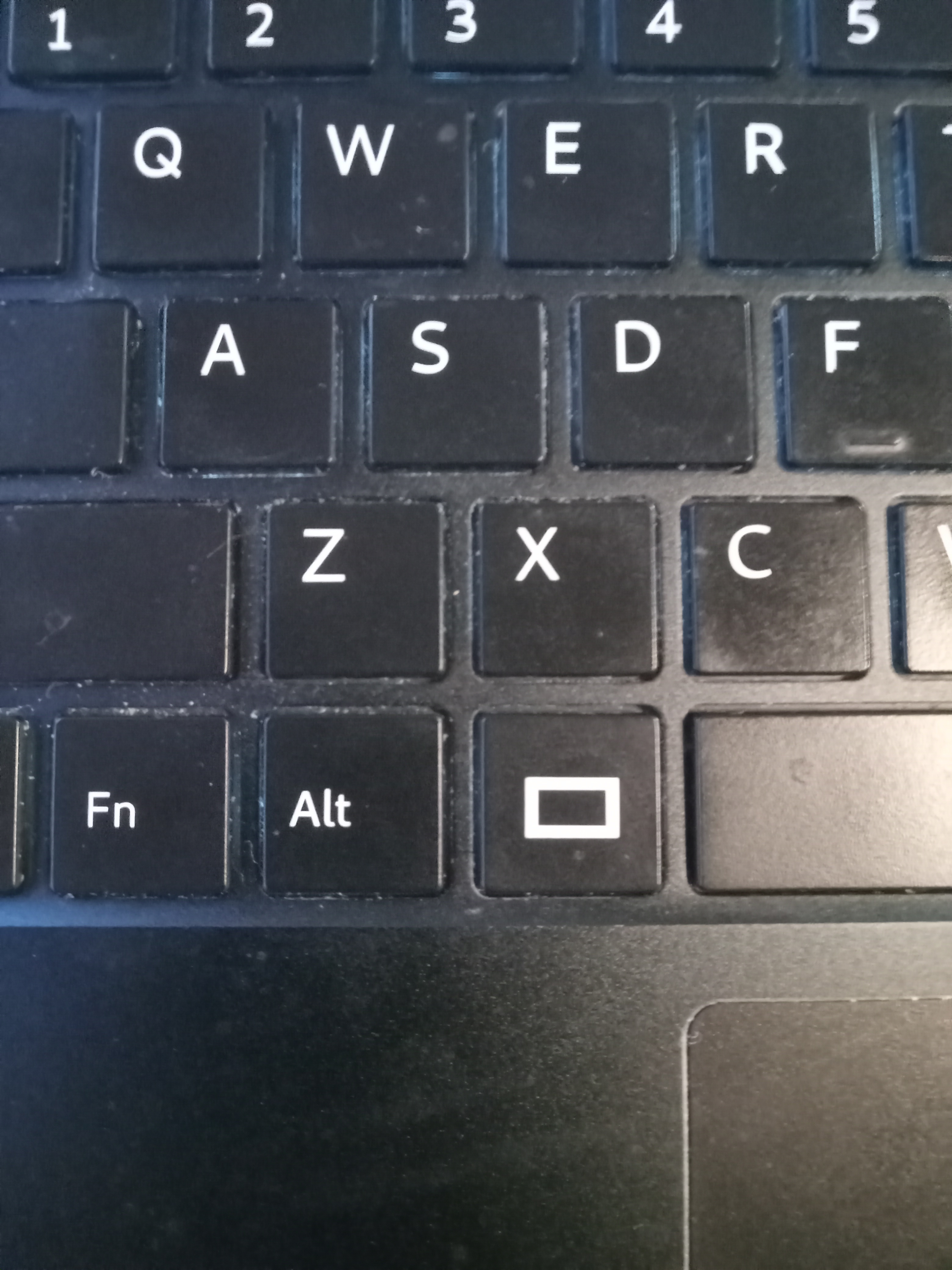
This post by @Smojo (re a 15rev3) was helpful in this, but I believe needs further modification for the 14.
In my case, what worked was pulling downward (i.e., away from the laptop hinge) with a fingernail on the top edge of the key, while prying the 2 bottom corners each in turn (until you hear a tiny snap) with a small screwdriver. The cap is replaced by sliding it upward so the tabs catch the top part of the hinge, then pressing down on the bottom corners to reverse what you did with the screwdriver.
Incidentally, I pried off the (to me, less important) [–>/End] key first as a test, to see how it was constructed, and the scissor mechanism turns out to be subtly different from that of the Alt & Window keys I was actually interested in. That’s just by way of caution that even similarly-sized keys may differ underneath.