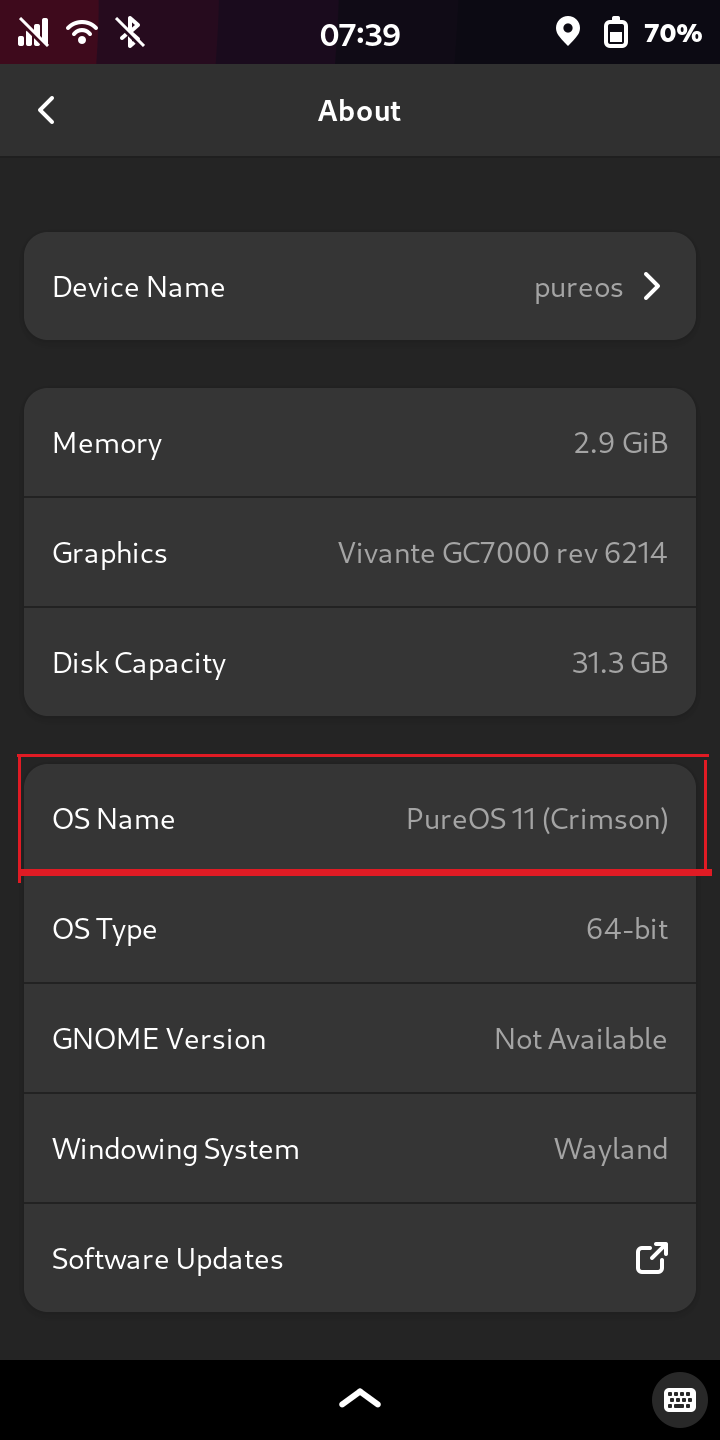
Anyway, the Pure OS Upgrade now tells me that it doesn’t like that I have non-PureOS 10 package repositories (namely these ones:
deb [arch=amd64] bullseye stable
deb bullseye non-free
deb [arch=amd64] https://updates.signal.org/desktop/apt xenial main)
and it seems to allow no foreign packages (apparently I have plenty…), so the suggestion is to perform the system upgrade manually.So here is my current /etc/apt/sources.list:
deb [arch=amd64] https://repo.pureos.net/pureos byzantium main
deb-src [arch=amd64] https://repo.pureos.net/pureos byzantium main
deb [arch=amd64] https://repo.pureos.net/pureos/ byzantium-security main
deb [arch=amd64] https://repo.pureos.net/pureos/ byzantium-updates main
deb [arch=amd64] https://download.docker.com/linux/debian bullseye stable
deb http://httpredir.debian.org/debian bullseye non-free
So I figure, I replace all instances of byzantium with crimson and the bullseye with bookworm, and then do
sudo apt update
sudo apt upgrade --without-new-pkgs
sudo apt full-upgrade
And then gradually install the “foreign” packages.
Would this be correct?
These version upgrades are always a little scary for me, has anybody already tried this?
Thanks. Took me awhile to realize my sudo password is the same as my pin number. 2nd time this week I had to discover two terms that are used interchangably.
Actually, they aren’t. They just happen to be the same for the moment but don’t have to be the same and really shouldn’t be the same and if the security weakness bugs you, someone did post the needed incantations in this forum.
Well that explains it. I must have entered them the same during initial set up years ago.
Not bovvered by the potential security weakness. My L5 is a spare. The only thing I use my L5 for is to call myself when I misplace my ‘droid in my own house. When the ‘droid doesn’t ring it means I left it in the car.
Not quite. The default setup remains that they are the same and you only enter one string. You would have to follow the incantations elsewhere in this forum if you want them to be different.
Sorry, I am confused about Crimson. What is the recommended way to go from Byzantium to Crimson? I read about manual upgrade to Crimson, and this implies that there is an Auto one. I also read somewhere about a special application. I got confused. Can someone please clarify these things? Thank you.
Because I volunteered to be a guinea pig slightly earlier on in the development of crimson, before the automatic tool just appeared, I can’t answer that with certainty.
But, again, that other topic that I pointed at is a better place to continue given that this topic starts with the premise that the upgrade is going to be done manually (edit sources.list and do shell commands) which, I assume, is not what you want to do.
Once the phone is running crimson, that automatic tool will not appear, well not until dawn becomes available. So I am already running crimson, so the automatic tool will not appear for me. So I don’t know how or when it will appear.
So I removed the ggc base 7 and was able to upgrade.
Then it told me I only had 4MB remaining, having remembered this from prior years I looked up an old post and did a sudo apt autoremove from that thread.